What should you look for in a monitor for researching historical adverts?
Choose according to your main task: examining scan detail, arranging windows, setting up your workspace or connecting your laptop. A sharper screen won’t restore details missing from a scan or change the search function.
| What to consider |
What should you check? |
Who should prioritise this? |
| Scan detail |
Compare the native resolution at the same screen size and view a representative scan at a readable scale. |
If I want to assess small print or image details in a historical advert, scan detail comes first. Around 33% of consumers consider scan detail their top buying priority. |
| Window layout |
Check that the screen size and resolution suit the way you arrange scans, search results and input fields side by side. |
If I want to see a scan, search results and input fields at the same time, the right layout is essential. Around 25% of consumers give a clear overview their top priority. |
| Working posture |
Assess adjustability, glare and the screen’s position in relation to your desk and light sources. |
For long reading sessions, I want to be able to position the screen comfortably and have text that’s easy to read. Around 25% of consumers prioritise a practical screen setup. |
| Computer connections |
Check the video output and cable. For USB-C charging, compare your laptop’s power requirements with the monitor’s stated power output. |
If I want to connect my laptop to the monitor and possibly charge it, the combination needs to work with my computer. Around 17% of consumers consider connectivity their top priority. |
Joybuy monitors for scan detail
The Joybuy picks below are 4K monitors for viewing scan detail. As well as resolution, consider screen size, adjustability and connectivity.
 No image available
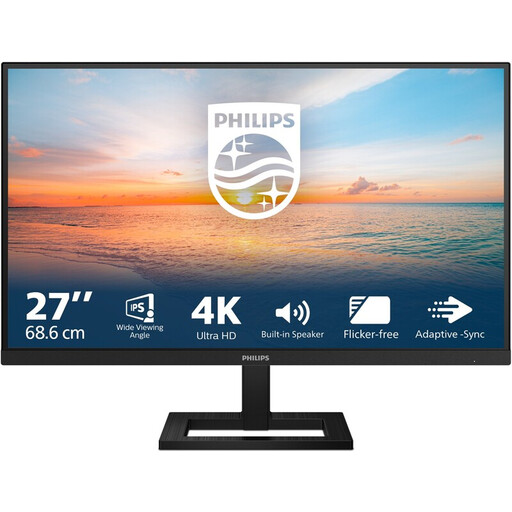
Philips 27E1N1800AE/00 27-inch 4K UHD IPS monitor
An option for viewing enlarged scans with plenty of pixels.
27 inch; 3840 × 2160 pixels; 60 Hz; 4 ms; height-adjustable stand.
Joybuy
 No image available
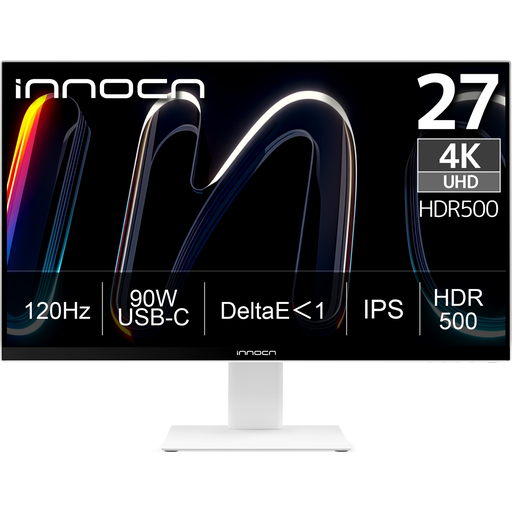
INNOCN CB27U1 27-inch 4K UHD monitor
Well suited to anyone who wants to examine small details in scans and adjust the screen position.
27 inch; 3840 × 2160 pixels; IPS; 90 W USB-C power delivery; height, swivel and tilt adjustment. Check that the USB-C connection and power output are compatible with your laptop.
Joybuy
 No image available
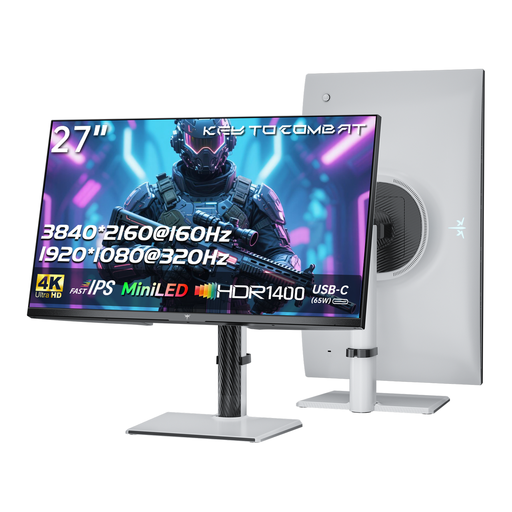
KTC 27-inch 4K MiniLED monitor
A 4K option for examining details in historical scans.
27 inch; 3840 × 2160 pixels; 65 W USB-C power delivery; height, swivel and tilt adjustment. Whether 65 W is enough for your laptop depends on its power requirements.
Joybuy
 No image available
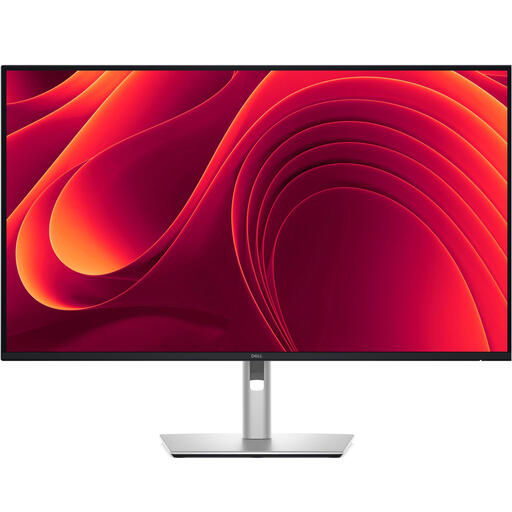
Dell Pro Plus P3225QE 31.5-inch 4K monitor
The larger screen may suit anyone who wants to view scans and work windows together.
31.5 inch; 3840 × 2160 pixels; 90 W USB-C power delivery; RJ45 network port; adjustable stand. Check that the connections are compatible with your computer.
Joybuy
 No image available
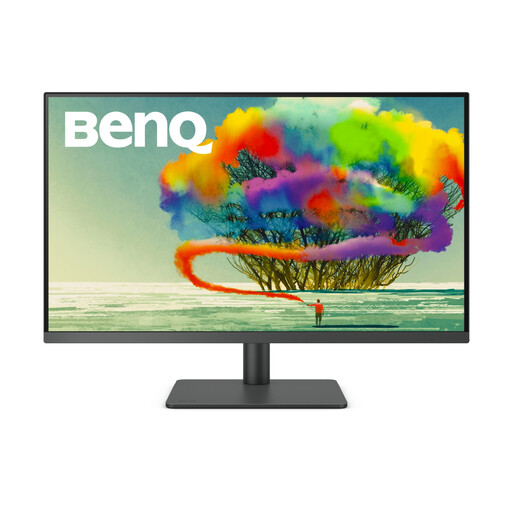
BenQ PD3205U 31.5-inch 4K monitor
An option for anyone who wants to view scans on a larger screen and adjust its position.
31.5 inch; 3840 × 2160 pixels; 90 W USB-C power delivery; KVM switch; height and tilt adjustment. Check that the connections and features suit your equipment.
Joybuy
Frequently asked questions about monitors for archive research
Will a 4K monitor give you better search results for old adverts?
No. A monitor displays the scan and user interface, but doesn’t change the search index or the source text available. Delpher describes searching by date, place of origin and title, among other things; try search terms and filters in the archive service itself.
How should you set up a screen for long indexing sessions?
Position the screen so the text is easy to read and light sources don’t cause distracting reflections, and take breaks from prolonged screen work. For employees who work at a screen for more than two hours a day, Arboportaal outlines relevant workplace regulations. These don’t automatically amount to a universal requirement for every personal monitor.
Are you automatically entitled to only a two-year legal guarantee when buying as a consumer in the Netherlands?
No. According to the Dutch government, the Netherlands has no fixed statutory guarantee period: what you can expect from a product depends, among other things, on the product and the information provided at the time of sale. If a product is faulty, contact the seller.
What cooling-off period applies when buying a monitor online?
For eligible consumer purchases made at a distance, a 14-day cooling-off period generally applies, with some exceptions. The Dutch government advises checking that the purchase is a consumer purchase from a business and whether an exception applies.


