
Student designing a game menu
Wants to make good use of one desk for an editor, a menu preview and study work.


For designing game menus, a 27-inch QHD monitor and enough desk space make a sensible combination if you want to keep your editor and menu preview side by side. On a small desk, a more compact Full HD screen may be more practical. Choose a colour-focused monitor if colour assessment is your priority, or a gaming monitor if you often test fast-paced gameplay. Unity emphasises that menu layouts should also be tested at other resolutions and aspect ratios, so one monitor cannot replace those checks.
Wants to make good use of one desk for an editor, a menu preview and study work.
Needs to balance screen size and adjustability against the space needed for a laptop, keyboard and other belongings.
Designs menus and also regularly uses the monitor to assess gameplay.
Choose this if: you have limited desk space and usually work in one design window at a time.
Trade-off: Full HD gives you fewer pixels for displaying your editor, preview and references at the same time.
Choose this if: you want to combine your menu, editor and study work on one screen and have room for a larger panel.
Trade-off: a larger screen takes up more desk space; colour coverage and refresh rate vary by model.
Choose this if: you also regularly test fast-paced PC games on the same screen as your design work.
Trade-off: the maximum refresh rate may depend on the connection you use, and on its own it says nothing about colour reproduction.
| What to consider | What to look for when buying | Who is this important for? |
|---|---|---|
| Workspace and readability | Compare screen size, native resolution and desk depth; assess text from your usual viewing distance. | If I want to view my editor and menu preview at the same time, workspace is a key factor for me. Around 36% of consumers put workspace first. |
| Setting up on a small desk | Measure the available space and check each model’s footprint, tilt and height adjustment. | When I also need room on my desk for a laptop and study materials, I look at size and adjustability first. Around 29% of consumers prioritise a compact design. |
| Colour and contrast | Check the stated colour space and colour mode; assess text contrast in the menu design itself too. | If colour assessment and visual consistency are my main priorities, I look beyond refresh rate alone. Around 21% of consumers put colour assessment first. |
| Smoothness during playtests | Check the resolution and maximum refresh rate for each HDMI or DisplayPort input, and compare them with your computer’s output. | If I often play or test fast-paced games on the same monitor, refresh rate matters more to my choice. Around 14% of consumers put playtesting first. |
Unity explains why game interface elements need to adapt to different screen resolutions. So, test your menu at other resolutions and aspect ratios in your development environment too. For readability, W3C’s WCAG 2.2 criterion 1.4.3 specifies a contrast ratio of 4.5:1 for normal text and 3:1 for large text. This is a design guideline, not a general legal requirement for every game.
The maximum refresh rate for the same model can vary by connection. MSI specifies a maximum of 200 Hz via DisplayPort for the MAG 272QPF E20, and a maximum of 144 Hz at QHD via HDMI.
Compare the resolution and refresh rate available for each input with the output of your own computer.
A gaming refresh rate and a stated sRGB colour coverage answer different buying questions.
If colour matters, check the stated colour mode and the evidence behind any colour claims. Also test the contrast of your menu.
The stand and adjustment options also determine whether the monitor will work well on your desk. According to ASUS, the VG249Q3A tilts but does not have height adjustment.
Measure the available space and compare the footprint and adjustability of the exact model.
The Dutch government explains that you are entitled to a product that is fit for purpose, and that the Netherlands has no fixed statutory two-year guarantee period.
Before choosing extra cover, check what it includes and exactly what additional protection it provides.
The Pro Plus P2725D is a QHD work monitor for design and study windows. The P2725DE is a separate USB-C hub variant, not the same model.
According to BenQ, the PD2705Q is designed for creative work where its stated sRGB colour mode is relevant.
The TUF Gaming VG249Q3A is a compact Full HD model for anyone combining design work with gaming.
The MAG 272QPF E20 is a QHD IPS model for anyone who also regularly carries out playtests.
The Q27G42XNE is a 27-inch QHD gaming monitor with a Fast VA panel, offering an alternative to the IPS options mentioned above.
This selection features 27-inch QHD monitors for menu design, with room for your editor and preview. They differ in colour information, adjustability and stated refresh rate.
 No image available
Well suited to menu design if you want to use a 27-inch QHD screen for your editor and preview.
The product description lists 2560 × 1440 pixels, 120 Hz, 100% sRGB coverage and 98% DCI-P3 coverage.
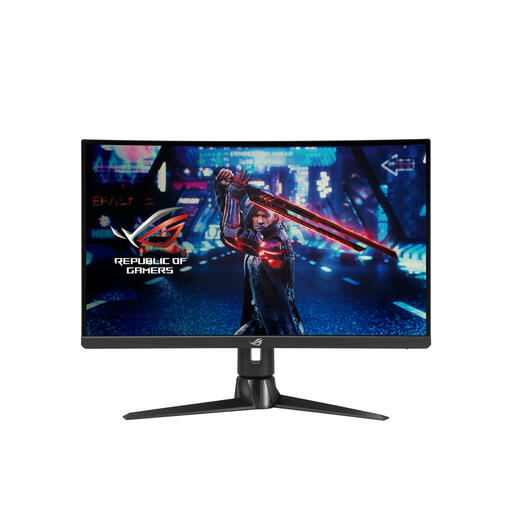 No image available
An option to compare if you want to combine menu design and regular gaming on one screen.
The product description lists 2560 × 1440 pixels, an IPS panel and 170 Hz. The stated sRGB coverage is a product claim, not an independent measurement.
The product description mentions an adjustable stand.
 No image available
Well suited to a design and study setup where you want to adjust the monitor to suit your desk.
Dell specifies a 27-inch IPS panel with 2560 × 1440 pixels, 100 Hz and height adjustment for this model.
The product description lists HDMI, DisplayPort and USB-C connections.
 No image available
A model to compare if you combine QHD menu design with stated sRGB colour coverage.
The product description lists 2560 × 1440 pixels and 144 Hz. The stated coverage of 100% sRGB and 95% DCI-P3 is product information, not an independent measurement.
The product description mentions an adjustable stand.
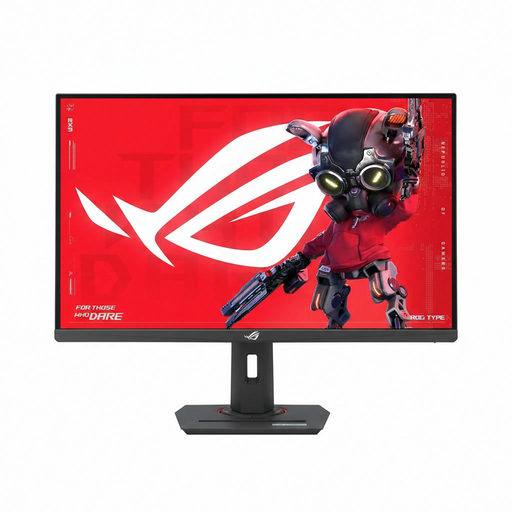 No image available
Well suited to a setup where you combine QHD menu design with regular gaming or playtesting.
The product description lists 2560 × 1440 pixels and up to 320 Hz. The stated response time is 1 ms.
The product description mentions height, swivel and tilt adjustment.
No. Unity explains that parts of a menu can fall outside the visible area if the layout does not adapt to a different aspect ratio. So, test your menu at multiple resolutions and aspect ratios in your development environment.
Set up your workspace to suit your body and watch out for distracting reflections. Arboportaal offers this advice for screen-based work; workplace rules for employees are not automatically legal requirements for a student’s room.
No. First check which video output your laptop has and which inputs the monitor offers. If you also want to charge your laptop through a single cable, check the USB-C features and required charging power separately. The Dell P2725DE is a different model from the P2725D.
No. Colour space coverage describes a screen property, while text contrast depends on the design being displayed. W3C sets out contrast criteria for normal and large text in WCAG 2.2; these criteria are not shown here to be a general legal requirement for every game.
According to the Dutch government, when you buy from a business at a distance, you generally have 14 days to change your mind. You are also entitled to a product that is fit for purpose. The Netherlands has no fixed statutory two-year guarantee period, and the seller is your point of contact if a product is faulty.