Monitors on Joybuy for catalogues and source files
These Joybuy products are monitor options for viewing catalogue fields and source files. Check each model’s resolution and connections to make sure they suit your computer and workspace.
 No image available
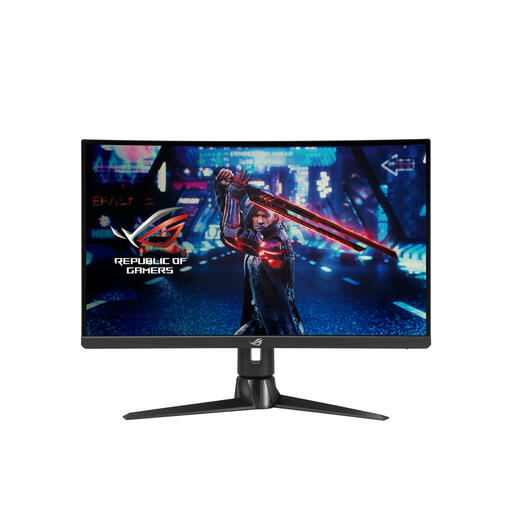
ASUS ROG Swift XG27AQV, 27-inch QHD monitor
The 27-inch QHD display may suit viewing catalogue fields and source files.
Resolution: 2560 × 1440 pixels. The product description lists height, tilt and swivel adjustment; check that these adjustments suit your workspace.
Joybuy
 No image available
Lenovo ThinkCentre Tiny-In-One 27, QHD monitor
The 27-inch QHD resolution is an option for viewing catalogue fields and source material.
Resolution: 2560 × 1440 pixels. The product description lists height and tilt adjustment. The power adapter must be purchased separately.
Joybuy
 No image available
ASUS ProArt PA278CV, 27-inch QHD monitor
This 27-inch QHD model may suit you if you view catalogue fields and source files and want to connect your laptop via USB-C.
Resolution: 2560 × 1440 pixels. The product description lists USB-C with 65 W Power Delivery; check that your laptop is compatible.
Joybuy
 No image available
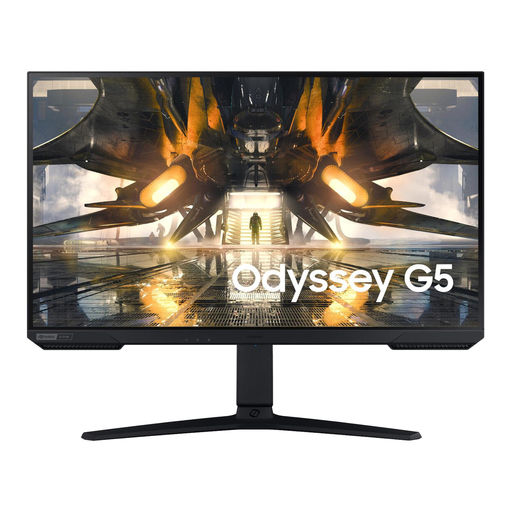
Samsung S27AG500PP, 27-inch QHD monitor
The stated 27-inch QHD display may suit viewing catalogue fields and source files.
Resolution: 2560 × 1440 pixels. The product description lists height and tilt adjustment to help you set the viewing position.
Joybuy
 No image available
AOC AGON PRO AG276QZD2, 27-inch QHD monitor
The 27-inch QHD resolution may suit viewing catalogue fields and source material.
Resolution: 2560 × 1440 pixels. The product title lists height, swivel, tilt and pivot adjustment.
Joybuy
Frequently asked questions
Can a monitor link specimen records to photos and source files?
No. A monitor displays your work, but the links need to be set up in your catalogue and file-management process. GBIF describes unique identification and keeping source material together with derived information as part of digitisation work. Check how your software links files to records.
How should I set up a screen for long periods of data entry?
Set the text and contrast so they’re easy to read, and watch out for reflections and light sources in your field of vision. For a Dutch employee’s workplace, Arboportaal describes regulations covering, among other things, an adjustable screen and screen-based work. These employer obligations don’t necessarily apply to a private hobby workspace.
What do manufacturer’s warranties, statutory guarantees and cooling-off periods mean when buying online?
For a consumer purchase in the Netherlands, statutory guarantees apply alongside any manufacturer’s warranty. If a product is faulty, the retailer is your point of contact, and there’s no fixed statutory warranty period. For eligible distance sales, you generally have 14 days to change your mind. Check who the retailer is and which terms apply to your order.
Does a new monitor need an energy label?
The European Commission states that computer monitors are covered by EU energy-labelling rules for electronic displays, with exceptions for certain categories. When comparing a new model, check the A–G label and product information; the label letter alone won’t tell you what it will cost to run each year.


