
Form designer working with multiple windows
Wants to view the form alongside design, code or reference windows, so pays close attention to usable screen space.


Choose based on what you want to see at the same time: if you need to view a form alongside design or development windows, a 27-inch QHD monitor gives you more workspace than a Full HD screen of the same size. In a shared workspace, an adjustable stand and low-glare screen are important too. Choose USB-C docking or a stated colour gamut only if your laptop and work require them. Also test the form on other screen sizes: a monitor won’t make a form accessible by itself.
Wants to view the form alongside design, code or reference windows, so pays close attention to usable screen space.
Shares a desk or switches between laptops, and wants to be able to reset the connections and screen position easily.
Regularly assesses interface colours and wants to compare stated colour gamut figures without mistaking them for an accessibility test.
First, decide which task matters most in your shared workspace: viewing several windows at once, adjusting the screen position, connecting a laptop or assessing interface colours.
| What to consider | What should you check? | Who is this important for? |
|---|---|---|
| Space for multiple windows | Compare screen size and resolution with the space available on your desk. Also check the form on other screen sizes. | I want to view the form alongside design, code or reference windows. Around 33% of consumers say screen space is their top priority. |
| An adjustable, low-glare setup | Look at height adjustment, tilt and screen finish. Also consider the lighting and the monitor’s position in relation to windows. | If several people use the same desk, I want to adjust the screen to suit my posture and the lighting. Around 27% of consumers put adjustability first. |
| Connecting a laptop | Check whether the exact laptop port supports video, and compare the required charging power with the monitor’s Power Delivery specification. | At a shared workstation, I want to use my laptop and peripherals without unnecessary connection steps. For around 27% of consumers, easy connectivity is the top priority. |
| Assessing interface colours | Compare the stated sRGB coverage of the exact variant. Test contrast, field labels and form display separately. | I want to assess the colours of interface elements, but I know colour coverage doesn’t replace all design checks. Around 13% of consumers put colour checking first. |
A USB-C port doesn’t necessarily support video output or provide the charging power your laptop needs.
Before ordering, check the manual for your exact laptop and the Power Delivery specification for the monitor variant.
Depending on your current equipment, you may also need a different cable, an adapter or a separate laptop charger.
A screen may offer plenty of workspace, but it could be awkward to position on a shared or small desk, or cause distracting reflections.
Also compare adjustability, screen finish, lighting and the space available on your desk.
Colour coverage alone tells you nothing about adequate contrast, clear field labels or how the form appears on smaller screens.
Use colour specifications to compare monitors, then test the form separately for contrast, labels and display on different screen sizes.
For consumer purchases in the Netherlands, statutory protection applies alongside any manufacturer’s or extended warranty.
Check what an extended warranty product actually adds, and assess a business purchase separately.
An extended warranty product may be an unnecessary expense if its extra cover isn’t useful for your situation.
The Pro 27 Plus P2725DE is a 27-inch QHD hub monitor for a workstation with a laptop and peripherals.
According to LG, the LG 27BA65QB-B combines a QHD IPS panel, an adjustable stand and USB-C.
The Creative Pro PD2705Q is designed for creative work, with stated colour features and an adjustable stand.
The HP Series 5 Pro 527pu is a 27-inch QHD monitor with USB-C.
The ThinkVision T27h-30 is a 27-inch QHD office monitor with docking features and an adjustable stand.
These monitors are suited to form design in a shared workspace, with options for QHD workspace, adjustability and colour checking.
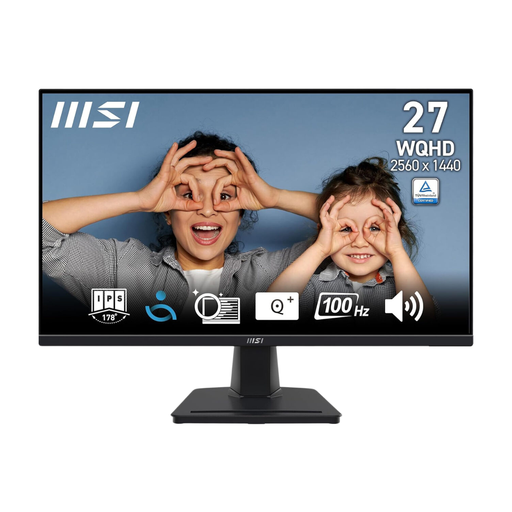 No image available
An option for viewing a form alongside other windows; the product description mentions a matte screen finish for workspaces with ambient light.
27 inches; 2560 × 1440; IPS panel; matte screen finish.
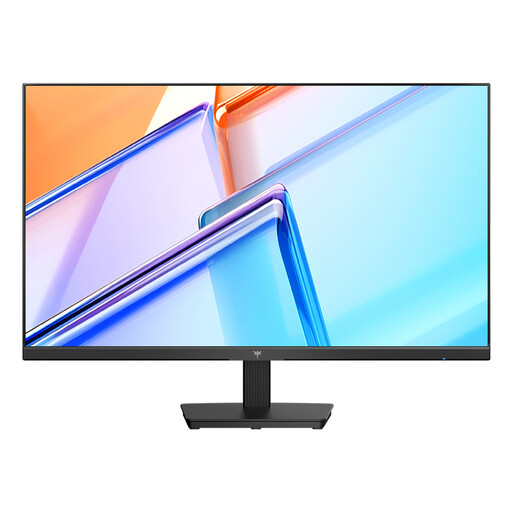 No image available
A screen for viewing form and reference windows side by side; its stated sRGB coverage may be useful for comparison if you assess interface colours.
2560 × 1440; IPS panel; 120 Hz; 123% sRGB; HDMI and DisplayPort connections; VESA mounting.
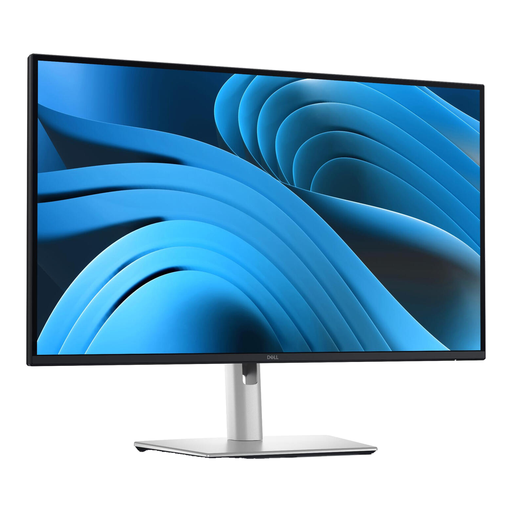 No image available
A 27-inch QHD option for viewing a form alongside design or development tools; the product description mentions several ways to adjust the screen position.
2560 × 1440; matte screen; HDMI and DisplayPort connections; height, tilt, swivel and pivot adjustment.
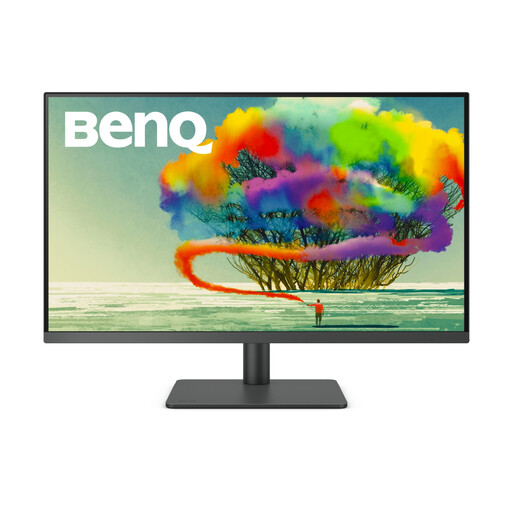 No image available
A larger design monitor for viewing form and design windows while assessing colour consistency; check that it will fit on your shared desk.
31.5 inches; 3840 × 2160; 99% sRGB; USB-C with 90 W Power Delivery; height and tilt adjustment; matte screen finish.
 No image available
A QHD option for form work in a shared workspace; the product description mentions an adjustable stand and matte screen finish.
2560 × 1440; IPS panel; USB hub; height adjustment.
No. Check it on different screen sizes too, and assess labels and contrast separately. The W3C provides design guidance for this; a high resolution or stated sRGB coverage won’t carry out these checks for you.
No. Check the manual for your exact laptop port to see whether it supports video output, and compare your charging requirements with the monitor’s Power Delivery output. Dell Support describes laptop ports where USB-C transfers data only.
Readjust the screen position when users change, and consider reflections, ambient light and the monitor’s position in relation to windows. Arboportaal outlines points to consider for display-screen workstations; specific requirements depend on the working situation.
When you buy as a consumer, you’re entitled to a product that meets legal requirements; according to the Dutch government, the Netherlands has no fixed statutory warranty period. A manufacturer’s or extended warranty is in addition to your statutory rights. For a business purchase, check the relevant contract separately.
Government guidance on display-screen work doesn’t specify a standard monitor size or resolution. Arboportaal outlines employers’ obligations for relevant workstations, including adjustability and avoiding reflections; this doesn’t mean every buyer needs a 27-inch QHD monitor.