
Multitasker with several windows open
You want to see your editor, timer preview and development tools at the same time. Compare the screen size and resolution, then check that text remains readable at your preferred size.


Choose based on how many windows you want to see clearly at once and whether you want to adjust the screen height. Then check that the connections are compatible with your computer. A compact Full HD screen, a 27-inch QHD monitor and a 27-inch 4K model offer different ways to view your work, but your study timer’s local storage is handled by your computer, browser and app – not by the monitor.
You want to see your editor, timer preview and development tools at the same time. Compare the screen size and resolution, then check that text remains readable at your preferred size.
You want to adjust the screen height and text display to suit your workspace. Also consider whether you can break up your screen time with other activities.
You want to connect an external screen and perhaps charge your laptop via USB-C. Check that your laptop supports video output through the port and that the charging power is suitable for your laptop.
Start by deciding how many windows you want to see clearly at once. Then compare the adjustability and connections with your workspace and computer.
| What to consider | What should you look for? | Who is this important for? |
|---|---|---|
| Readable workspace | Compare the resolution and physical screen size, then view your own code and preview at your preferred text size. | If I want to read code and a timer preview at the same time, I look for a combination of pixel resolution and screen size that works for me. Around 40% of consumers put a readable workspace at the top of their buying priorities. |
| Adjusting the screen | Check for height adjustment or a suitable mounting option, and assess how text looks in your workspace. | If you work at a screen for long periods, it can be important to adjust the screen height to suit your workspace. Around 30% of consumers prioritise adjustability. |
| Connecting a laptop | Compare video output, ports and cables. Also check that the charging power is sufficient for your specific laptop. | If I want to connect my laptop with a single cable, it needs to support the required video and charging functions. Around 20% of consumers say laptop connectivity is their top priority. |
| Compact option | Measure the space available on your desk and decide whether one main window at a time is enough. Check connections and adjustability separately. | If you have a small desk and usually work with one main window, you can narrow down your choice by screen size and the connections you need. Around 10% of consumers prioritise a compact design. |
Local storage is handled by your computer, browser and app. A monitor’s resolution or hub doesn’t determine where timer data is stored.
Test the timer in the browser and environment you plan to use. Choose your monitor separately based on its display and connections.
A higher refresh rate doesn’t add extra pixels for coding windows. The models reviewed also differ in screen size and stated adjustability.
Check the full model number, screen size, resolution, text size, adjustability and ports before you choose.
If the monitor can’t be set to your preferred height, you may need a suitable stand or mounting option.
A USB-C port on the monitor doesn’t guarantee that every laptop can output video through it or charge sufficiently with the available power.
Compare your laptop and cable’s capabilities with the specifications of the exact monitor model.
Depending on the combination, you may need a separate power adapter or a different video connection.
The Dell P2725DE is a 27-inch QHD monitor with a USB-C hub for a compatible laptop.
The LG 27UP850K-W is a 27-inch 4K model with an adjustable stand.
The Philips models mentioned here offer a compact Full HD option and a 27-inch QHD option.
This selection includes monitors for coding and viewing a timer preview, with QHD and 4K models and a range of connection and adjustment options. Local timer storage remains a function of your computer, browser and app.
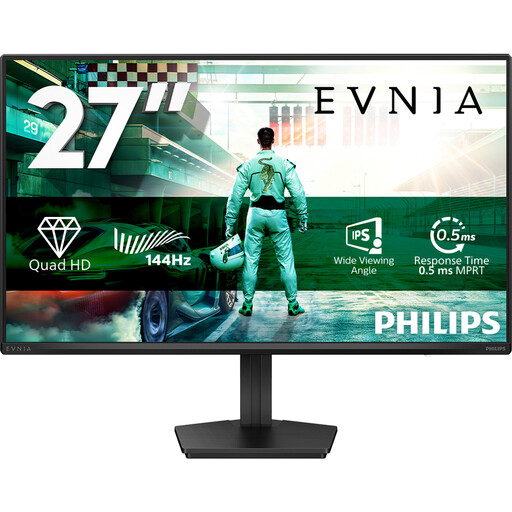 Image unavailable
A 27-inch QHD option for viewing code and a timer preview on one screen.
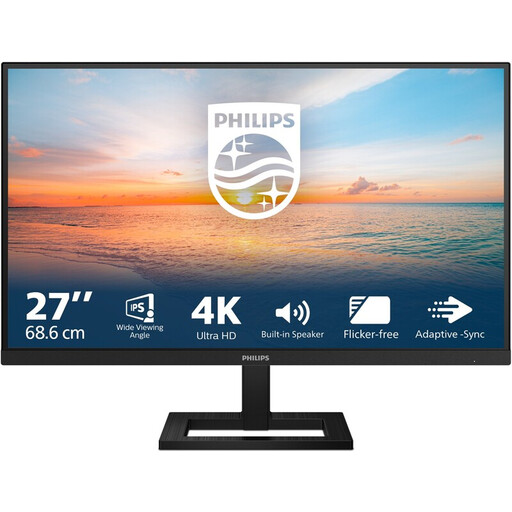 Image unavailable
A 27-inch 4K option if you want to view code and other windows at a higher resolution.
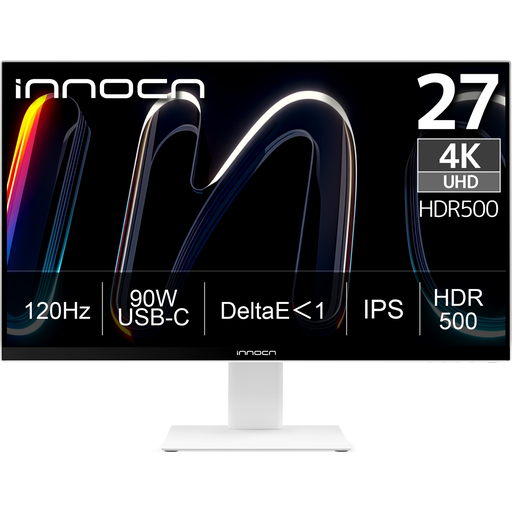 Image unavailable
A 27-inch 4K screen with USB-C if you want to connect and charge a compatible laptop.
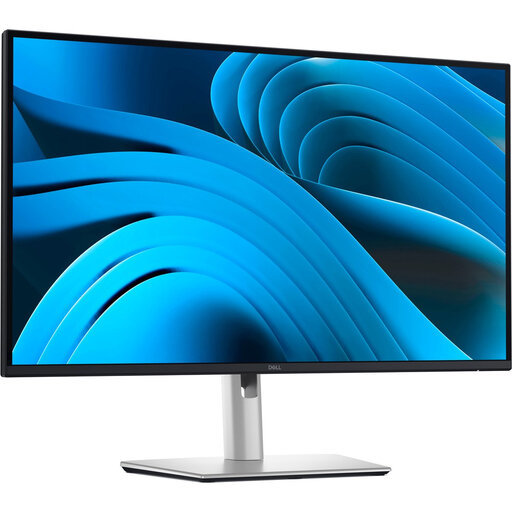 Image unavailable
A 27-inch QHD option with a laptop hub for connecting a compatible laptop and viewing several windows.
 Image unavailable
A 27-inch QHD option for code and a preview, with an adjustable stand.
No, the monitor doesn’t handle local storage for a web timer you’ve built yourself. The browser feature localStorage can keep data between browsing sessions. Test the timer in the browser and environment you plan to use. MDN Web Docs also explains that storage limits and data removal can vary between browsers.
Adjust the text size and screen height to suit your workspace, and break up your screen time with other activities. Arboportaal recommends tips such as regularly looking away from the screen and taking microbreaks. A monitor or study timer isn’t a substitute for taking breaks.
When you buy online from a business, you’ll generally have a 14-day cooling-off period. The Dutch government also states that there is no fixed statutory warranty period in the Netherlands. When considering an additional warranty, check what extra terms it includes.
The rules described by Arboportaal are aimed at employers and employees, and don’t automatically apply to every home study space. For employees who work at a screen for more than two hours a day, Arboportaal specifies requirements for the screen and keyboard, including that they must not be attached to each other.