
Reader of historical records
If you spend a long time reading scans and transcriptions, look for comfortable text sizing and a screen position you can adjust to suit your posture. Arboportaal advises tailoring your display workstation to the user.


Start by considering the space available on your desk, then decide whether you mainly want to read records, compare sources side by side or examine details in scans. A 27-inch QHD screen offers plenty of workspace, 27-inch 4K gives you more pixels, and a 24-inch 16:10 model may be a better fit for a compact desk. With USB-C, always check that both the monitor and your laptop support the display and charging features you need.
If you spend a long time reading scans and transcriptions, look for comfortable text sizing and a screen position you can adjust to suit your posture. Arboportaal advises tailoring your display workstation to the user.
If you want to view a record, transcription and family tree at the same time, compare the screen space you need with the room the monitor and stand take up on the shared desk.
If different people use the workstation or laptop, adjustability and suitable connections matter. Check the features of the exact monitor model and laptop.
Choose this if: you regularly open several documents side by side and have enough desk space. BenQ lists QHD resolution and USB-C with 65 W Power Delivery for the GW2790QT, as does LG for the 27BA65QB-B.
Bear in mind: you’ll need room for the screen and stand. USB-C features only work if your laptop supports them and the charging output is sufficient.
Choose this if: you regularly examine fine details in scans that contain enough detail to begin with. LG lists a resolution of 3840 × 2160 pixels for the 27UP850K-W.
Bear in mind: 4K can’t add details that aren’t present in a scan. Set the text scaling so that transcriptions and menus remain easy to read.
Choose this if: you have limited desk space or mainly read text. Dell lists a resolution of 1920 × 1200 pixels and an adjustable stand for the P2425.
Bear in mind: there’s less room to display several windows side by side. Dell describes this model’s USB-C port as a data downstream port of up to 15 W, not as a connection for video and full laptop charging.
| What to consider | What should you check? | Who is this important for? |
|---|---|---|
| Readability and adjustability | Check the height adjustment, screen position, reflections and your computer’s text scaling. | If I’m reading records for a long time, I want to see the text clearly and adjust the screen to suit my posture. Around 33% of consumers give readability and adjustability their highest priority. |
| Viewing several sources at once | Measure the available desk space and compare the screen size, resolution and stand dimensions of the exact model. | If I want to keep a record, transcription and family tree open at the same time, I need room for several windows. Around 25% of consumers give comparing sources their highest priority. |
| Adjusting and connecting | Check the adjustment options, whether your laptop supports video over USB-C, the charging output and the cables you’ll need. | If several people use the laptop workstation, I want to be able to adjust the screen and connect it to the laptop in use. Around 25% of consumers give a shared, adaptable workstation their highest priority. |
| Details in scans and photos | Compare the quality of your source files with the resolution and try a screen scaling setting that’s easy to read. | If I want to examine fine details in family photos or scans, the quality of the source file matters just as much as the screen. Around 17% of consumers give scan detail their highest priority. |
USB-C ports can support different features. Dell describes the P2425’s port as a data downstream port, while BenQ separately lists DisplayPort Alt Mode and 65 W Power Delivery for the GW2790QT.
Before relying on a single cable, check the features of the exact monitor model and your laptop’s requirements.
A larger screen can take up space needed for paperwork on a shared desk. An adjustable stand can also make it easier to tailor the workstation to another user.
Measure the available space, including the stand, and compare the height and swivel adjustment options of the models.
A higher screen resolution can’t reveal details that are missing from the original scan file.
Assess the scans you typically use, and choose 4K mainly if those source files contain enough detail.
The GW2790QT is a 27-inch QHD option for an adjustable workstation with USB-C.
The 27BA65QB-B is a QHD model for documents, while the 27UP850K-W is a separate 4K option.
The P2425 is a compact 24-inch 16:10 option, while the U2724D is a 27-inch QHD model.
The 27E1N5600AE/00 is a 27-inch QHD option for a compatible notebook with USB-C.
The ViewFinity S6 S60UD, LS27D600UAUXEN, is a 27-inch QHD model with USB-C.
This Joybuy selection includes 27-inch QHD and 4K monitors for viewing documents side by side or examining details in scans.
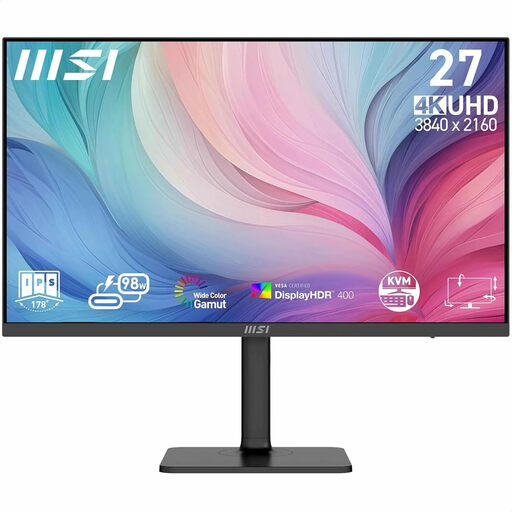 Image unavailable
A good fit if you want to examine detailed scans and have enough desk space. This model has a 27-inch screen with 3840 × 2160 pixels and 4K Ultra HD resolution. That resolution can’t add details missing from a scan.
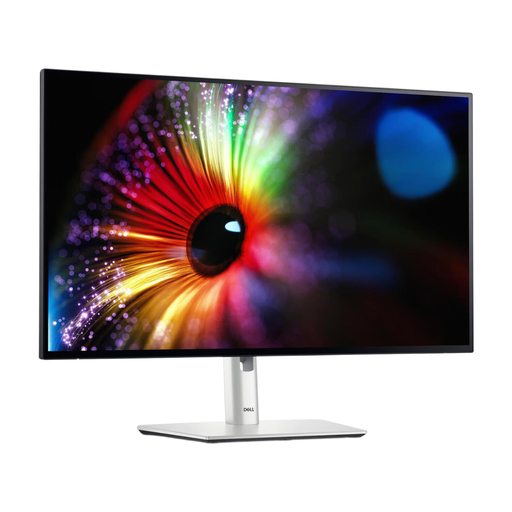 Image unavailable
Suitable for viewing several documents on a larger screen. According to Dell, this 27-inch model has a resolution of 2560 × 1440 pixels.
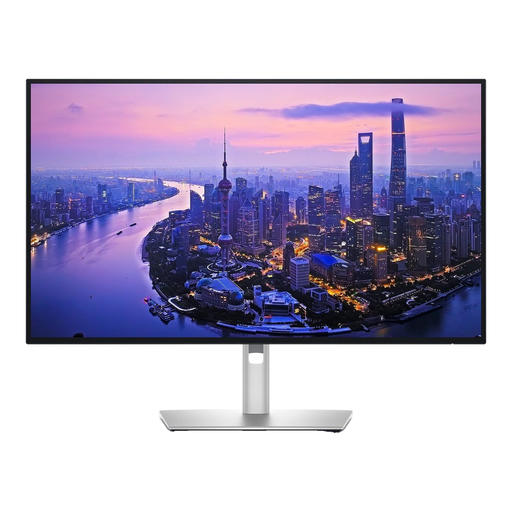 Image unavailable
A good fit if you want to view detailed documents and scans on a larger screen. The product name specifies a 27-inch screen with 3840 × 2160 pixels and 4K Ultra HD resolution. The scan’s own quality remains the deciding factor in how much detail is available.
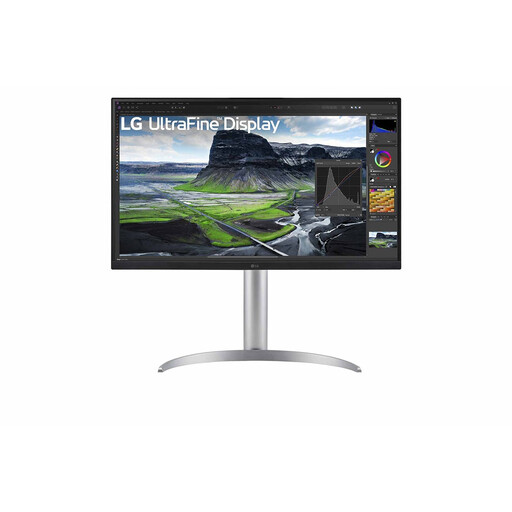 Image unavailable
An option for viewing scans and documents on a 27-inch 4K screen. The product name specifies 3840 × 2160 pixels, but a higher screen resolution can’t restore details missing from the source.
 Image unavailable
A good fit if you want to view documents on a larger screen. The product name specifies a 27-inch QHD screen with 2560 × 1440 pixels.
Adjust the workstation to suit the user, keep text easy to read, and avoid reflections and distracting light sources in your field of vision. Arboportaal gives this advice for working with screens; the employer duties described don’t automatically apply to private use.
No. USB-C doesn’t automatically mean that a port carries video and charges a laptop sufficiently. Dell describes the P2425’s USB-C port as data downstream up to 15 W, while BenQ lists DisplayPort Alt Mode and 65 W Power Delivery for the GW2790QT. Check your laptop’s capabilities and charging requirements too.
For online consumer purchases, you generally have a statutory cooling-off period of up to 14 days after delivery; ACM ConsuWijzer notes that exceptions may apply. You’re also entitled to a statutory guarantee if the product doesn’t meet reasonable expectations under normal use. An additional manufacturer’s guarantee doesn’t replace this statutory right.
No. The obligations described by Arboportaal are aimed at employers and employees. If the shared desk is also an employee’s workstation, whether they apply depends on that working arrangement. For private use only, the set-up tips are practical advice, not an automatic employer obligation.