What should you consider when choosing?
Start by working out how much room you need for code, documentation and photos. Then consider colour reproduction, ergonomics and connections in light of your own workflow.
| What to consider |
What to look for |
Who should prioritise this? |
| Workspace and readability |
Compare the screen size and resolution, and check that text remains readable at your chosen display scaling. |
I want to see my editor, local documentation and photo examples at the same time; around 36% of consumers prioritise workspace above all else. |
| Colour reproduction |
Compare the stated sRGB or P3 coverage and check whether your workflow requires calibration. |
If I assess photo colours or the interface, I want to know which colour gamut my work requires; around 29% of consumers put colour assessment first. |
| Adjustability |
Check the height adjustment, potential reflections and the space available for positioning the screen. |
I want to position my screen comfortably and minimise distracting reflections; around 21% of consumers prioritise workspace setup. |
| Connecting a laptop |
Check that your laptop supports video over the connection, and confirm the cable and power delivery of the exact monitor model. |
If my laptop has the right connection, I want to combine video and charging conveniently; around 14% of consumers prioritise connecting their laptop. |
Monitors at Joybuy
These monitors at Joybuy are suited to working with code, local documentation and photo examples. Check each model’s screen space, stated colour specifications and connections.
 No image available
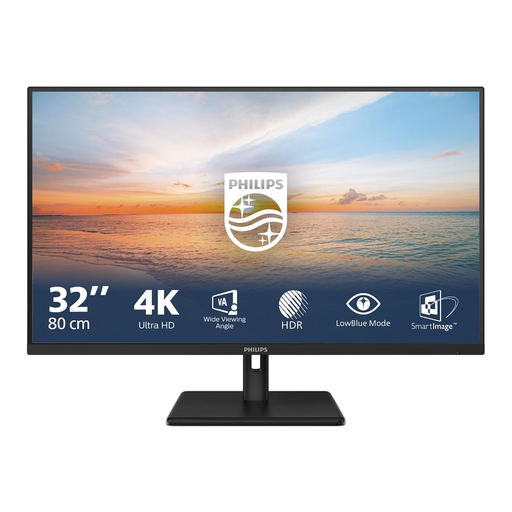
Philips 32E1N1800LA 32-inch 4K UHD VA monitor
The 32-inch screen may suit a workspace where you want to view code, documentation and photos side by side.
The product listing specifies 3840 × 2160 pixels, 60 Hz, 300 cd/m², HDMI, DisplayPort and a tilting stand.
Joybuy
 No image available
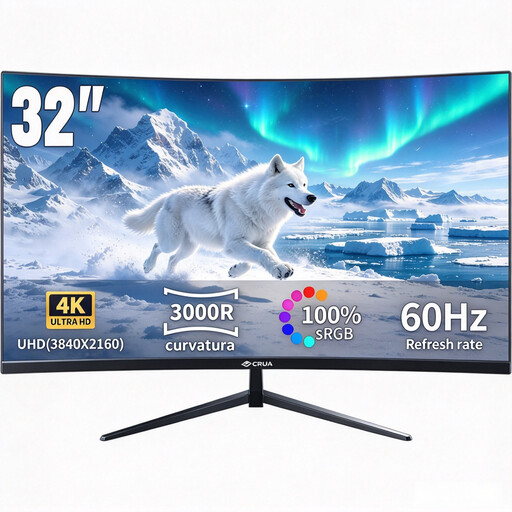
CRUA CR320QB 32-inch curved 4K monitor
The 32-inch size gives you physical space to work with several windows on one screen.
The product listing specifies a VA screen, 3000R curvature, 3840 × 2160 pixels, HDR10, Adaptive Sync and 100% sRGB. Stated sRGB coverage is not a measure of an individual screen’s colour accuracy.
Joybuy
 No image available
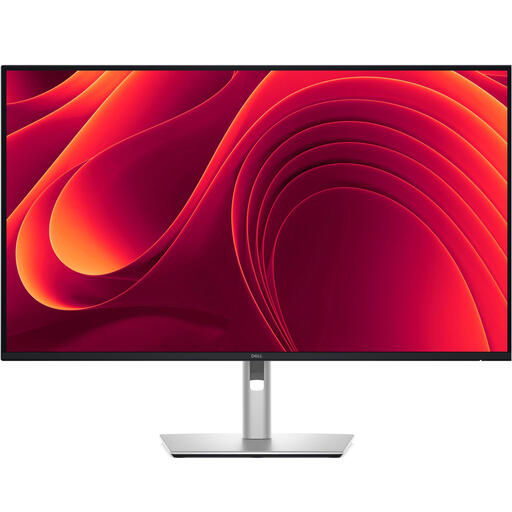
Dell Pro Plus P3225QE 31.5-inch 4K monitor
The 31.5-inch 4K screen may suit a workspace where you use several windows at once.
The product listing specifies 3840 × 2160 pixels, USB-C with 90 W power delivery and RJ45. Video and charging over a single cable require a compatible laptop connection.
Joybuy
 No image available
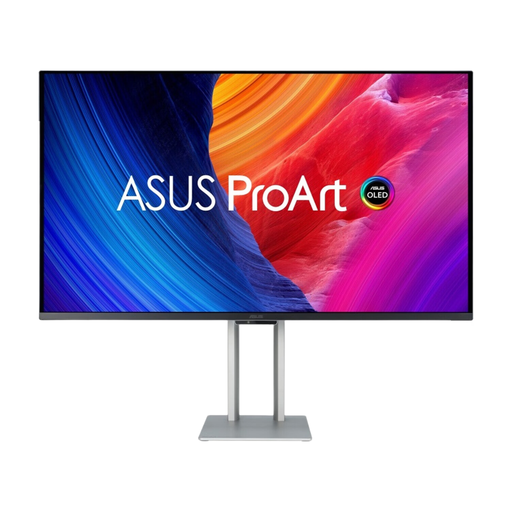
ASUS ProArt OLED PA32UCDM 31.5-inch 4K QD-OLED monitor
The 31.5-inch 4K screen gives you room to work with several windows on one display.
The product listing specifies a QD-OLED panel and height adjustment of up to 13 cm. The product description warns of possible image burn-in and recommends using a screen saver and varying the displayed content.
Joybuy
 No image available
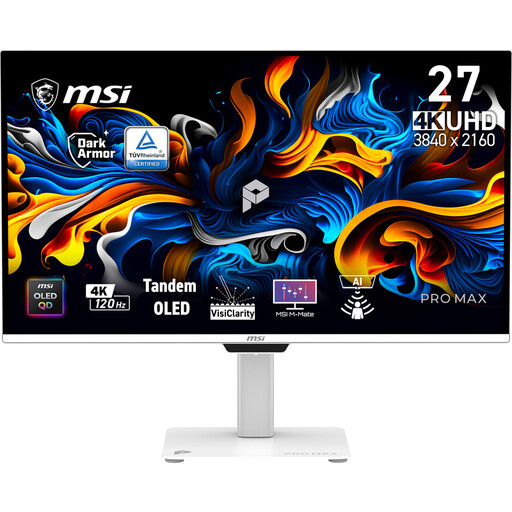
MSI Pro PRO MAX 271UPXW12G 26.5-inch 4K OLED monitor
This more compact 26.5-inch screen may be a good fit if desk space is limited, but it gives you less physical room for side-by-side windows than larger screens.
The product listing specifies 3840 × 2160 pixels, OLED and 120 Hz. The product description states 99% DCI-P3 and 97.5% Adobe RGB; colour gamut coverage does not measure an individual screen’s colour accuracy. It also specifies USB-C with up to 98 W power delivery, which requires a laptop that supports video over USB-C.
Joybuy
Frequently asked questions
Does the monitor itself need to store offline documentation?
No. Choose a monitor to display your work windows. Make sure the documentation is available locally on your computer; a monitor port or screen resolution won’t make web documentation available offline.
Can I connect my laptop and charge it with a single USB-C cable?
Only if your laptop supports video over the relevant connection, the cable is suitable and the power delivery is sufficient. LG lists up to 96 W for the 27UP850K-W and specifies that the supplied USB-C cable is needed for the described functionality; EIZO lists DisplayPort Alt Mode and up to 94 W for the EV2740X.
How should I set up my screen for long coding sessions?
Adjust the height and minimise distracting reflections. Arboportaal describes adjustability and avoiding reflections as features of a suitable workstation with a display screen. Legal requirements for workstations apply to employers and don’t necessarily apply to every private buyer.
What should I consider when it comes to power consumption?
Compare the EU energy label for the exact version. The European Commission lists the A to G scale for computer monitors, along with additional model information through EPREL. Don’t assume the energy rating of another version applies to the one you’re considering.
What are my rights if a monitor I bought online isn’t suitable or is faulty?
For eligible consumer purchases made at a distance, you generally have a 14-day cooling-off period, although exceptions apply. If the monitor is faulty, contact the seller. The Netherlands Government states that the seller must resolve the issue or involve the manufacturer to do so.


