Buying priorities
Start with the space available and the windows you want to see at the same time. Then consider whether USB-C and extra adjustability suit your laptop and workspace.
| Point to consider |
What to look for |
Who is this important to? |
| Reading space |
Compare screen size and resolution, and check that text remains easy to read from your viewing distance. |
If I want to read documentation alongside my editor, I look at the pixel count, screen size and text scaling. Around 33% of consumers make reading space their top priority. |
| Desk space |
Measure the space available for the screen and stand, and check the stand's adjustment range. |
At a small desk, I want to leave room for my other belongings and position the screen comfortably. Around 27% of consumers prioritise the desk space available. |
| Connecting a laptop |
Check for USB-C video, the required power delivery and the capabilities of the monitor and cable. |
If I unplug my laptop frequently, I want to know whether the connection provides video and suitable power delivery. Around 20% of consumers prioritise easy connection. |
| Useful features |
Decide which connections and adjustment options you need, and check which cables or adapters are required. |
I want to choose features I will actually use, so I consider what my workspace and laptop need. Around 20% of consumers prioritise this approach. |
Joybuy products
This selection includes compact monitors for document work, models with USB-C and a larger 27-inch screen. Check the resolution, connections and space required for each version.
 No image available
ASUS ProArt PA248CNV
An option to compare for document work in a compact workspace.
24.1 inches; 1920 × 1200 pixels; Full HD+.
Joybuy
 No image available
Dell Pro Plus P2425DE
A compact QHD option if you want to view documentation and your editor on the same screen.
23.8 inches; 2560 × 1440 pixels; USB-C hub with 90 W power delivery. Check that your laptop supports USB-C video and is compatible with the power delivery.
Joybuy
 No image available
Lenovo ThinkCentre Tiny-In-One 27
A larger screen to consider if you have space for a 27-inch monitor on your desk.
27 inches; 2560 × 1440 pixels; HDMI and DisplayPort. The power adapter must be purchased separately.
Joybuy
 No image available
ASUS ProArt Display PA24ACRV
A compact QHD option to compare if you want to view your documentation and editor side by side.
23.8 inches; 2560 × 1440 pixels.
Joybuy
 No image available
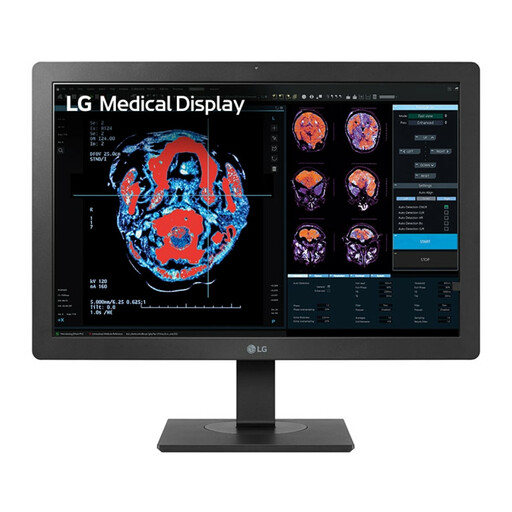
LG 24HR513C-B
A compact Full HD option for everyday document work.
24 inches; 1920 × 1080 pixels; Full HD.
Joybuy
Frequently asked questions
Do I need QHD to write API documentation?
No, it is not essential. Dell Netherlands lists 2560 × 1440 pixels for the 23.8-inch P2425DE, while Philips Netherlands lists 1920 × 1080 pixels for the 23.8-inch 24E1N1100A/00. Choose based on the windows you want to see at the same time and a text scaling level that you find comfortable to read.
Will one USB-C cable work with every laptop?
No. Check whether your laptop's USB-C connection supports video and whether the monitor and cable are suitable for the features and power delivery you need. DisplayPort describes video over USB-C using Alt Mode; the specifications for the exact monitor model determine the power delivery it offers.
How should I position my screen during long writing sessions?
Place the screen directly in front of you and check that it is not too high. The Arboportaal includes both points in its workplace guidance, so before buying, check that the stand or mounting option will suit your desk.
What are my rights when buying a monitor online in the Netherlands?
For a standard online consumer purchase, you generally have 14 days to change your mind from the date of delivery. ACM ConsuWijzer also explains that statutory guarantees apply alongside the seller's guarantee: under normal use, the product must do what you can reasonably expect of it.
Do rules on screen-based work automatically apply to every student room?
No. The obligations cited from the Working Conditions Decree apply to employers and employees. They do not create a general requirement to buy a monitor for a student studying independently, although advice on screen positioning can help you set up your workspace.


