Start with a dimmable, movable light that lets you soften the illumination. Then take a test shot to check whether your hands obscure details and whether the miniature stands out clearly enough against the white background. A diffused panel suits a permanent workspace, while a COB light with a suitable softbox gives you more control over the light. A compact battery-powered light is best used to brighten a small area of the scene. Specifications alone won’t tell you how evenly the whole shot will be lit.
Who is this choice for?
Builder filming from above
You want to keep small components and moving hands clearly in shot at the same time. Light position and diffusion matter more than lighting effects. Adobe explains how diffusion softens light, while Tangible Day discusses how a hand can obstruct the view of a miniature build.
Maker with a fixed white shooting surface
You want the miniature to stand out clearly without light-coloured parts blending into the white background. The subject and background may need to be lit separately; Canon Europe treats background and subject lighting as separate considerations.
Maker with limited setup space
You need to fit a light, mount and power supply alongside your camera and tools. A desk clamp, panel or compact fill light may suit a different setup; check that the mount and light source really leave enough room for your hands. NEEWER, Ulanzi and Elgato describe different mounting and power options for their specific models.
What should you look for when choosing?
Diffusion can soften harsh shadow edges, as Adobe explains. Take a test shot too, to check whether the miniature and white background are distinct enough from one another.
Diffused, adjustable LED panel
A good fit if: you film from above or at an angle at a fixed workstation and want to position the light out of shot.
Bear in mind: the panel and mount take up space; you may need a separate light or reflector for the background.
COB continuous light with softbox
A good fit if: you have room for a stand and light modifier, and want to control the direction and softness of your key light.
Bear in mind: the softbox may not be included as standard; check the fitting, size and package contents.
Compact battery-powered light for fill
A good fit if: you want to brighten a small shadowed area or detail in a tight setup.
Bear in mind: a small fill light hasn’t been shown to be suitable as the only light source for the entire work surface.
Light tent or wraparound diffusion
A good fit if: you’re mainly taking a finished shot of the miniature and want to minimise visible shadows.
Bear in mind: check that the camera and your hands have enough access while you build; a product photography setup isn’t automatically practical for a tutorial video.
| Consideration |
What to look for when buying |
Who is this important for? |
| Shadows from your hands |
Check the diffusion and adjustability, and whether there’s room to position the light out of shot; take a test shot while you work. |
If I want to keep both the components and my hands visible, I’ll focus on the position and softness of the light. Around 36% of consumers prioritise being able to see the building steps. |
| Colour and contrast against white |
Check the colour temperature and colour rendering of the exact version; take a test shot with fixed camera settings and white balance. |
If light-coloured parts disappear against the white background, I want to see whether the subject and background remain distinct enough. Around 29% of consumers prioritise colour and contrast against the white background. |
| Setup space |
Measure the space around your work surface and check the mount, dimensions and package contents. |
If there’s little room for my camera, hands and tools, the light needs to fit without getting in the way of my building movements. Around 21% of consumers prioritise the space available for their setup. |
| Power and recording |
Check the supplied adapter and required power supply; test the light with your own camera settings. |
If I want to record a whole tutorial, I want to know in advance how the light is powered and what the footage looks like. Around 14% of consumers give uninterrupted recording top priority. |
Common buying mistakes
-
Comparing lux figures from different lights directly
A stated light output may have been measured with a reflector at a particular distance; adding a diffuser or softbox changes the setup. That figure alone won’t tell you how much light reaches your entire work surface.
Only compare measurements taken at the same distance and with the same light modifier, and assess the work surface with a test shot.
-
Assuming a lighting kit is complete
Contents and power options can vary between versions, even for models with the same basic name. You may need to buy a softbox, stand, battery or suitable adapter separately.
Before buying, check the exact kit, mount, light modifier and power requirements.
Allow for extra setup or power components if they’re not included in the kit you’ve chosen.
-
Assuming every VL49 is the same based on its model name alone
According to Ulanzi, the Ulanzi VL49 Rechargeable Mini LED Light 1672 is a 5500 K daylight version. The VL49 RGB version described by Joybuy Netherlands has a range of 2500–9500 K, so the stated colour temperatures aren’t the same.
Compare the full model designation and specifications, and don’t assume that features or a buying link for a different VL49 version apply.
Brands to consider
NEEWER
The NL660 Bi-Color is an example of an adjustable panel for a fixed, diffused workspace.
- According to NEEWER, this version has a diffuser, a colour temperature of 3200–5600 K and is powered by the supplied adapter.
- An NP-F battery isn’t included. Also check whether the version you choose includes a stand; package contents can vary.
Godox
The SL60IIBi is a bi-colour COB light for a setup with a separate light modifier.
- Godox specifies a colour temperature of 2800–6500 K, dimmability and a Bowens mount for the SL60IIBi.
- Check which softbox and other accessories are included in the kit you choose; a measurement taken with the standard reflector won’t automatically apply to a softbox or your work surface.
amaran
The 100x S is a COB example with bi-colour control and a fitting for separate light modifiers.
- According to amaran, the 100x S has a colour temperature range of 2700–6500 K.
- Check what’s in the box: compatible softboxes may be sold separately. A light reading taken with a reflector can’t be directly compared with a panel reading unless the measurement conditions are the same.
Elgato
The Key Light Air MK.2 is a panel with a desk mount, suited to setups where a floor stand is less practical.
- Elgato specifies a colour temperature of 2900–7000 K and a desk mount for this model.
- The maximum stated brightness depends on the input power; according to Elgato, the required power adapter isn’t included in the box.
Ulanzi
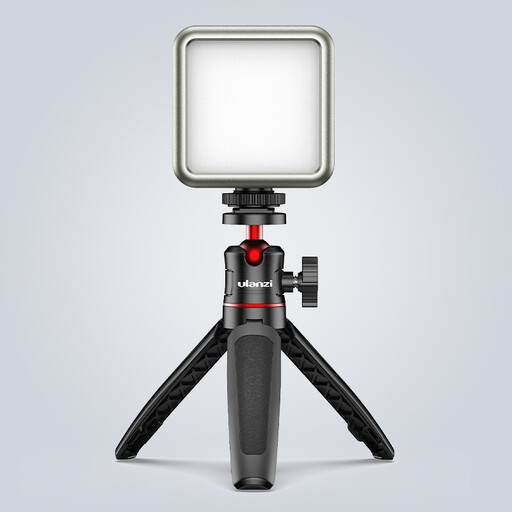
The VL49 Rechargeable Mini LED Light 1672 is an example of a small, rechargeable fill light for a detail or shadowed area.
- For this daylight version, Ulanzi lists a colour temperature of 5500 K, an integrated diffuser and a built-in battery.
- Don’t confuse the VL49 1672 with a VL49 RGB version that has a different stated colour temperature range.
Joybuy products
This selection includes a COB light for a key-light setup and compact lights you could consider using as fill lights. With compact models, test whether the light reaches your entire work surface; their product names alone don’t prove that it will.
 No image available
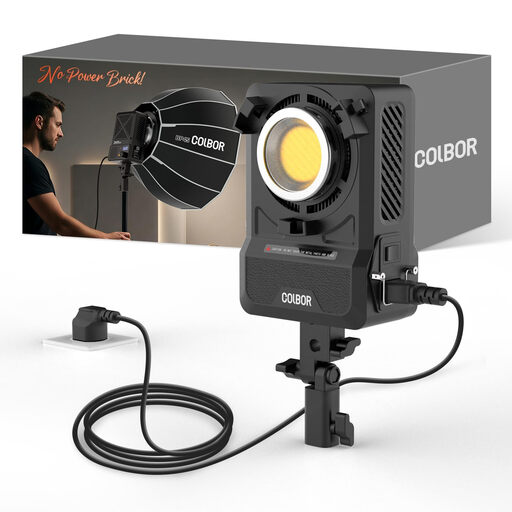
COLBOR 200W bi-colour COB video light
A good fit for a setup where you want to use a COB key light with a suitable light modifier.
200 W; bi-colour 2700–7000 K; Bowens mount; built-in power adapter.
View at Joybuy
 No image available
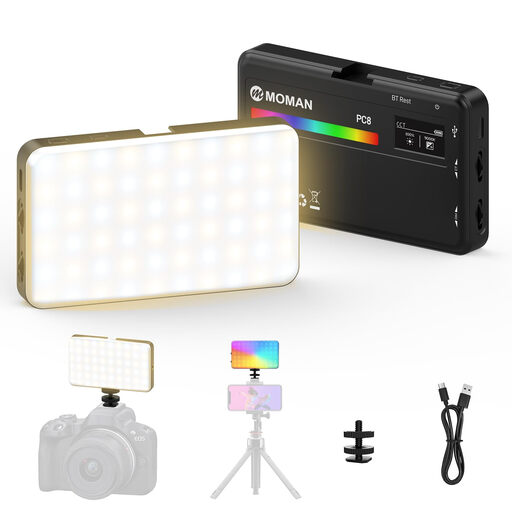
MOMAN PC8 RGB camera light
A compact option to consider if you want to adjust the light colour and brightness; test whether it provides enough light for your scene.
RGB; adjustable colour temperature and dimmability; built-in battery; mounting options as described in the product listing.
View at Joybuy
 No image available
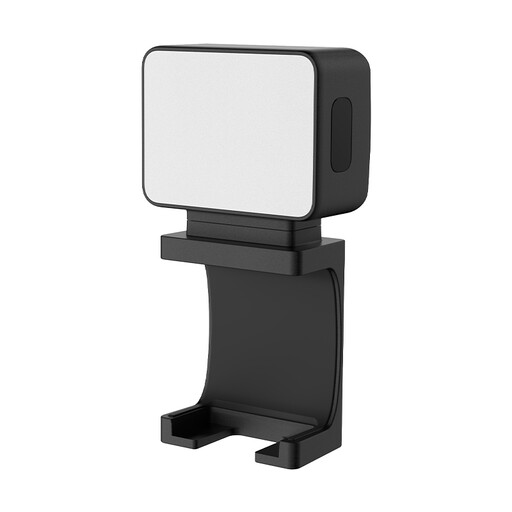
Ulanzi LM001 magnetic mini fill light
The product title describes this as a portable fill light for a local shadowed area or small detail.
Magnetic mount; 500 mAh battery.
View at Joybuy
 No image available
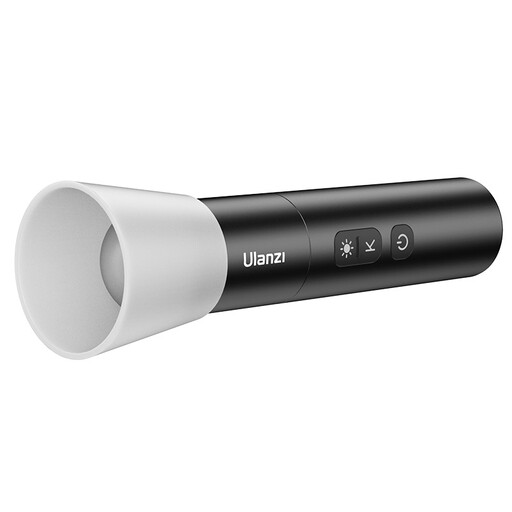
Ulanzi LM07 bi-colour LED video light
The title describes a portable light with a zoomable beam; consider it for lighting a specific detail and test the light coverage across your work surface.
2000–5500 K; four brightness levels; 2000 mAh battery; 187 g.
View at Joybuy
 No image available
Ulanzi VL49 RGB video light
A compact light to consider as a fill light if you want to adjust the light colour; this is the RGB version, not the VL49 1672 daylight version.
RGB; 2500–9500 K; dimmable; 2000 mAh battery; magnet on the back.
View at Joybuy
Frequently asked questions
Is one light enough for a white background and the miniature?
Start with a test shot using one softened key light. If the light-coloured parts and the background aren’t distinct enough, adjust the lighting on the subject and background separately; a bright background alone doesn’t guarantee that the miniature will be well lit.
Where should you position the light if your hands are always in shot?
Position a diffused light source at an angle beside or in front of the camera, outside the space where your hands move. Film a short building step and move the light if your hands cast shadows over the components; a product photography setup without hand movement isn’t a sufficient test.
What should you check about the power supply for a long recording?
Check the contents of the exact kit and its required input power. An NP-F battery isn’t included with the NEEWER NL660 we looked at; the maximum stated brightness of the Elgato Key Light Air MK.2 depends on the power supply.
What can you do if horizontal bands appear in your video?
Record a test clip using the light and camera settings you’ll actually use, then review the footage. Canon Europe explains that flickering LED sources can cause banding when used with an electronic shutter; this doesn’t prove that a specific light will flicker in your setup.
Which CE rules apply to an electric video light in the Netherlands?
According to the Netherlands Food and Consumer Product Safety Authority, CE marking is compulsory for electrical products. The rules that apply depend in part on the specific electrical configuration, so check the light being offered.


