Joybuy products
These Joybuy mini PCs are for anyone looking to tailor memory, storage or placement to a VM setup at a shared desk. Check whether each configuration is a complete PC or a barebone, and which components are included.
 No image available
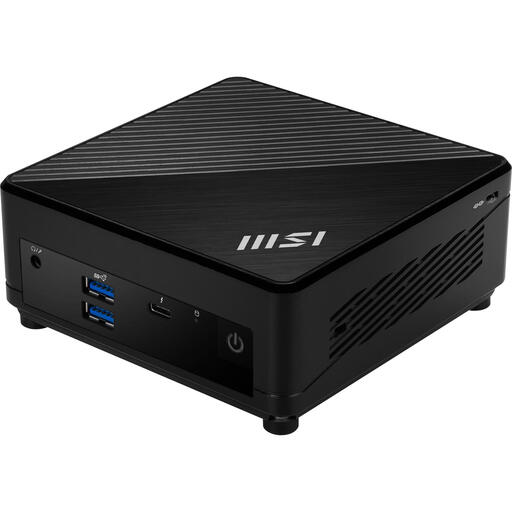
MSI Cubi 5 12M-405BEU, barebone, i7-1255U
A barebone option if you want to tailor the memory and storage to your VM plan.
The product details specify two memory slots, support for up to 64 GB of memory, and HDD and SSD compatibility. The case has a volume of 0,66L and VESA mounting is listed. You choose the memory, storage and operating system yourself.
Joybuy
 No image available
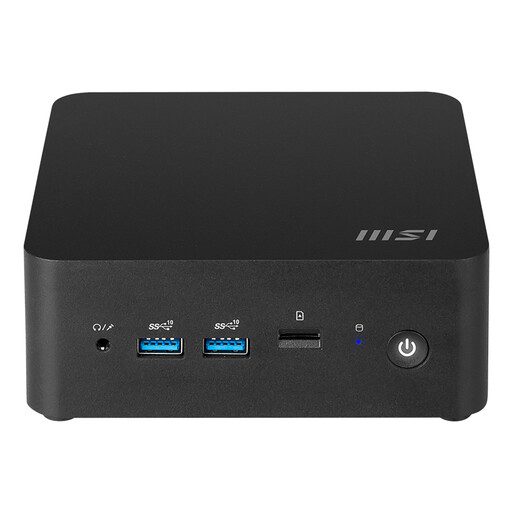
MSI CUBI NUC AI 1UMG-018BEU, barebone, 155H
A barebone you can configure with your choice of memory and storage for a VM lab.
The product details specify support for up to 64 GB of memory, two M.2 slots and VESA mounting. You’ll need to install an operating system yourself on this barebone.
Joybuy
 No image available
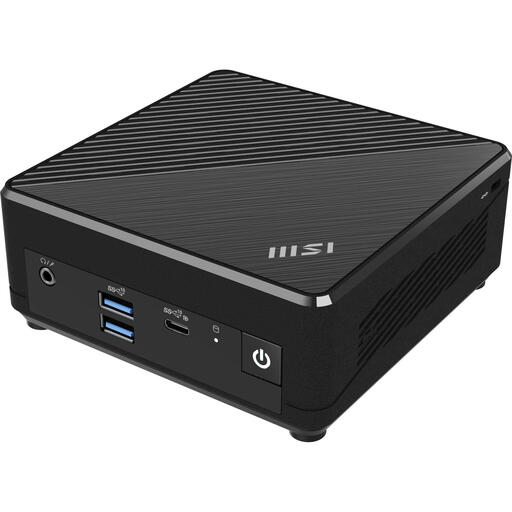
MSI Cubi N ADL S-078EU, Intel N100, 4 GB, 128 GB SSD
A complete Windows 11 Pro configuration to consider if you want to set up a mini PC at a shared desk.
The product name specifies an Intel N100, 4 GB of memory, a 128 GB SSD and Windows 11 Pro. Microsoft lists Professional as a supported Windows edition for Hyper-V; also check the other requirements and whether this configuration suits your VM plan.
Joybuy
 No image available
MSI CUBI NUC AI 1UMG-005EU, Core Ultra 7 155H, 16 GB, 1 TB SSD
A complete Windows 11 Pro configuration to consider when choosing a VM host.
The product name specifies an Intel Core Ultra 7 155H, 16 GB of memory, a 1 TB SSD and Windows 11 Pro. The product details list two M.2 slots. Microsoft lists Professional as a supported Windows edition for Hyper-V; also check the other requirements and the capacity you’ll need for your VMs.
Joybuy
 No image available
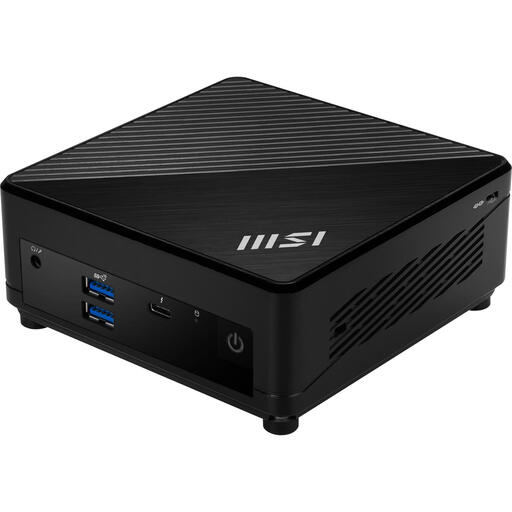
MSI Cubi 5 12M-002EU, Core i5-1235U, 8 GB, 512 GB SSD
A complete Windows 11 Pro configuration for anyone considering a compact mini PC for a shared desk.
The product name specifies 8 GB of memory and a 512 GB SSD. MSI lists support for up to 64 GB of memory and VESA mounting in the product details. Microsoft lists Professional as a supported Windows edition for Hyper-V; check that the installed memory and other requirements suit your VM plan.
Joybuy
Frequently asked questions
Can I use Hyper-V on a mini PC with Windows 11 Home?
Of the Windows editions listed by Microsoft Learn, Windows 11 Home isn’t a supported edition for a Hyper-V host; Microsoft specifies Professional or Enterprise. Also check the other requirements, including SLAT and hardware virtualisation enabled in the firmware.
How much RAM should I reserve for Proxmox?
Proxmox recommends at least 2 GB for the operating system and Proxmox VE services, plus the memory allocated to guest machines. Some storage options may need additional memory; this minimum isn’t a fixed recommendation for the number of VMs you plan to run.
What should I arrange for a mini PC at a shared desk?
Check that the connections on the exact configuration suit your monitor, network and planned setup. If an organisation processes personal data on the host, decide who needs access and what safeguards are appropriate based on the risks.
Are RAM, an SSD and Windows included with a barebone?
Not necessarily; check the exact configuration. GMKtec states that the NucBox K8 Plus barebone doesn’t include RAM, an SSD or an operating system. ASUS states that the NUC14RVH-B kit doesn’t include RAM, storage or a pre-installed operating system.
What are your rights in the Netherlands if a mini PC breaks too soon under normal use?
According to ACM ConsuWijzer, you’re entitled to a statutory guarantee if a consumer product is faulty. Under the applicable conditions, the retailer must provide a solution free of charge, such as a repair, replacement or refund; a stated manufacturer’s warranty period doesn’t replace this right.


