Mini PCs for running VMs
These mini PCs are options to compare for running VMs. Check that the memory configuration, Windows edition and included components suit your plans for each version.
 No image available
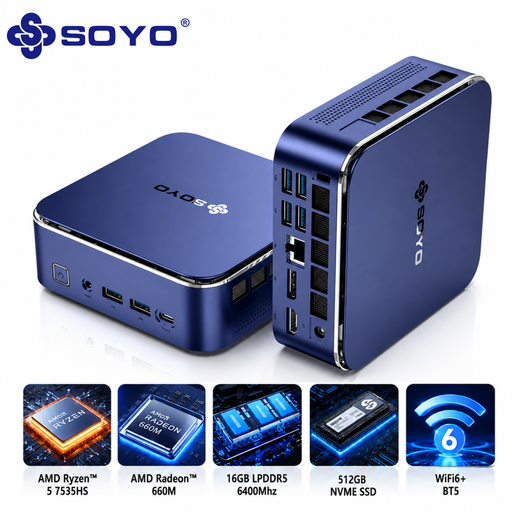
SOYO S5Air Mini PC
The listed Windows 11 Pro edition makes this version worth comparing if you want to use Hyper-V on Windows. Also check the host requirements.
AMD Ryzen 5 7535HS; 16 GB LPDDR5 RAM; 512 GB NVMe SSD; Radeon 660M; Wi-Fi 6E.
View at Joybuy
 No image available
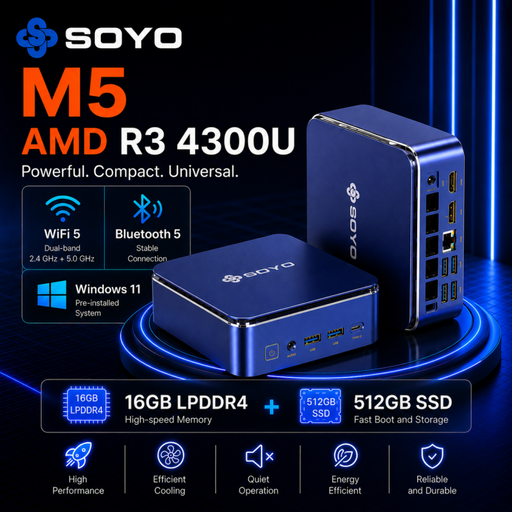
SOYO M5 Mini PC
The listed Windows 11 Pro edition makes this version worth comparing for a Windows host. Check whether the memory configuration suits the number of VMs you plan to run at once.
AMD Ryzen 3 4300U; 16 GB LPDDR4 RAM; 512 GB SSD; Windows 11 Pro.
View at Joybuy
 No image available
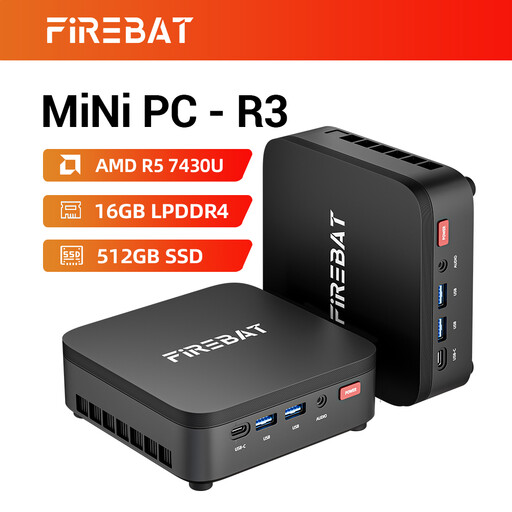
FIREBAT R3 Mini PC
The listed 16 GB RAM and 512 GB SSD give you specific configuration details to compare with the memory and storage your VMs need.
AMD Ryzen 5 7430U; 16 GB RAM; 512 GB SSD; Wi-Fi 6.
View at Joybuy
 No image available
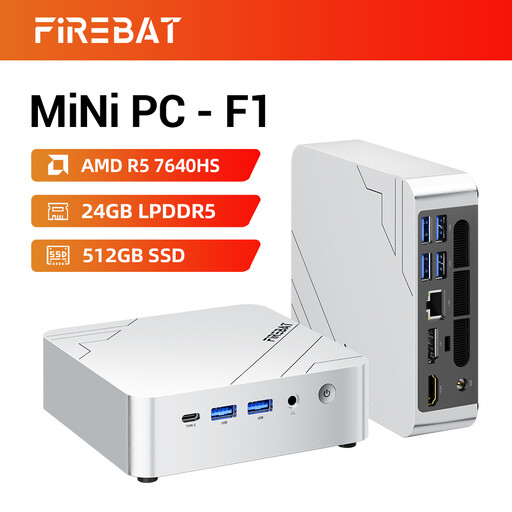
FIREBAT F1 Mini PC
The listed 24 GB RAM is a configuration worth considering if you want to run several VMs at once. Work out how much memory the host and guest machines will need together.
AMD Ryzen 5 7640HS; 24 GB LPDDR5 RAM; 512 GB PCIe 4.0 SSD.
View at Joybuy
 No image available
MSI CUBI NUC AI 1UMG-005EU
The listed Windows 11 Pro edition makes this version worth comparing if you want to use Hyper-V on Windows. Check whether 16 GB RAM suits your VM plans.
Intel Core Ultra 7 155H; 16 GB DDR5 RAM; 1 TB SSD; Windows 11 Pro.
View at Joybuy
Frequently asked questions
Is 16 GB RAM enough for my VMs?
It depends on how many VMs you run at once and how much memory you allocate to the host and each guest. Proxmox Server Solutions specifies a minimum of 2 GB for Proxmox VE system services, plus the memory needed for guest machines. This minimum isn’t a general recommendation that 16 GB will be enough for every lab.
Can I use Hyper-V with Windows 11 Home?
Microsoft Learn lists Windows 11 Professional and Enterprise as editions where Hyper-V can be enabled, but not Windows 11 Home. You’ll also need to check for SLAT and the virtualisation setting in UEFI/BIOS; checking the Windows edition alone isn’t enough.
What should I check when buying a barebone?
Check what’s included with the full model number and work out which components you’ll still need. The MSI Cubi NUC 1MG-237BEU doesn’t list installed RAM or an operating system; MSI’s specifications for slots and supported memory describe what’s possible, not what’s already included with a particular version.
How do I enable virtualisation?
First check whether virtualisation is already enabled. Microsoft Support explains how to access UEFI through Windows recovery settings; follow the manufacturer’s instructions for the correct setting, and don’t change other firmware settings without a good reason.
Which safety rules apply to a mini PC in the Netherlands?
The mini PC and its components must comply with the European rules that apply to the version you choose; the power supply and wireless features may also be relevant. Check which conformity documentation and marking are required for the full model number. Business.gov.nl explains that CE marking is not a quality mark.


