TVs to explore at Joybuy
Below are QLED and Mini LED models to compare by screen size and listed features. The picture specifications mentioned do not, on their own, predict how a TV will handle light and reflections from your windows.
 No image available
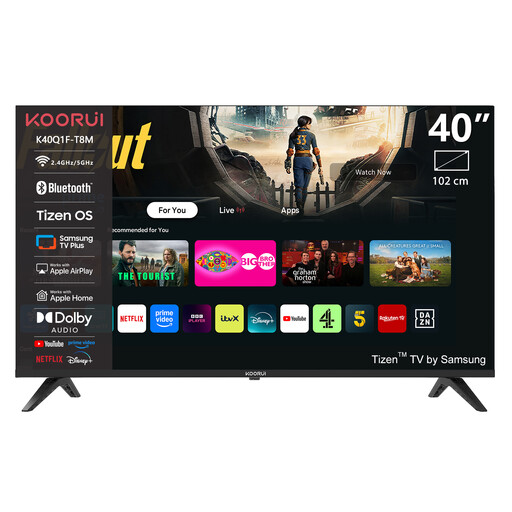
KOORUI K40Q1FQ-T8 40-inch Full HD QLED Smart TV
The 40-inch size is a useful starting point to compare with your viewing distance; also assess the TV’s brightness and reflections in your room.
40 inches; Full HD; QLED; Tizen OS.
View at Joybuy
 No image available
TCL 50Q6C QD Mini LED TV
This model offers a Mini LED option to compare for daytime viewing; the screen technology alone won’t predict how window reflections will affect it in your room.
50 inches; 4K HDR; stated brightness of 1000 nits; Dolby Vision IQ.
View at Joybuy
 No image available
METZ 86MQE8000Z 86-inch QLED Google TV
Measure the distance from your usual seats before considering how the 86-inch screen will fit your room.
86 inches; 4K HDR10+; 144 Hz; Dolby Vision; 2.1.2 sound system with integrated subwoofer.
View at Joybuy
 No image available
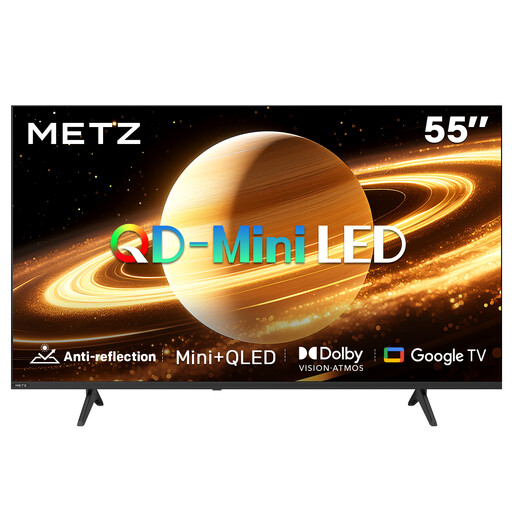
METZ 55MNH7000Z 55-inch QD Mini LED TV
The product name mentions a matt screen, but it’s still worth checking how the exact model handles light coming from your windows.
55 inches (140 cm); QD Mini LED; matt screen; 60 Hz; Dolby Vision and Dolby Atmos.
View at Joybuy
 No image available
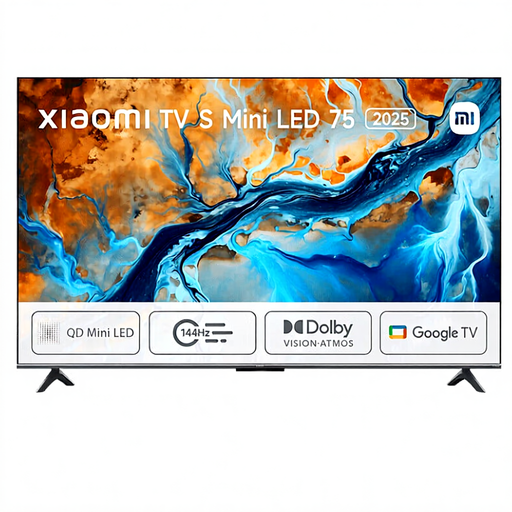
Xiaomi TV S 2025 75-inch Mini LED TV
Use the 75-inch size as a starting point, then check whether it suits your viewing distance and available space.
75 inches; Mini LED; 4K HDR; 144 Hz; Dolby Atmos.
View at Joybuy
Frequently asked questions
Is a matt or anti-reflection screen enough if the tall windows face the TV?
Not necessarily. Consider direct and indirect reflections alongside the brightness of the exact model, and see whether you can position the screen differently. An anti-reflection label doesn’t guarantee that you won’t see the windows in the screen.
How do you choose a suitable screen size?
Measure the distance from your eyes in your usual seat to the planned position of the TV. Consumentenbond cites around 2.4 times the screen diagonal as a research-based starting point; compare nearby screen sizes too, and take other seats into account.
What picture adjustments can you make after installation?
You can assess the picture settings using a familiar scene with both bright and dark areas. Compare the result at the times you usually watch; settings won’t change the physical reflections on the screen.
How can you compare energy use without guessing your personal costs?
Compare the stated energy consumption of specific models in kWh per 1000 hours on the EU energy label. To estimate your own costs, you’ll also need your expected viewing hours and electricity tariff.
Do you still have rights in the Netherlands if your TV develops a fault after two years?
You may do. According to ACM ConsuWijzer, the statutory guarantee in the Netherlands does not have a fixed two-year limit; what you could reasonably expect from the product is also taken into account. The retailer is your point of contact, and the assessment of a specific fault depends on the circumstances.


