
Vandaag of morgen in huis

Kwaliteit gegarandeerd

Welkomstaanbiedingen ontgrendelen: GRATIS bezorging | Tot 80% korting | Gratis 30 dagen JoyPlus-proefperiode
Download de app
Does the "storage full" notification sound familiar? Or have you noticed that your new drone, camera, or gaming console isn't performing as fast as you'd hoped? Chances are, the solution is a small one: the microSD card. But the world of memory cards can be overwhelming, with a plethora of specifications, speeds, and types.
As a Joybuy Product Recommendation Officer, I'll guide you through the technical details. This guide is designed to provide you with objective and practical information, so you can make a well-informed decision that suits your device and needs.
Before you make a choice, it's helpful to understand three key factors: capacity, speed, and durability.
Capacity, expressed in gigabytes (GB) or terabytes (TB), determines how much data you can store.
Pay attention to the term microSDXC. This stands for "Extended Capacity" and applies to cards 64GB and larger. Always check if your device supports microSDXC cards.
A fast microSD card is crucial for smooth performance. Look for the following specifications:
Do you use the memory card in extreme conditions? Some cards are specially designed for durability. An industrial microSD card, for example, is resistant to extreme temperatures, water, shocks, and X-rays. This is a key consideration for professional equipment, outdoor cameras, or drones operating in all weather conditions.
Based on specifications and use cases, we've listed some interesting options for you.
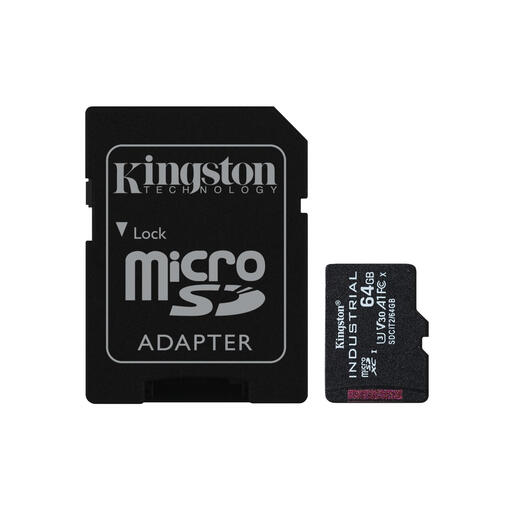
Why It Stands Out: This card is built for reliability under the most demanding conditions. The focus isn't on maximum capacity, but on extreme durability.
Advantages:
Who is it for? This is a quintessential industrial microSD card. Ideal for professionals who need storage in industrial controllers, outdoor surveillance systems, or other equipment exposed to extreme temperatures and conditions.
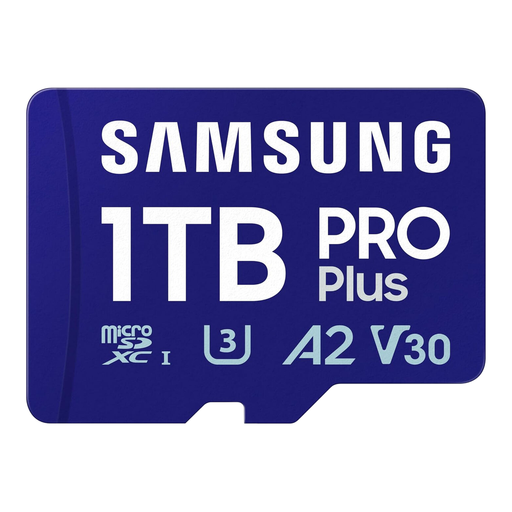
Why It Stands Out: This Samsung microSD card combines a massive 1TB storage capacity with impressive speeds, making it a highly versatile choice for demanding consumers and creators.
Advantages:
Who is it for? Perfect for content creators who shoot a lot of 4K footage, drone pilots, and gamers who want to equip their Nintendo Switch, Steam Deck, or tablet with maximum storage space.
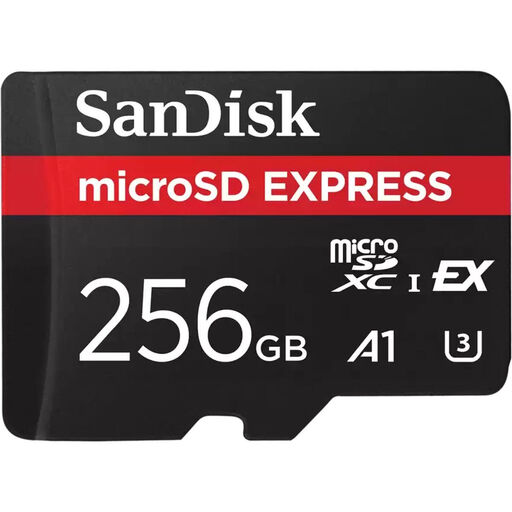
Why It Stands Out: This SanDisk microSD card uses the new SanDisk Express technology (based on PCIe/NVMe), allowing it to achieve speeds comparable to an external SSD.
Advantages:
Who is it for? This card is aimed at creative professionals and tech enthusiasts who work with very large files and need the highest possible transfer speeds to optimise their workflow.
The world of storage is vast, and the perfect match depends heavily on your specific device and needs. If the options above aren't exactly what you're looking for, there's much more to discover.
Browse our full range and find the perfect match for your device. Discover more microSD card options here.
The main difference is capacity. MicroSDHC (High Capacity) cards have a capacity of 4GB to 32GB. MicroSDXC (Extended Capacity) cards offer a capacity from 64GB up to 2TB. It's important to check if your device is compatible with the XC format, as older devices may not support it.
The Nintendo Switch supports microSD, microSDHC, and microSDXC cards. For a good gaming experience, a fast microSD card with a high read speed (UHS-I) is recommended. A card with an A1 or A2 classification can further reduce the loading times of games installed on the card.
A microSD for a drone needs a high and, above all, consistent write speed to save video footage without interruptions. When recording 4K video, a huge amount of data is written. A card with too low a speed can't keep up, resulting in 'dropped frames' and a choppy recording. A card with a V30 classification is therefore the recommended minimum.
