
Vandaag of morgen in huis

Kwaliteit gegarandeerd

Welkomstaanbiedingen ontgrendelen: GRATIS bezorging | Tot 80% korting | Gratis 30 dagen JoyPlus-proefperiode
Download de app
By: Joybuy Product Recommendation Officer | Last updated: July 16, 2026
A full phone, a stuttering camera, or not enough space for new games on your console—these are common frustrations. The solution is often a simple microSD card, but the sheer number of options can be overwhelming. With terms like U3, A2, V30, and various speed ratings, it's easy to get lost in the technical details.
This article is designed to be a practical guide. We'll help you understand the specifications and make an informed choice that fits your device and needs—without all the marketing jargon.
Before you make a choice, there are a few key specifications to consider. Paying attention to these will prevent you from buying a card that doesn't work well with your device.
A 256GB microSD card might seem like the logical choice for maximum storage, but not every device can handle that capacity. Older devices often only support SDHC cards (up to 32GB), while newer devices can handle SDXC (64GB and up). Always check the manual for your smartphone, camera, or console to see the maximum supported capacity.
The speed of a memory card is crucial for performance. It is indicated by different classes:
If you're using the card in a dashcam, drone, or for professional photography in varying conditions, look for features like water resistance, shock resistance, and a wide temperature range. Brands like SanDisk microSD and Kingston memory card often offer models specifically designed for durability.
Based on specifications and use cases, we have compiled a list of popular choices for you.
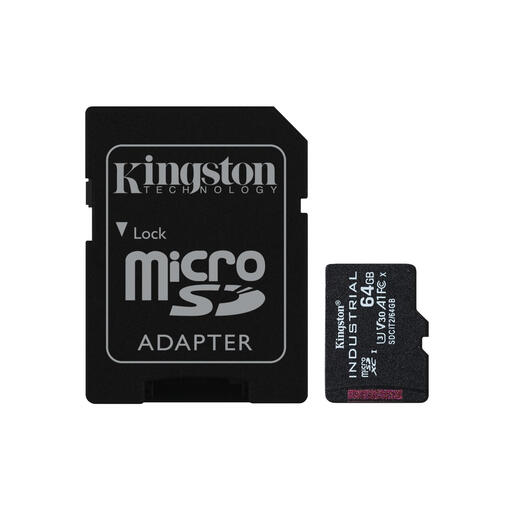
Why it stands out: This card isn't built for everyday use, but for extreme conditions. According to Kingston's specifications, it operates at temperatures from -40 °C to 85 °C.
Pros:
Who is it for? Professionals and hobbyists who need a memory card for equipment in demanding environments, such as drones in cold climates, industrial sensors, or security cameras running 24/7.
View the Kingston Industrial Card
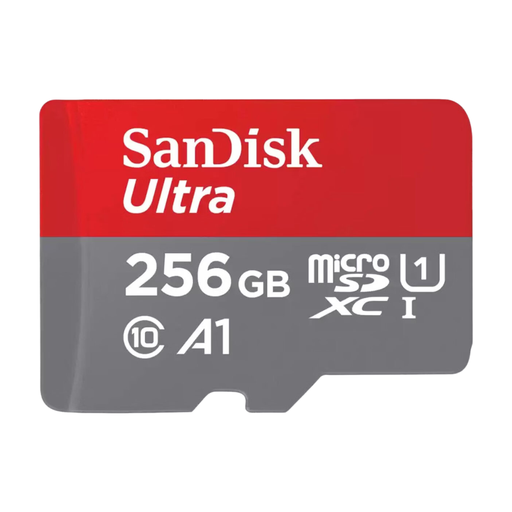
Why it stands out: This is a versatile and reliable choice for the average user. It offers a good balance between storage, speed, and price.
Pros:
Who is it for? Ideal for Android smartphone and tablet users looking for extra space for their photos, videos, and apps without paying a premium.
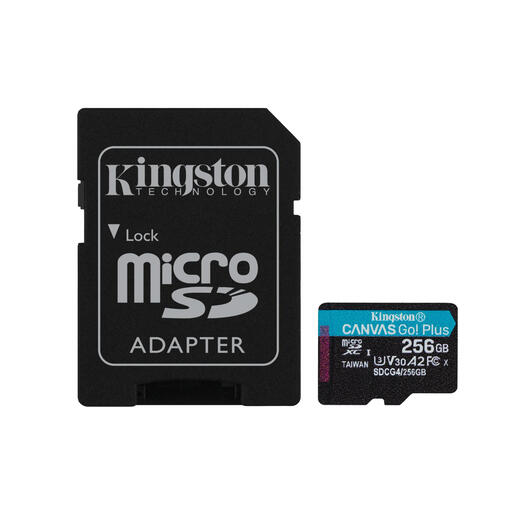
Why it stands out: This Kingston memory card is focused on performance, especially for content creators and gamers. Its high speeds and ratings make it suitable for demanding tasks.
Pros:
Who is it for? Content creators who work with 4K cameras and drones, and gamers looking for a fast microSD for Nintendo Switch or smartphone.
View the Kingston Canvas Go Plus
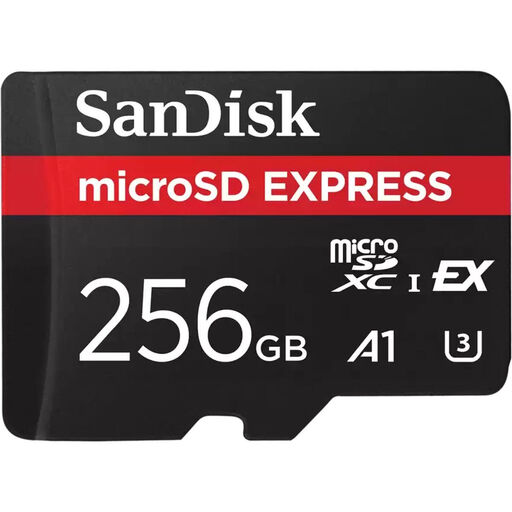
Why it stands out: This card brings SSD-like performance to the microSD format. It uses the new microSD Express standard with a PCIe/NVMe interface.
Pros:
Who is it for? Professional videographers, photographers, and tech enthusiasts with the latest equipment that supports the microSD Express standard. This is a card for those who need the highest possible performance.
View the SanDisk Express 256GB
The world of memory cards is vast, and the right choice depends heavily on your device. For example, are you specifically looking for a card for your tablet to store movies? Then check out our wider range of Tablet memory card options.
The main difference is storage capacity. SDHC (Secure Digital High Capacity) cards have a capacity of up to 32GB. SDXC (Secure Digital eXtended Capacity) cards start at 64GB and can theoretically go up to 2TB. Always check which type your device supports, as a device that only handles SDHC will not work with an SDXC card.
The Nintendo Switch and Switch OLED support microSD, microSDHC, and microSDXC cards. While most cards will work, a card with a high read speed is recommended for the best experience. A card with an A1 or A2 rating can reduce game loading times.
Consult your camera's manual. Manufacturers often specify the minimum required speed class for certain video resolutions. As a general rule, a U1/V10 card is usually sufficient for Full HD (1080p). For 4K video, a high-speed microSD card with a U3/V30 rating is strongly recommended to prevent stuttering and recording errors.
