
Vandaag of morgen in huis

Kwaliteit gegarandeerd

Welkomstaanbiedingen ontgrendelen: GRATIS bezorging | Tot 80% korting | Gratis 30 dagen JoyPlus-proefperiode
Download de app
Buying a new microSD card seems straightforward. You pick the storage size you want, pop it into your device, and you're done. But in practice, the wrong choice often leads to frustration: stuttering 4K videos, sluggish apps on your phone, or even lost vacation photos. Much of the marketing focuses on a single headline figure, like read speed, while the specs that truly matter remain hidden.
Before you buy a memory card, it's important to recognise two common pitfalls:
fast memory card for 4K video still stutters or why your camera freezes when taking multiple photos in succession.micro sd for Nintendo Switch will load slowly. You're paying for storage but compromising on user experience.To avoid a bad buy, focus on three objective specifications. These are usually printed in small text on the packaging or in the product details.
These letters and numbers are more important than the large MB/s figures. They indicate a guaranteed minimum write speed.
Capacity determines how much you can store. The most common formats are:
64gb sd card, 128gb sd card, and larger.Always check if your device supports SDXC. Most modern cameras, drones, and smartphones do, but older devices may be limited to 32 GB.
A fast card is one thing, but you also need an efficient way to get the files onto your computer. A modern usb c sd card reader that supports your card's speed (e.g., UHS-II) can cut down the time it takes to transfer hours of video footage to just a few minutes.
Below are some popular choices, tailored to specific user profiles.
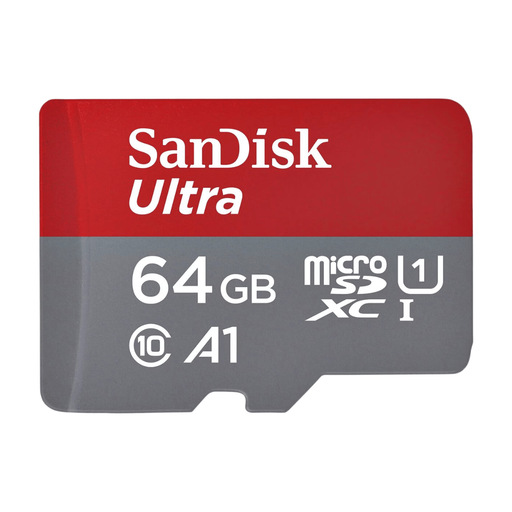
Why This Fits Their Persona: Ideal for those who simply need more space on an Android phone for photos, WhatsApp media, and apps, without paying for professional video specifications.
This card has an A1 rating, meaning it's optimized for launching apps quickly. This helps you avoid the pitfall of a sluggish phone experience, even as the card fills up.
A great balance of price, storage, and performance for everyday use. The U1 and Class 10 ratings are more than enough for Full HD video.
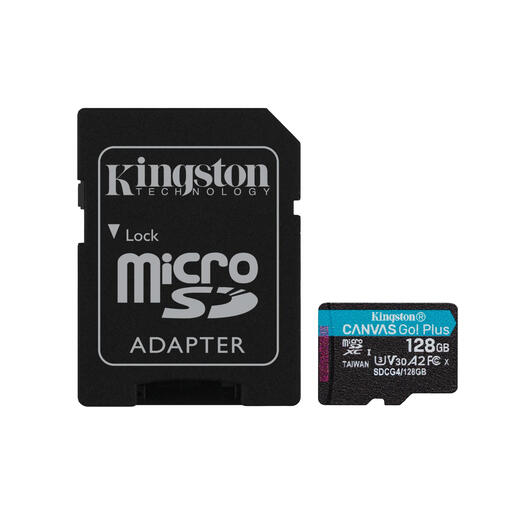
Why This Fits Their Persona: Perfect for users of drones, action cams, and the Nintendo Switch. This group needs high, reliable write speeds for 4K video and fast loading times for games.
This card sidesteps the "high-speed" trap by clearly stating its V30 and U3 ratings. This guarantees a minimum write speed of 30 MB/s, essential for stutter-free 4K recording.
The combination of a high write speed (up to 100 MB/s according to Kingston) and the A2 rating makes it versatile for both smooth video capture and fast gaming performance.
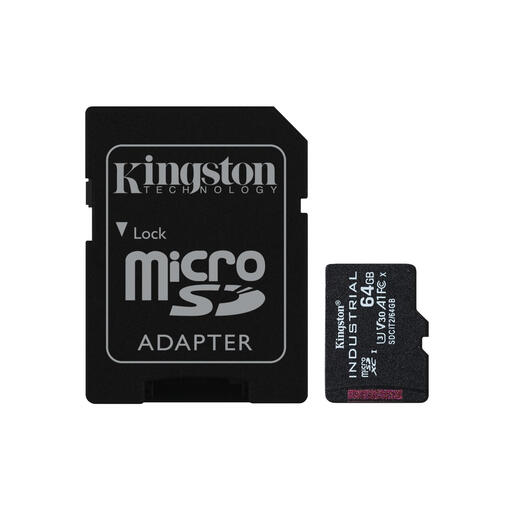
Why This Fits Their Persona: Designed for use in dashcams, security cameras, or industrial equipment that continuously writes data, often under extreme temperatures. Reliability and endurance are more critical here than top speed.
This card avoids the mistake of using a consumer-grade card for intensive tasks. It's built for high endurance (a high TBW rating) and extreme conditions, where a standard card would quickly fail.
The key advantage is its durability. According to Kingston, the card operates in temperatures from -40°C to 85°C and is waterproof and shockproof.
We've compiled a complete, up-to-date list of products that fully meet these strict selection criteria and regulations.
This depends entirely on your usage. As a guideline:
128gb sd card is often a good sweet spot.Not necessarily. The speed of a microSD card is limited by the device you're using it in. If you put an expensive, ultra-fast UHS-II card into a camera or phone that only supports UHS-I, the card will operate at the lower UHS-I speed. You're paying for performance you can't use. So, always check your device's specifications and match the card to them.
The difference is purely physical size. MicroSD cards are much smaller and are used in smartphones, drones, and action cams. Standard SD cards are larger and are typically found in DSLR and mirrorless cameras. Many microSD cards, like the SanDisk Extreme and Kingston Canvas Go models, come with an SD adapter. This allows you to use the small microSD card in devices that have a larger SD card slot.
