
Vandaag of morgen in huis

Kwaliteit gegarandeerd

Welkomstaanbiedingen ontgrendelen: GRATIS bezorging | Tot 80% korting | Gratis 30 dagen JoyPlus-proefperiode
Download de app
Your phone is full, your drone can no longer record 4K video, or your Nintendo Switch has no more room for new games. You need a new microSD card, but the options are overwhelming. Speed classes, capacities, and vague technical terms don't make the choice any easier.
This guide is designed to help. We'll cut through the marketing jargon and focus on the specs that actually matter for your situation. This way, you can make an informed decision without getting lost in the technical details.
Before we look at specific products, here are a few key factors to consider. By understanding these specifications, you'll know exactly which card fits your device and usage needs.
Storage capacity is often the first thing people look at. This is expressed in gigabytes (GB) or terabytes (TB). However, it's crucial to check what capacity your device supports.
Always check your device's manual. A camera that supports a maximum of 128 GB will not work with a 256 GB card.
The speed of a memory card is critical for performance. A high-speed microSD card is essential for recording high-resolution video or smoothly running apps. Look for the following symbols:
Are you using the card in a dashcam, drone, or security camera? Then robustness and reliability under extreme conditions are important. An industrial-grade microSD card is designed to function at very high or low temperatures and is often more resistant to water, shocks, and X-rays.
Based on specifications and applications, we have made a selection of interesting options for different users.
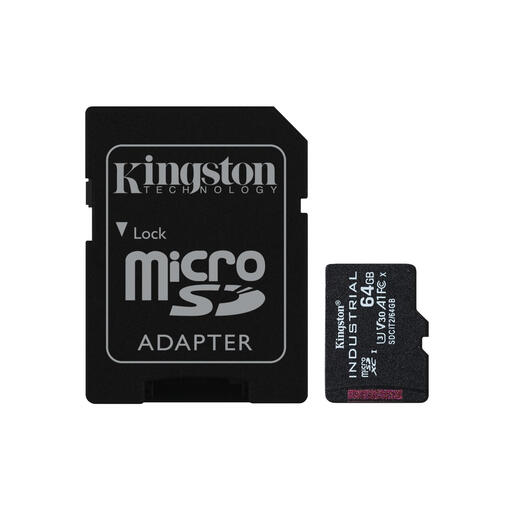
Why It Stands Out: This card is built for reliability in extreme conditions. The focus is not on maximum capacity, but on endurance and a long lifespan.
Pros:
Who It's For: Professionals and businesses that need a reliable card for equipment in demanding environments, such as industrial sensors, drones flying in cold or hot climates, or outdoor cameras.
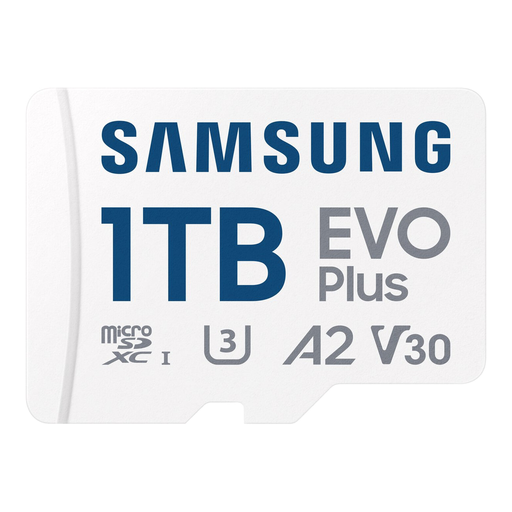
Why It Stands Out: This Samsung microSD card combines a massive 1TB storage capacity with fast, all-around performance, making it a popular choice for a wide range of modern devices.
Pros:
Who It's For: The all-around user. Perfect for smartphone and tablet users who store a lot of media, avid gamers looking for a high-capacity microSD for Switch, and content creators with action cams or drones.
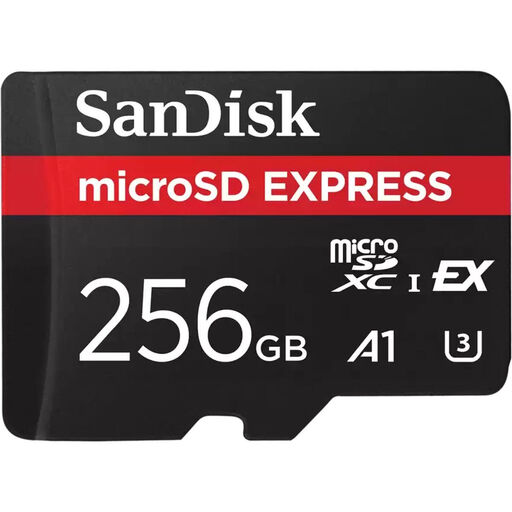
Why It Stands Out: This SanDisk microSD card introduces a new standard of speed. Thanks to its PCIe Gen 3-NVMe interface, it delivers performance comparable to an external SSD, future-proofing it for next-generation content creation.
Pros:
Who It's For: Demanding content creators, videographers, and professionals who work with very large files and need the highest possible transfer speeds. Also interesting for users of the latest generation game consoles and high-end cameras.
The world of memory cards is vast, and there are many specific options available. If the recommendations above don't perfectly match your needs, there are plenty of other possibilities.
Check out our full range of SDXC USB memory cards for more choices in capacity and speed.
The main difference is storage capacity. MicroSDHC (High Capacity) cards have a capacity of 4 GB to 32 GB. MicroSDXC (Extended Capacity) cards offer a capacity from 64 GB to 2 TB. Most modern devices require a microSDXC card to take advantage of larger storage space. Always check your device's specifications to see which standard is supported.
The Nintendo Switch supports microSD, microSDHC, and microSDXC cards. For the best experience, especially for reducing game load times, a card with an A1 or A2 Application Performance Class is recommended. A card with a high read speed (e.g., 90 MB/s or more) is also a good choice. The capacity you need depends on how many digital games you plan to install.
If you plan to run apps directly from the microSD card on your Android smartphone, the A1/A2 classification is very important. These cards are optimized for opening apps quickly and handling small, random files. An A2 card offers better performance in this regard than an A1 card. If you only use the card for storing photos and videos, this classification is less critical.
