
Recording a moving performer
You want to record a monologue while the performer moves around. The trade-off is between freedom of movement, visibility, clothing noise and the wireless recording setup.


Start with the distance between the microphone and the speaker: a microphone at the back of a reverberant hall won’t automatically make speech easier to understand. Choose a clip-on microphone that moves with the performer if they walk across the stage; an off-camera microphone if someone can keep it pointed towards them from nearby; or a portable recorder if they stay in roughly the same place. Test your chosen setup in the hall, and check the connections, power supply and recording storage in advance.
You want to record a monologue while the performer moves around. The trade-off is between freedom of movement, visibility, clothing noise and the wireless recording setup.
You want to keep the microphone out of shot and can position a boom or stand close to the performer, moving the microphone to follow them.
You’re recording a performer who stays in roughly the same place and want to record and review the audio without a complex wireless setup.
Choose this when: the performer moves around and the microphone needs to stay close to their voice.
Bear in mind: how it attaches to clothing, battery life, and compatibility between the transmitter, receiver and recording device.
Choose this when: someone can point the microphone towards the performer from nearby or move it to follow them.
Bear in mind: the space required, operation, and having the right connection and power supply.
Choose this when: the performer stays in roughly the same place and recording independently is important.
Bear in mind: the recorder needs to be close enough to the speaker; a stationary recorder won’t follow a moving performer by itself.
| Consideration | What to check before buying | Who is this most important for? |
|---|---|---|
| Speech clarity in a reverberant hall | Check whether you can keep the microphone close to the speaker during the performance, and listen to a test recording from different positions on stage. | If clear speech is your priority in a reverberant hall, you’ll want to position the microphone close to the performer. Around 36% of consumers put speech clarity first. |
| Freedom of movement | Work out whether you need one or two transmitters, which device will record the audio, and whether the wireless system is suitable for the performance venue. | If the performer moves around the stage, you’ll want the microphone to move with their voice. Around 29% of consumers put freedom of movement first. |
| Keeping the microphone out of shot | Check whether you can position it nearby but out of shot, and whether the necessary connection and power supply are available. If you’re using a clip-on, also check that clothing won’t rub against the capsule or cable. | If you need to keep the shot clear, you’ll want to position the microphone out of shot without unwanted contact noise from the costume. Around 21% of consumers consider this the most important factor. |
| Recording independently and storage | Check which device saves the file, whether internal recording needs to be enabled, and what power supply or storage media are required. | If you want to record without a complex setup or need a backup file, you’ll want to know in advance how the recording is stored. Around 14% of consumers put independent recording or a backup file first. |
A microphone positioned a long way away can’t separate reflections from the direct voice after the fact. Distance from the performer still matters, even with a directional microphone.
Make a test recording from the distance you plan to use, including the movements involved in the performance.
A setup closer to the performer may require a boom, stand or additional operator.
If clothing touches the capsule or cable, it can create audible contact noise. Shure highlights this risk when using lavalier microphones in theatre.
Test it with the performer wearing their costume and making the movements required for the performance.
Allow time to attach the microphone and test its position with the costume.
The Audio-Technica AT875R requires phantom power; a separate receiver is needed for some uses of the Shure MoveMic One. The Zoom H1essential uses storage media.
Before you buy, map out where the audio goes, which device saves the file and what equipment you’ll need.
Depending on your setup, you may need a receiver, an XLR recorder with phantom power or a microSD card.
MoveMic One and TwinPlex TL46 offer different clip-on options: a mobile wireless microphone and a standalone lavalier microphone for use with a compatible transmitter.
Wireless PRO is a wireless system for a wearable microphone setup and a performer who moves around.
The Profile Wireless 2-Channel Set combines two clip-on microphones with a receiver and internal recording.
The AT875R is a compact XLR shotgun microphone for a boom or stand positioned close to the performer and out of shot.
The H1essential is a standalone recorder with built-in microphones, suited to a performer who stays in a suitable fixed recording position.
These products are wireless clip-on microphones for a performer who moves around. Before choosing a setup, check each model’s connection, number of transmitters, and storage and recording features.
 No image available
The two wearable transmitters suit a recording setup for a performer who moves around.
The product description lists internal 32-bit-float recording and compatibility with cameras, smartphones and PCs. The set includes a charging case.
 No image available
This wireless lavalier setup is designed for mobile recording with a USB-C receiver.
The product description lists monitoring during use and up to 6 hours of continuous use. OTG must be enabled on Android phones with USB-C.
 No image available
This set with two clip-on transmitters is designed for mobile recording with an Android phone featuring USB-C.
The product description lists a line-of-sight range of up to 120 m and up to 8 hours of battery life per transmitter. This version is designed for USB-C Android phones.
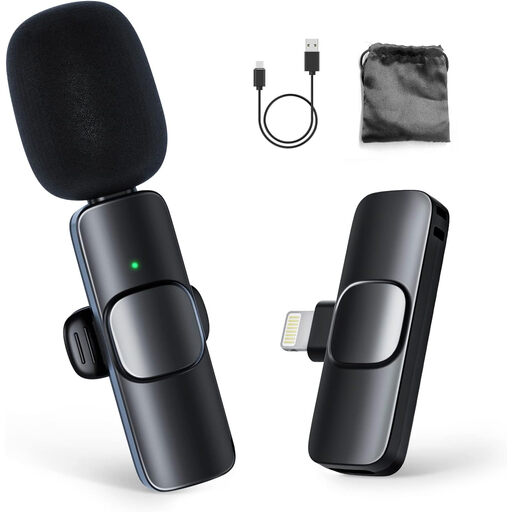 No image available
The clip-on transmitter is suited to a mobile recording setup with an iPhone or iPad.
The product description lists up to 8 hours of use. This version is designed for iPhone and iPad.
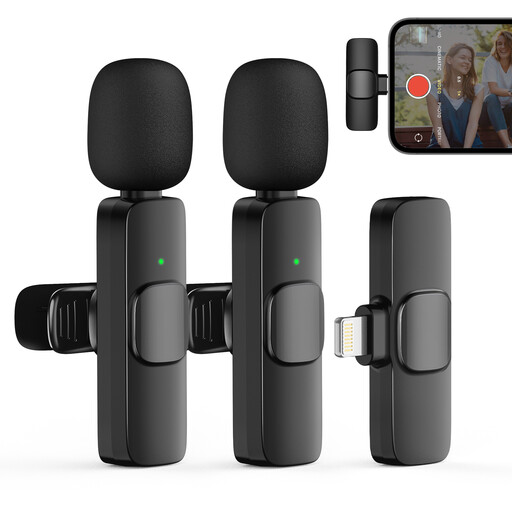 No image available
The two wireless clip-on transmitters suit a recording setup where several performers can wear a transmitter.
The product description lists up to 8 hours of use. This version is designed for iPhone and iOS devices.
No. 32-bit-float recording doesn’t change the acoustics or the distance between the microphone and the voice. Position the microphone closer to the performer and listen to a test recording first. For 32-bit-float recording with the Sennheiser Profile Wireless, also check that the firmware is version v4.1.0 or later.
Attach the capsule and cable so that clothing won’t rub against them, and test with the costume and movements required for the performance. Shure warns about contact noise from clothing when positioning microphones for theatre.
Check the entire recording chain. The Audio-Technica AT875R has an XLR connection and requires phantom power; a separate receiver may be needed for some uses of the Shure MoveMic One. The Zoom H1essential manual covers using a microSD card.
It depends on the frequency and model. The Dutch Authority for Digital Infrastructure publishes information about frequencies that can be used without a licence, and notes that availability in the UHF broadcast band varies by location. So check the frequency of the specific system and, for UHF, the performance venue.
You can’t determine this from the microphone choice alone. If an organisation processes personal data, the Dutch Data Protection Authority says it needs a lawful basis under the GDPR; consent is one possible basis. Before recording and publishing, establish who can be identified, what the recording will be used for, and what arrangements or rights apply to the text.