
Vandaag of morgen in huis

Kwaliteit gegarandeerd

Welkomstaanbiedingen ontgrendelen: GRATIS bezorging | Tot 80% korting | Gratis 30 dagen JoyPlus-proefperiode
Download de app
By: Joybuy Product Recommendation Officer
Does this sound familiar? You're on a video call in the attic and the picture freezes. Or you want to stream a show in the garden, but the video keeps buffering. Many homes have those spots where the WiFi signal is weak or unstable. A traditional router, even with a separate WiFi extender, often fails to provide a complete blanket WiFi network.
Fortunately, there's a modern solution: mesh WiFi. A mesh system replaces your current router with multiple stations that work together as a single, smart network. This ensures you have stable home internet everywhere, from the basement to the attic. In this article, we'll help you make the right choice by highlighting a few popular options, without the complex technical jargon.
Before we dive into the products, here are a few practical considerations to help guide your choice.
The WiFi standard determines the maximum speed and capacity of your network.
Mesh systems are typically sold in sets of two or three stations (also called 'nodes'). For an average-sized home, a two-pack is often sufficient. Do you have a larger detached house, a new build with thick concrete walls, or multiple floors? Then a three-pack is a safer choice for a seamless multi-room WiFi experience. Most systems, like the TP-Link Deco series, are easily expandable with additional stations later on.
Nobody wants a complicated setup process. Most modern mesh systems are designed for ease of use. An app on your smartphone guides you through the installation step-by-step. Through the same app, you can easily manage your network, set up a guest network, or configure parental controls.
Based on specifications and features, we have selected three systems from the popular TP-Link Deco series, suitable for different users and budgets.
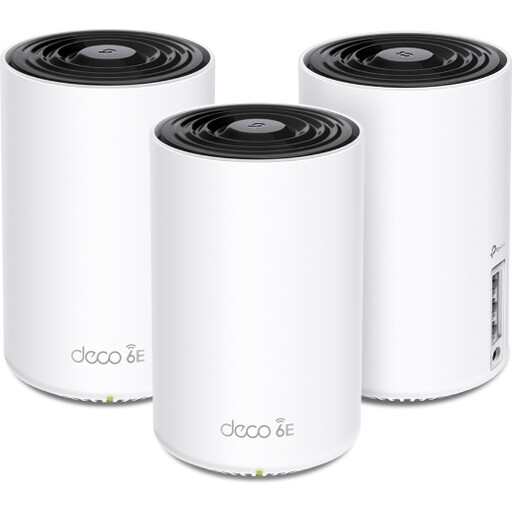
Why It Stands Out: This system uses the latest Wi-Fi 6E technology. In addition to the 2.4 GHz and 5 GHz bands, it has an exclusive 6 GHz band. According to TP-Link, this provides a super-fast, stable connection with minimal interference, ideal for the most demanding tasks.
Pros:
Who is it for? For the tech enthusiast, the serious gamer, or households with many new, Wi-Fi 6E-compatible devices who want to get the most out of their internet connection.
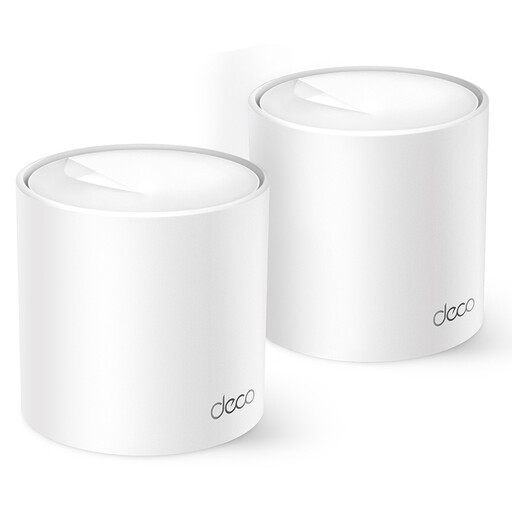
Why It Stands Out: The Deco X10 offers the benefits of Wi-Fi 6 at an accessible price point. It's an excellent middle ground that provides a noticeable upgrade over older Wi-Fi 5 systems, especially in congested network environments.
Pros:
Who is it for? For most families and remote workers. It's a solid and reliable choice that significantly improves your home network's performance without breaking the bank.
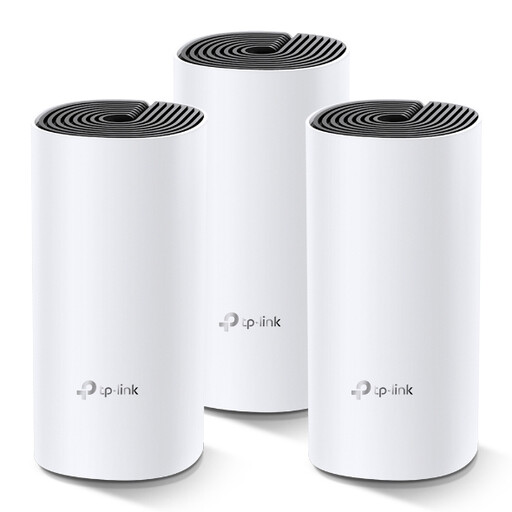
Why It Stands Out: The Deco M4 is a proven and very popular solution. Although it uses the Wi-Fi 5 standard, it delivers more than enough speed and stability for most people to eliminate all WiFi dead zones in their homes. The 3-pack offers excellent coverage for a competitive price.
Pros:
Who is it for? For those looking for a reliable, comprehensive WiFi network for everyday use, such as browsing, streaming, and emailing, who don't necessarily need the very latest technology.
The TP-Link Deco series is a popular starting point, but there are, of course, other brands and models. If these recommendations aren't exactly what you're looking for, or if you have other specifications in mind, you can browse our entire selection.
View more mesh WiFi systems here
A WiFi extender (or repeater) picks up your router's signal and rebroadcasts it. This often cuts your speed in half and creates a separate network (e.g., "MyWifi_EXT"). A mesh WiFi system replaces your router and consists of multiple stations that work together intelligently as one large, seamless network. You maintain maximum speed everywhere, and your device automatically connects to the strongest point without your connection dropping.
This depends on the size and layout of your home. For an apartment or a smaller house (up to 120 m?), a set of two stations is usually sufficient. For larger homes, houses with multiple floors, or thick concrete walls, a set of three provides better coverage. It's better to start with a two-pack and expand later if needed.
No, most modern systems are designed for ease of use. You connect the first station to your modem, download the corresponding app on your smartphone, and follow the instructions. The app will then help you place the other stations in the optimal locations throughout your home. Your new network is usually up and running within fifteen minutes.
