Relevant brands to consider
The features listed below apply to the specific models and product ranges mentioned, not to the brand as a whole.
TP-Link
The models mentioned cover unmanaged gigabit, unmanaged 2.5GbE and configurable gigabit management.
- According to TP-Link Netherlands, the TL-SG105 has five fanless gigabit ports. The TL-SG105-M2 has five 2.5GbE ports.
- The TL-SG105E offers VLAN and diagnostic features, with gigabit ports.
- The TL-SG105E is not a 2.5GbE model, so choose according to the port speed and features you need.
D-Link
The DGS-105 is an unmanaged five-port gigabit switch for straightforward network expansion.
- D-Link Netherlands describes the model as plug-and-play.
- Check that unmanaged gigabit ports suit your network setup and desired speed.
NETGEAR
The GS305v3 is an unmanaged five-port gigabit switch for desktop or wall mounting.
- NETGEAR specifies a fanless design and five gigabit ports for this model.
- Check the product version and connections you need for your setup before ordering.
Joybuy products for your network setup
The Joybuy products below include five- and eight-port gigabit options, including PoE and managed versions, as well as a five-port 2.5GbE option. Business.gov.nl explains that electrical equipment placed on the market in the Netherlands must meet the relevant EU rules, including the manufacturer's required CE marking and EU Declaration of Conformity. Check this for the specific model and power supply.
 No image available
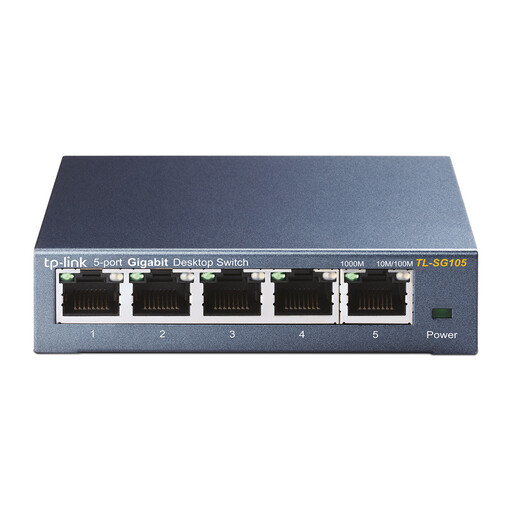
TP-Link TL-SG105 5-port metal gigabit switch
Suited to a small desk setup with gigabit connections and no need for configurable management.
TP-Link Netherlands specifies five gigabit ports, a fanless design and dimensions of 100 × 98 × 25 mm.
The router connection uses one port, so count your other devices before choosing a five-port model.
View at Joybuy
 No image available
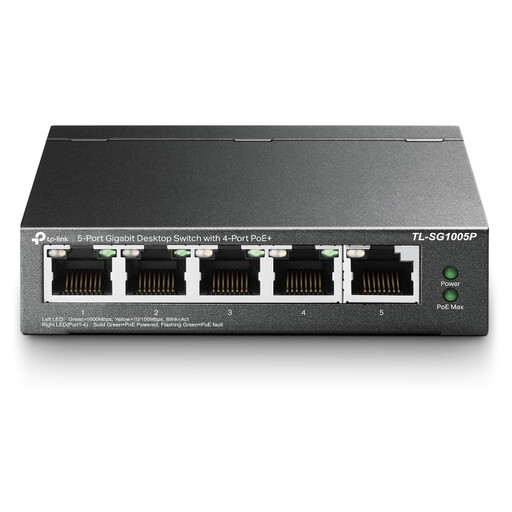
TP-Link 5-port gigabit desktop switch with PoE, 4-port version
Worth considering if you want to connect compatible PoE devices as well as network devices.
The product name lists five gigabit ports and PoE. Before buying, check the PoE port layout and available power for your devices.
View at Joybuy
 No image available
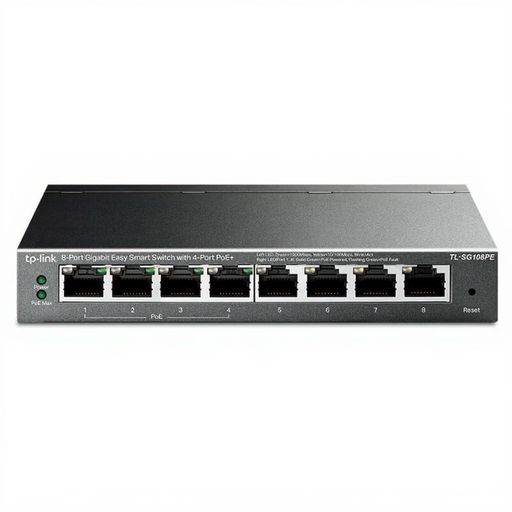
TP-Link 8-port gigabit Easy Smart switch with 4-port PoE version
Suited to a setup where you need more wired connections and configurable network features.
The product name lists eight gigabit ports and Easy Smart management. Check that the management features and PoE port layout suit your devices.
View at Joybuy
 No image available
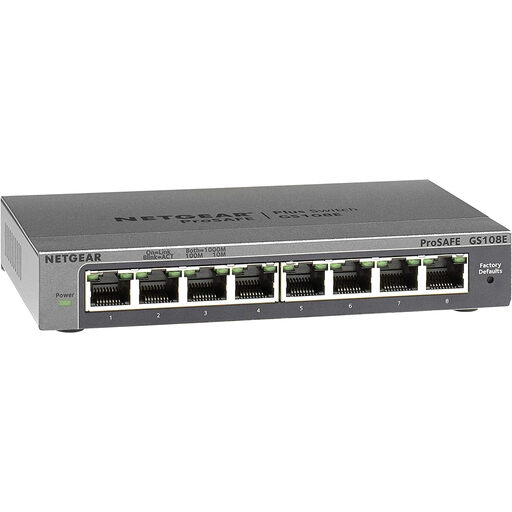
NETGEAR GS108E-400EUS
An option to consider if you want a wired setup with several devices and configurable network features.
For this version, check the number of ports, the management features you need and how they must be managed.
View at Joybuy
 No image available
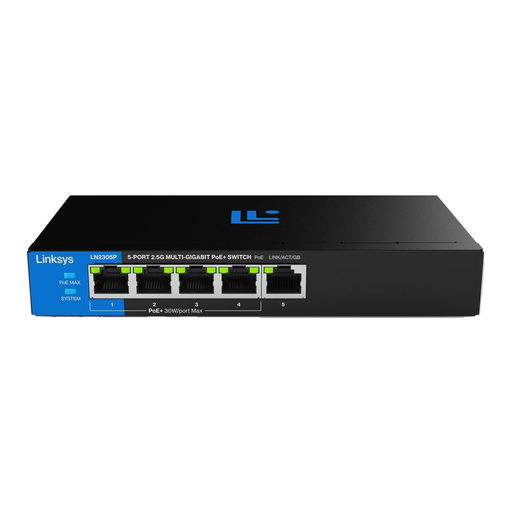
Linksys 5-port PoE 2.5 GB unmanaged switch
Suited to you if you want an unmanaged 2.5GbE option and your media server and client support that speed.
Check that the relevant devices and connections support 2.5 GbE; a switch port alone won't speed up a gigabit connection. For connected PoE devices, allow for the stated total power budget of 60 W.
View at Joybuy
Frequently asked questions
Where do I connect the router and media server?
Use one port for the router connection and another for the media server. With the five-port models mentioned, that leaves three ports free for other devices. Check in advance how many connections you want to use.
Will a 2.5GbE switch automatically make my existing media server faster?
No, not if the media server or the other device on the network path only supports gigabit. Check the connections at both ends; a switch's stated switching capacity is not the same as a measured file transfer speed.
Do I need to configure a switch to connect a media server?
Not if you just want a wired connection to an unmanaged switch. If your network setup requires VLANs or configurable diagnostic or traffic features, choose a model that offers them, such as the TP-Link TL-SG105E.
What are the rules on CE marking and warranties in the Netherlands?
Business.gov.nl explains that manufacturers of electrical equipment placed on the market in the Netherlands must follow the relevant EU rules, including the required CE marking and EU Declaration of Conformity. The Dutch Government explains that there is no fixed statutory warranty period and that the seller must provide a solution if a product is faulty.
Can I return a switch bought online?
According to the Dutch Government, when you buy from a business at a distance, you usually have a 14-day cooling-off period. Check the information for your specific order and any exceptions.


