First, check where the final you want to watch is being broadcast, and whether the required app, access and bedroom TV all work together; a 4K label alone won’t give you access to the match. Then choose a compact stick if space around the TV is limited, or a separate player with Ethernet if you can connect a network cable. Picture quality also depends on the broadcast and the screen.
Who is this guide for?
Viewers who want to be sure they can watch
You want to find out first which app or channel is showing the final you want to watch, and whether it works with your bedroom setup. Simply owning a streaming device won’t give you access to the match. Ziggo and Viaplay each set out their own viewing and playback requirements.
Viewers with weak bedroom Wi-Fi
You’re mainly concerned about interruptions during live coverage and want to compare the Wi-Fi connection where you’ll be watching with the option of a wired connection. Viaplay, Google and Apple set out relevant network and device specifications.
Viewers with a small second TV
You want to keep equipment around the TV to a minimum, so check that you have an HDMI port and suitable power supply, and that HD is enough for your screen. Xiaomi and Amazon describe different stick models and app requirements.
What should you look for when choosing?
Start by making sure you can access the right broadcast. Then consider your connection, the space around the TV and how you’d like to control it.
| What to consider |
What should you check? |
Who is this important for? |
| Access to the final |
Check which Dutch broadcaster is showing it, what access is required and whether the app is available on the exact device. According to Ziggo, using Ziggo GO on a second TV requires a Ziggo internet connection. |
I want to know before buying where this particular final is being shown; otherwise, I may not be able to watch it. Around 36% of consumers put access to the right match first. |
| Reliable live streaming |
Test your connection where you’ll be watching, using the service you’ve chosen. Viaplay recommends a minimum of 10 Mbit/s for the highest quality available; this isn’t a requirement for every other service. Google TV Streamer (4K) and Apple TV 4K (4th generation) have built-in Gigabit Ethernet. |
If I want to avoid interruptions during the final, I’ll first check how well the connection works in the bedroom. Around 29% of consumers make connection reliability their top priority. |
| Size and screen |
Check the HDMI connection, power supply and screen resolution. A 4K player will only deliver the right picture if the broadcast and TV also support that resolution. |
For a small second TV, I don’t want an unnecessarily bulky setup or features my screen can’t make use of. Around 21% of consumers prioritise a suitable size and picture quality. |
| Controls |
Check whether the service supports its own TV app, Google Cast or AirPlay. When casting through the services mentioned, the devices involved need to be on the same network. |
I’d rather use controls I’m already familiar with, such as my phone or a remote control. Around 14% of consumers put familiar controls ahead of other buying priorities. |
What to watch out for when buying
-
Assuming a streaming device gives you access to the match
A device with the right connections or apps doesn’t confirm that the final you want to watch is available through any of them.
First find out which Dutch service is showing the match, then check its access requirements and support for the exact device.
-
Focusing only on 4K or a newer Wi-Fi version
A player can’t improve the broadcast’s picture quality or the connection where you’re watching. Viaplay lists 4K for selected sporting events and HD as the highest quality for live sport in its general quality guide.
Check the quality of the specific broadcast and test live playback in the bedroom before making your decision based on a particular specification.
-
Overlooking the required connection or app
The Google and Apple players reviewed require an HDMI cable, which must be bought separately. App availability can also vary by model.
Check the connections and what’s included in the box, and look up the required app for the exact model before you order.
Brands to compare
These brands offer different types of player. Check that each model has the app and connection you need for where you’ll be watching.
Google
The Google TV Streamer (4K) is a separate player for anyone who wants to combine apps or casting with built-in Ethernet.
- Google lists 4K at up to 60 frames per second, 32 GB of storage and Gigabit Ethernet for this model.
- An HDMI cable is sold separately. These specifications don’t confirm that a particular final is available.
Apple
The Apple TV 4K (4th generation) is a separate player for anyone looking for a device within the Apple ecosystem.
- Apple lists 128 GB of storage and Gigabit Ethernet for this generation.
- An HDMI cable must be bought separately. Check the app and model generation; specifications for older Apple TV models don’t automatically apply to this version.
Xiaomi
The Xiaomi TV Stick 4K (2nd Gen) is a compact Google TV stick for an HDMI TV with Wi-Fi.
- Xiaomi lists 8 GB of storage, an HDMI connection, Wi-Fi and a power adapter included in the box.
- This stick uses Wi-Fi. Check that the connection where you’ll be watching is stable enough for your chosen broadcast.
Joybuy products for built-in streaming
The options shown are TVs with Google TV built in, not separate streaming sticks or media players. They may suit you if you’re looking for a TV with integrated streaming; check separately that the app you need is available.
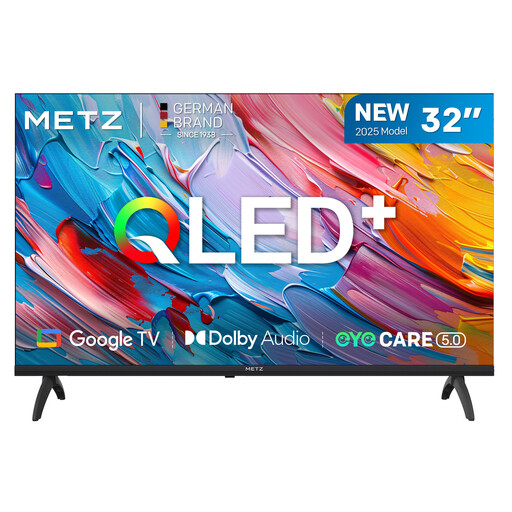 Image unavailable
METZ 32MQF7000Z 32-inch QLED HD Google TV (2025)
May suit you if you’re looking for a compact bedroom TV with Google TV built in and HD is enough for you.
32 inches and HD resolution. The product description lists three HDMI ports, Wi-Fi and Ethernet.
View at Joybuy
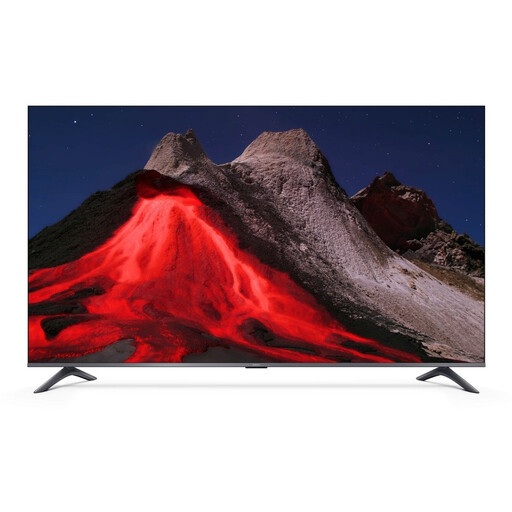 Image unavailable
Xiaomi TV A Pro 2026 50-inch 4K QLED Google TV
May suit you if you’re looking for a larger TV with Google TV built in, and your screen and broadcast support 4K.
50 inches and 4K QLED. The product description lists three HDMI ports, Wi-Fi, Ethernet and Chromecast.
View at Joybuy
Frequently asked questions
Do you need a 4K stick to watch the final in sharp detail?
No, not just because the stick has 4K on the label. Both the TV and the specific broadcast need to support that quality. Viaplay lists 4K for selected sporting events and HD as the highest quality for live sport in its general quality guide.
How do you connect a player, and what should you test before kick-off?
First check whether the TV has a spare HDMI input and what power supply the device needs. Install the right app, sign in and play some live content in advance, where you’ll be watching. According to the providers, the sending device and receiving device need to be on the same network when casting.
What extra costs might there be on top of the device?
It depends on the broadcasting rights and the package required for the final; without knowing which match you mean, it isn’t possible to specify a subscription or cost. Xiaomi notes that a subscription, download or purchase may be required for content. Also check whether you’ll need an HDMI cable for your chosen player.
What are my rights when buying online in the Netherlands?
According to the Dutch Government, most purchases made remotely from a business come with a 14-day cooling-off period, although exceptions apply. Your rights to have a faulty product repaired or replaced are separate from any additional commercial guarantee.


