What should you look for?
Start with the key feel and layout that suit your writing. Then check how easy the key legends are to read in daylight, and consider typing noise if you share your workspace.
| What to consider |
What should you check? |
Who is this most relevant to? |
| Key feel and working posture |
Compare the switch type and keyboard layout, and check whether the keyboard’s height suits your workspace. |
If I write for long periods and make frequent edits, I want a key feel that suits the way I type. This is the main priority for around 33% of consumers in this situation. |
| Readability in daylight |
Check the key legends with the backlighting both on and off, under the lighting conditions at your workspace. Assess screen glare separately. |
If you work by a bright window, you’ll want to be able to make out the letters on the keys even as the daylight changes. Around 27% of consumers prioritise this readability. |
| Layout for text and numbers |
Check the function row, arrow keys, number pad and exact language layout of the version you’re considering. |
A number pad is important if you enter a lot of budget figures; if you mainly work with text, a more compact keyboard may better suit the space you have. Around 20% of consumers put the layout they need first. |
| Typing noise |
Check which switches are actually fitted. A dampened switch doesn’t mean the entire keyboard is silent. |
If I write in a shared workspace, I want to be considerate of others without losing sight of the key feel I want. Around 20% of consumers make noise their first consideration. |
Joybuy keyboards
This selection of Joybuy products includes compact mechanical keyboards and a version with a 96% layout.
 No image available
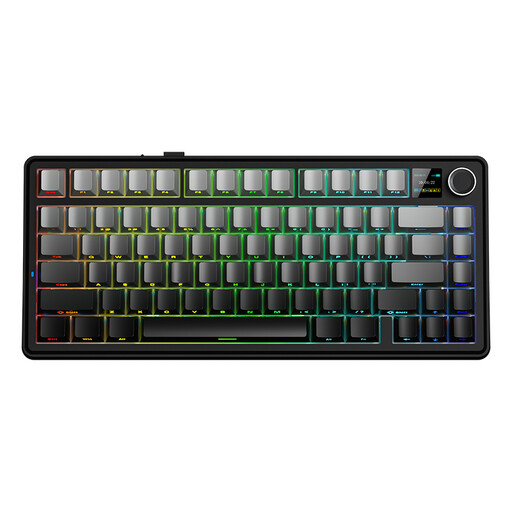
AULA F75 MAX 75%, QWERTY US, Reaper Switch
A compact layout to consider if you mainly write text and are looking for a smaller keyboard.
75% layout; QWERTY US; tri-mode: wired, Bluetooth and 2.4G; side-engraved keycaps.
Joybuy
 No image available
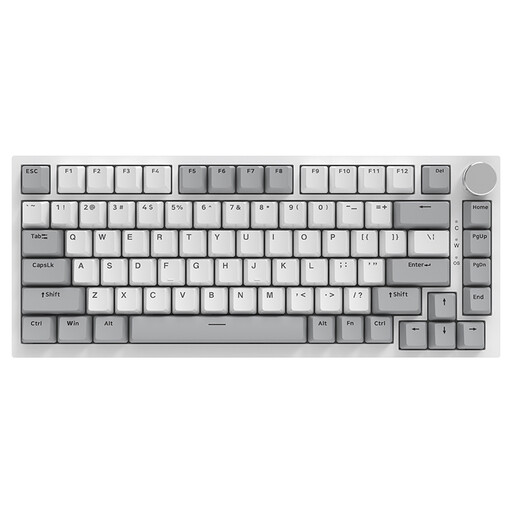
AJAZZ AK820 75% wired, QWERTY US
A compact wired version to consider if you want a function row and arrow keys for editing text.
75% layout; wired; QWERTY US; hot-swappable linear switches; PBT keycaps; 83 keys.
Joybuy
 No image available
AJAZZ AK820 Pro 75%, QWERTY US, Flying Fish Switch
A compact version to consider if you want a function row and arrow keys alongside a choice of connection options.
75% layout; QWERTY US; wired, Bluetooth and 2.4G; hot-swappable; PBT keycaps.
Joybuy
 No image available
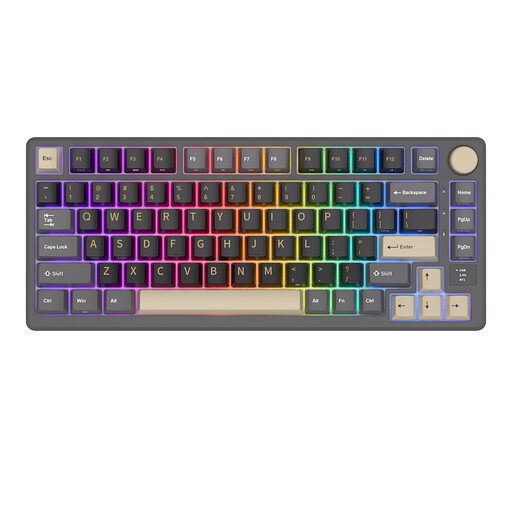
RK ROYAL KLUDGE M75 Phantom 75%, Cream Switch
A 75% version to consider if you’re looking for a more compact layout and several connectivity options.
81 keys; USB-C, Bluetooth and 2.4G; hot-swappable Cream Switch.
Joybuy
 No image available
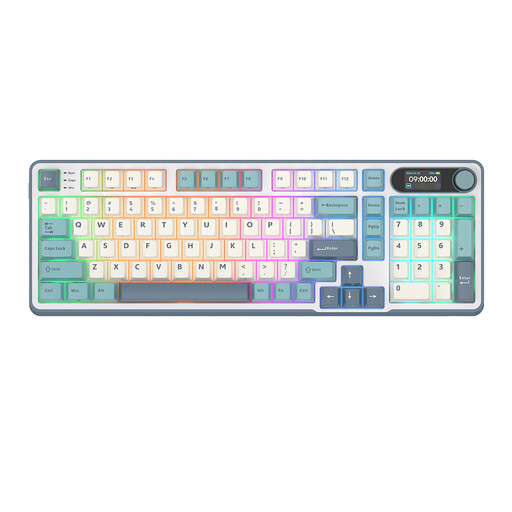
RK ROYAL KLUDGE S98 Light Cloud 96%, Snow Emperor Switch
A 96% layout to consider if you’re looking for a larger keyboard than the compact 75% models.
98 keys; Bluetooth, 2.4G and USB-C; hot-swappable Snow Emperor Switch.
Joybuy
Frequently asked questions
Do you mainly need backlit keys when working by a bright window?
Not necessarily. First check whether you can read the key legends in daylight and whether glare makes your screen difficult to see. Arboportaal identifies sun blinds and the position of your workspace in relation to windows as things to consider for screen-based work; keyboard backlighting doesn’t replace these measures.
How do you connect a separate keyboard to your laptop?
It depends on the version. The AJAZZ AK820 reviewed connects via USB-C; the Keychron K8 Pro ISO is described as using Bluetooth. Check that the connection type and physical key layout of the version you choose suit your laptop and preferences.
How do you maintain a keyboard with replaceable switches?
First check that the specific version you’ve chosen is hot-swappable and find out which switches are compatible. Keychron describes the K8 Pro ISO hot-swap version as having replaceable switches; you can’t tell whether this feature is included from the model name alone.
What are your rights if a keyboard bought online doesn’t work properly?
If you buy as a consumer from a business, you’re entitled to a product that works properly in the Netherlands. According to the Dutch government, you should contact the seller to find a solution. The Netherlands has no fixed statutory guarantee period. Online purchases generally come with a 14-day cooling-off period; check which terms apply to your purchase.
Are you legally required to use a separate keyboard when working on a laptop?
Not for every user. Arboportaal states that for employees who work with a screen for more than 2 hours a day, the screen and keyboard must not be joined together; in that case, it must be possible to use a separate screen or keyboard with a laptop. Whether these workplace rules apply to you depends on your work.


