What should you look for in a controller for long RPG sessions?
First, check that your system and game support the controller. Then assess its grip and power options, and only after that consider whether extra controls would add anything to your RPG.
| What to consider |
What should you look for? |
Who is this important to? |
| Comfort in your hands |
Try the grip for yourself and check that you can reach the sticks and triggers comfortably. Remember to take breaks during long sessions, too. |
When I play for a long time, I want the controller to feel comfortable and the buttons to be within reach without forcing me into an awkward posture. Around 36% of consumers put comfort in their hands first. |
| Platform and game |
Check your system, whether your RPG supports the controller and which connection is required. Sony says that DualSense haptic feedback on PC requires both USB and game support. |
If I play on one particular system, I want to know that my RPG supports not just the controller, but also the features I want to use. Around 29% of consumers put compatibility first. |
| Power |
Check the battery type, what’s included in the box and the charging options. Nintendo estimates that the Switch 2 Pro Controller’s battery lasts around 40 hours. |
I don’t want to interrupt a story-driven session to change batteries or recharge. Around 21% of consumers prioritise power options that avoid unwanted interruptions. |
| Customisable controls |
Decide which actions you’d like to reassign and check that the controller and game support those settings. |
If I use the same RPG actions often, extra buttons can be handy, but only if the layout suits my game. Around 14% of consumers give customisable controls top priority. |
Joybuy controllers for different platforms
These Joybuy products are compatible with a range of platforms, including PS5, Xbox, PC and Nintendo Switch 2. Check which features and connections are supported by each controller and game.
 No image available
PS5 DualSense wireless controller V3, Cosmic Red
For anyone looking for DualSense controls on PS5. On PC, check that your RPG supports the features you want.
The product information lists a built-in rechargeable battery, haptic feedback and adaptive triggers. Sony says that haptic effects on PC require USB and game support; adaptive trigger support depends on the game.
View at Joybuy
 No image available
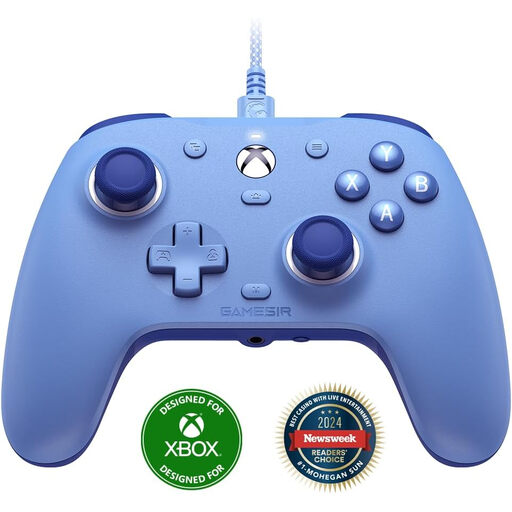
GameSir G7 SE, Dynamic Blue
For Xbox or Windows players considering a wired controller with extra buttons.
The product name lists Xbox Series X/S, Xbox One and Windows 10/11. The product information lists a USB connection, two programmable rear buttons and Hall Effect sticks and triggers. If you play wired, make sure the cable can reach.
View at Joybuy
 No image available
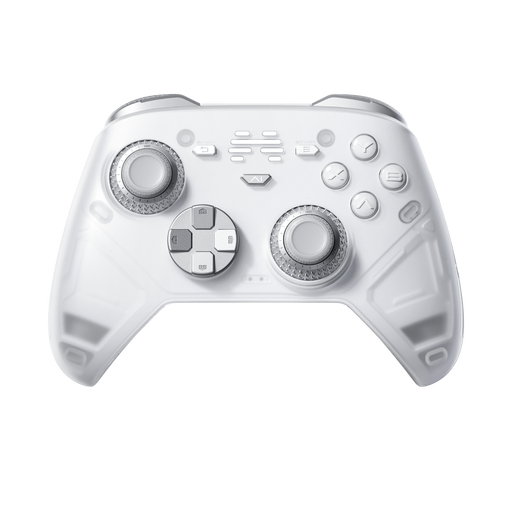
BEITONG KP70 Elite Wireless Gaming Controller
For anyone looking for a wireless controller with programmable buttons and playing on one of the listed platforms.
The product name lists PC, Nintendo Switch and Switch 2, Steam and Android, as well as haptic triggers, adjustable joystick resistance and six programmable buttons. Check that your game and chosen connection support the features you want.
View at Joybuy
 No image available
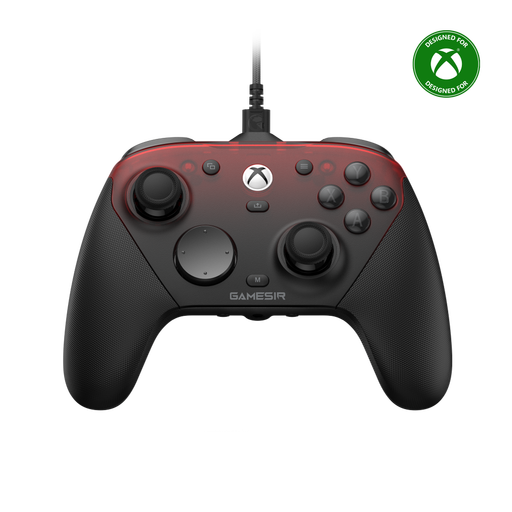
GameSir G7 Pro Tri-Mode, Shadow Ember
For anyone who wants to use a custom button layout and whose gaming system supports one of the listed connection types.
The product information lists wired use with Xbox and wireless use with PC and mobile devices. It also mentions programmable rear buttons, Hall Effect sticks and triggers, and trigger stops. Check which connection works with your RPG and platform.
View at Joybuy
 No image available
Nintendo Switch 2 Official Pro Controller, Black
For anyone who plays on Nintendo Switch 2 and is looking for a controller for that system.
The product information lists a rechargeable battery. Nintendo says this model is for Switch 2 only and estimates battery life at around 40 hours; actual battery life may vary.
View at Joybuy
Frequently asked questions
Does DualSense work on PC exactly as it does on PS5?
No, don’t assume all the same features will be available. Sony says you can connect DualSense to a PC via USB or Bluetooth, but adaptive triggers depend on the game, while haptic feedback on PC requires both USB and game support.
How can you stay comfortable during a long RPG session?
Choose a grip and button layout that are comfortable for your hands, and vary your posture and activity. The Arboportaal recommends taking micro-breaks when working at a screen. This is general guidance, not a legal limit on how long you can game at home.
Does a USB-C port mean you can recharge your Xbox controller?
No, a USB-C port doesn’t prove that the controller has a built-in battery. Microsoft distinguishes between the standard Xbox Wireless Controller and the Elite Series 2, which does have an internal rechargeable battery. Check the battery type and what’s included in the box for your model.
Does an older Switch Pro Controller have the same features on Switch 2 as the new model?
No. Nintendo says the older Switch Pro Controller can be used wirelessly with Switch 2, but separately lists GL/GR buttons, a C button and a headset jack for the Switch 2 model.


