
Vandaag of morgen in huis

Kwaliteit gegarandeerd

Welkomstaanbiedingen ontgrendelen: GRATIS bezorging | Tot 80% korting | Gratis 30 dagen JoyPlus-proefperiode
Download de app
A Logitech mouse might seem simple, but the differences between models can be significant. A compact mouse with three buttons is suitable for basic use, while an ergonomic Logitech mouse, Bluetooth mouse or Logitech gaming mouse is designed for a different purpose.
Watch out for these three common pitfalls:
There are three common connection options for everyday office use and working from home:
Some models combine both options. The Logitech MX Master series and Logitech Lift support Bluetooth and a USB receiver. According to Logitech’s product description, the G309 combines Bluetooth with LIGHTSPEED.
An ambidextrous mouse is suitable for both left- and right-handed use, but often has less pronounced thumb support. The 910-002201 and M185 are compact examples with a symmetrical design.
An ergonomic Logitech mouse is usually shaped for one hand. The MX Vertical and Lift are vertical models for right-handed users. The Signature M650 L is specifically designed for left-handed users with larger hands. Always check the dimensions and hand orientation before ordering.
Weight matters even more for gaming. According to the product specifications, the Logitech G PRO X Superlight 2c weighs 53 grams and has five buttons. The G309 weighs 86 grams with an AA battery. A lighter model can feel comfortable during quick movements, while a heavier mouse may feel more stable.
Three buttons and a scroll wheel are often enough for basic use. Programmable mouse buttons are useful for shortcuts, editing, spreadsheets and games. Check whether software such as Logitech Options+ or G HUB is required.
Also consider the power source:
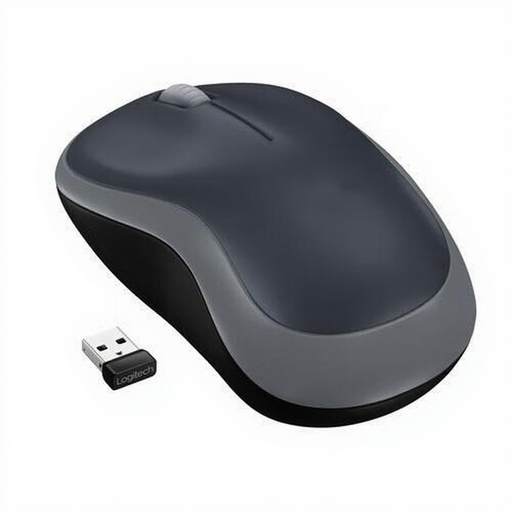
Why it suits this user: A straightforward wireless Logitech mouse for home, schoolwork and basic office tasks.
The specifications are clear: 2.4GHz RF, a nano USB receiver, three buttons and 1,000 DPI. So you won’t pay for features you don’t use.
Ambidextrous design, range of up to 10 metres according to the product information, and power from a single AA battery.

Why it suits this user: Designed for business users and people working from home who switch frequently between documents, windows and multiple devices.
There’s more to consider than DPI: the mouse has a thumb rest, a horizontal scroll wheel and eight programmable buttons.
Bluetooth and Logi Bolt, adjustable 8,000 DPI, USB-C charging and support for up to three devices according to the product specifications.
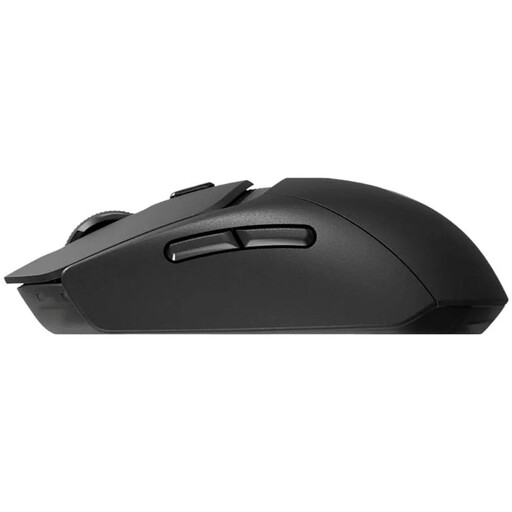
Why it suits this user: For gamers who need wireless freedom, adjustable sensitivity and programmable mouse buttons.
You’re not limited to one connection type: according to the product information, you can choose between LIGHTSPEED and Bluetooth.
HERO 25K sensor, six programmable buttons, AA power and a stated battery life of more than 300 hours.
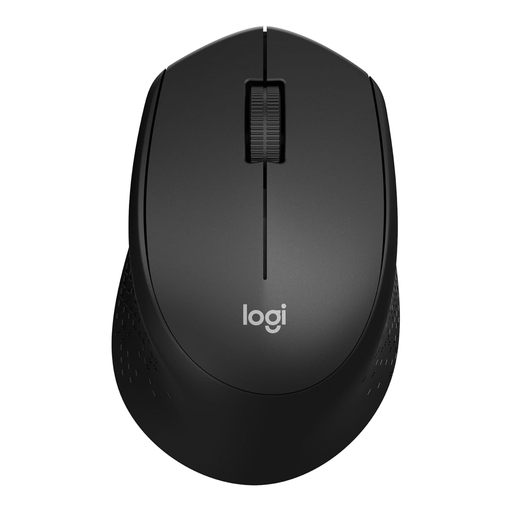
Why it suits this user: For people working from home, shared offices and libraries where clicking sounds can be distracting.
According to Logitech, SilentTouch reduces clicking noise by more than 90 per cent. Do check that its quiet operation is suitable for your working environment.
1,000 DPI, optical tracking, a nano USB receiver and a battery life of up to 24 months, as stated by Logitech.
We’ve put together a complete, up-to-date list of products that meet these strict selection criteria and current European safety regulations.
Yes. For documents, email and browsing the internet, models with 1,000 to 4,000 DPI are generally practical. Check that your computer has a free USB-A port for the receiver, or choose Bluetooth if you want to work without a dongle.
A Bluetooth mouse pairs directly with the Bluetooth connection on your laptop, tablet or computer. A wireless mouse with a USB receiver uses a separate dongle. The receiver is handy for devices without Bluetooth, but it does take up a USB port.
It varies by model and how you use it. AA models such as the M185 and M330 depend on the battery type and how long you use the mouse. Rechargeable models need a USB cable. The stated battery life is based on manufacturers’ estimates; settings, connection and usage all affect how long it lasts in practice.
