Controllers on Joybuy
This selection includes controllers listed for use with PC and Xbox, PS5 and PC, and Nintendo Switch. Check that the connection, features and local multiplayer controls suit your setup for each version and game.
 No image available
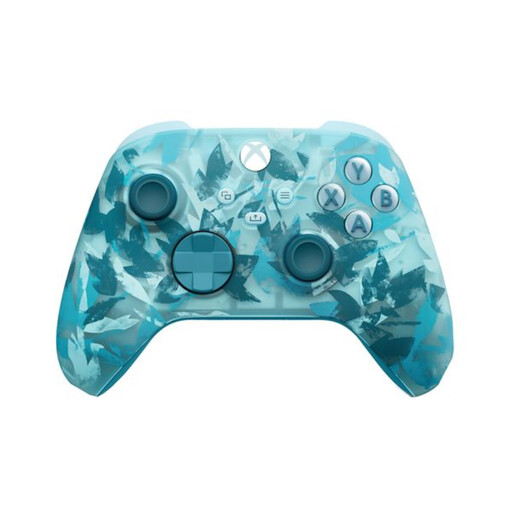
Xbox Wireless Controller, Ice Breaker Special Edition
Worth considering for a wireless PC or Xbox setup; check that your game supports the controller.
The product description lists Windows 10/11, Xbox Wireless, Bluetooth, USB-C and button mapping.
View on Joybuy
 No image available
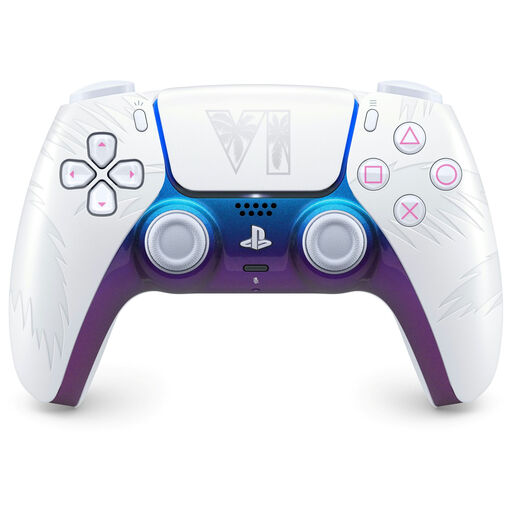
PlayStation DualSense, Grand Theft Auto VI White Limited Edition
Worth considering for a PS5 or PC setup; check which features your game supports.
The product description lists PS5 and PC, haptic feedback, adaptive triggers, USB-C and Bluetooth. On PC, haptic feedback and adaptive triggers depend on the game; USB may be required for these features.
View on Joybuy
 No image available
GameSir Cyclone 2 Multiplatform Controller, Black Bundle
The product title lists use with PC, Switch, iOS and Android. Check the connection and game support for your setup.
The title lists Mag-Res TMR sticks, Hall and Micro 2-in-1 triggers, RGB lighting and a charging dock.
View on Joybuy
 No image available
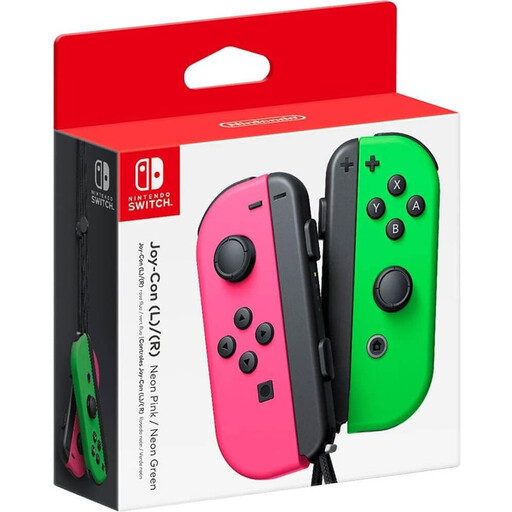
Nintendo Switch Joy-Con pair, Neon Green/Neon Pink
Worth considering for local Switch games; use one Joy-Con per player only if the software supports that play style.
The product title identifies a pair of Joy-Con controllers for Nintendo Switch.
View on Joybuy
 No image available
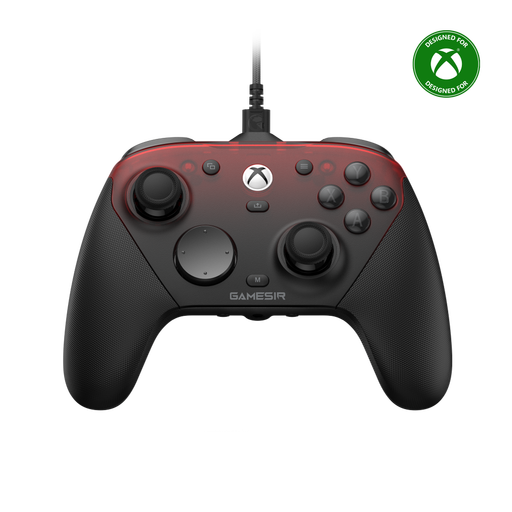
GameSir G7 Pro Tri-Mode, Shadow Ember
Worth considering for an Xbox, PC or mobile setup; check which connection and controls your game supports.
The product title lists wired controls for Xbox Series X|S and Xbox One, and wireless controls for PC and mobile. It also lists Android and Steam as compatible.
View on Joybuy
Frequently asked questions
Will multiple controllers automatically work in every local arena game?
No. Check whether the game supports local multiplayer and the controller input you’re using. Valve / Steam Support explains that some PC games may prioritise input methods differently when multiple controllers are connected.
Can you use Steam Input if your game doesn’t support a gamepad?
According to Steam, a gamepad input style only works with games that support gamepads. Check whether the specific game allows keyboard or mouse mapping; this option also depends on the game.
What can you check if the controller isn’t responding?
First, check whether your device recognises the controller and whether the connection method is right for the model. For multiple PC controllers, Valve / Steam Support recommends testing the input devices separately. GameSir describes connecting the G7 SE using its USB-C cable.
Can you put local media files on any controller?
No, that isn’t a feature controlled by the controller itself. Check whether the specific game and device can import local files, which formats are supported and how the files are stored.
What if a controller you bought online isn’t suitable or becomes faulty?
ACM ConsuWijzer says online purchases generally have a cooling-off period of up to 14 days after delivery; check which exceptions and returns terms apply. If a product doesn’t meet what you can reasonably expect, you also have statutory rights and the seller is responsible.


