What should you look for when choosing?
First, check that the games you want can be played locally with your group. Then compare the controllers you’ll need, where you’ll play and which game edition to buy.
| What to consider |
What should you check? |
Who is this most important for? |
| Local co-op for your group |
Check whether each game supports local co-op, the number of players, shared-screen play and the controller setup required. |
If I play with different housemates, I want to know whether everyone can join in at the same time on one console. Around 36% of consumers prioritise local play for the group they want to play with. |
| Sharing the cost |
Compare the console edition, the controllers you’ll need, the games you want and any extra storage. |
If we’re paying for the purchase together, I want to budget for the console, extra controllers and games in advance. Around 29% of consumers put the total shared cost first. |
| Playing without the TV |
Decide whether you need tabletop or handheld play, and check that your chosen game supports that way of playing. |
If the living room TV is often in use, I want to be able to play somewhere else too. An estimated 21% of consumers particularly value not having to rely on the shared TV. |
| Using physical games |
Check whether the console has a disc drive or game card slot, and whether your chosen games are compatible. |
If housemates already own games on disc or game card, I want to know whether they’ll work with the edition we choose. Around 14% of consumers base their choice mainly on physical games. |
Joybuy products
This selection includes Nintendo Switch 2 editions, a PS5 Slim Disc Edition bundle and a Blackview PlayPop 8. For each product, check that the included games and play modes suit your group.
 No image available
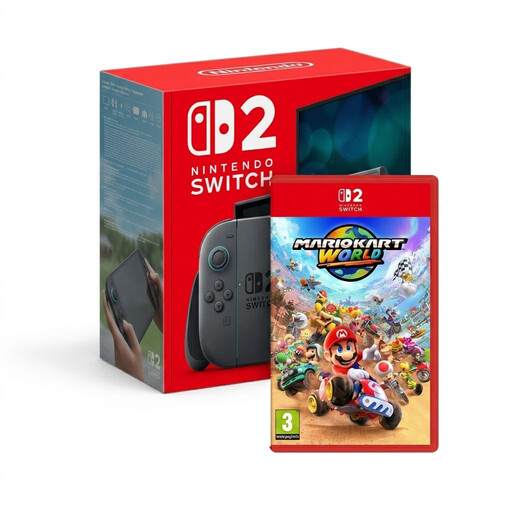
Nintendo Switch 2 + Mario Kart World
A bundle for anyone who wants to combine local racing with gaming on a portable system.
Mario Kart World is listed as supporting up to four players offline on one system. Check which controllers the game requires for your setup.
View at Joybuy
 No image available
Nintendo Switch 2 console (EU)
Ideal if you want to switch between playing on the TV and gaming away from the TV setup.
The product description lists TV, tabletop and handheld modes. Check which player and controller modes are available for the game you want.
View at Joybuy
 No image available
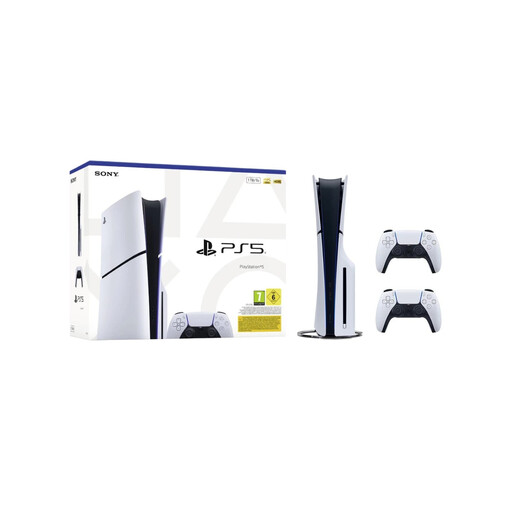
Sony PlayStation 5 Slim Disc Edition, 1 TB
A disc edition for anyone who wants to play local PS5 games and use physical games.
The bundle name lists two white DualSense wireless controllers and a disc drive. Check whether each game you want supports local co-op.
View at Joybuy
 No image available
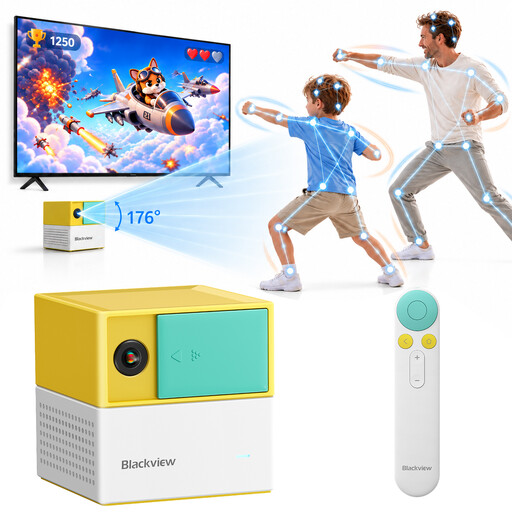
Blackview PlayPop 8 AI Motion Game Console
The product title mentions support for up to four players and controller-free play. Check that the included games suit the adventures you’re looking for.
The description lists 22 built-in family and educational games. Check whether each game lets players join in locally at the same time.
View at Joybuy
Frequently asked questions
Do you need an online subscription to play together on one console?
Not always: local play and online multiplayer are different modes. Sony lists PlayStation Plus as a requirement for online multiplayer. Check the requirements for the specific game and the mode you want to play.
Can two housemates always play with the two included Joy-Con 2 controllers?
No, it depends on the game. The standard Switch 2 bundle includes a left and a right Joy-Con 2, but check that the game you want supports two local players and accepts individual Joy-Con 2 controllers.
Which storage expansion works with Switch 2?
Nintendo recommends microSD Express for expanding game storage. According to Nintendo, other microSD standards can only be used to copy screenshots and videos from a Switch. A system update via the internet is required to use microSD Express.
What should you do if a console bought online turns out to be faulty?
If there’s a fault, contact the seller. According to the Dutch Government, a product must meet reasonable expectations and the seller is your point of contact. The Netherlands doesn’t have a fixed statutory warranty period of two years; a manufacturer’s warranty is in addition to your statutory rights.
Can you return a console bought online?
For eligible online purchases from a business, you usually have a 14-day cooling-off period, according to the Dutch Government. Check the terms and any exceptions. This doesn’t, by itself, tell you anything about a digital game bought separately.


