Camera brands to compare
The features below relate to the models and versions mentioned. Manufacturer specifications are not an independent test of reproduction quality.
Canon
The EOS R50 is a mirrorless camera with a choice of RF and RF-S lenses; the PowerShot G7 X Mark III is a compact alternative with a fixed lens.
- Canon lists an APS-C sensor with 24.2 effective megapixels for the EOS R50, which supports RF and RF-S lenses.
- A body-only model still needs a lens, while the PowerShot has a fixed lens. These features don’t prove a difference in reproduction quality.
Fujifilm
The X-S20 is a mirrorless camera with an X mount, for anyone who wants to choose their own lens and RAW workflow.
- Fujifilm specifies 26.1 effective megapixels and 14-bit RAW for the X-S20.
- Check which lens comes with your chosen kit. Film simulations alone are no proof of colour-accurate reproduction.
Sony
The α6400A is a compact mirrorless camera with an E mount; the Dutch version described is body only.
- Sony lists a 24.2MP APS-C sensor for this version.
- You’ll still need a suitable lens. Autofocus claims don’t answer the question of how well it captures a static linocut print.
Nikon
The Z50II is available as a camera body or in lens kit versions.
- The separately listed VOA150AE body identifies a specific Z50II version.
- Nikon states that a charger isn’t included with this body; lens kit contents may vary. Check the bundle you choose.
OM SYSTEM
The Tough TG-7 is a compact camera with a fixed lens; the manufacturer also positions it for close-ups.
- OM SYSTEM lists a 12MP sensor and a fixed lens with a 25–100mm equivalent range.
- Close-up features don’t prove that the camera is better suited to photographing an entire linocut print. Check the framing and working distance.
Cameras at Joybuy
This selection includes compact cameras and cameras supplied with a zoom lens. For each model, check that the lens suits your print, the detail shots you want and your shooting distance.
 No image available
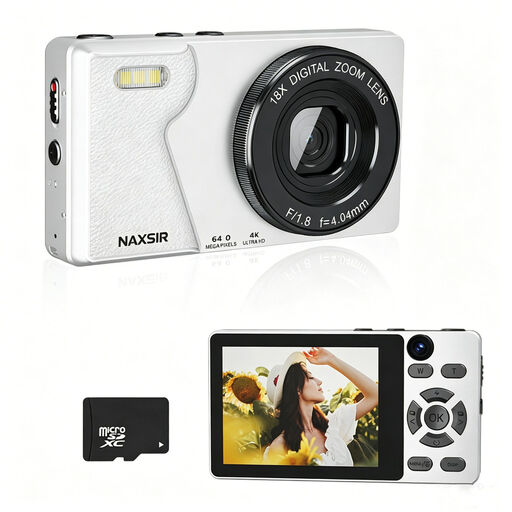
NAXSIR 4K Ultra HD digital camera, 64 MP, 18x digital zoom, with 32 GB memory card
The title lists photography and video features. Check whether the camera can frame both the entire print and the detail shots you want from your shooting distance.
The product title lists 64 MP photo resolution, 18x digital zoom, autofocus and a 32 GB memory card.
View at Joybuy
 No image available
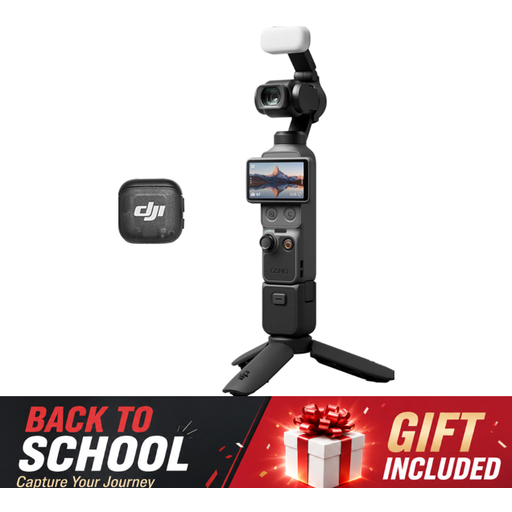
DJI Osmo Pocket 3 Creator Combo
The product title mentions photography. Check whether the camera can frame the entire linocut print and any details you want to capture.
The title lists a Creator Combo and 4K/120fps video; this video specification doesn’t indicate how well it can frame a still print.
View at Joybuy
 No image available
Songdian pocket camera 4K 44MP, 16X zoom, pink
The product title lists photography and video. Check the framing for your print size and available working distance.
The title lists 4K, 44 MP and 16X zoom. These specifications alone don’t show whether the camera can handle the detail shots you want.
View at Joybuy
 No image available
Sony ZV-E10 with 16–50mm zoom lens, black
The included zoom lens may be useful if you want to frame your shots in different ways. Check that its range suits your shooting distance.
The product title lists a 16–50mm zoom lens.
View at Joybuy
 No image available
Sony Alpha A6100 with 16–50mm f/3.5-5.6 OSS II
This version is listed as a lens kit. Check that the lens can frame the whole print and the details you want from your available shooting distance.
The product title lists a 16–50mm f/3.5-5.6 OSS II lens.
View at Joybuy
Frequently asked questions
Can RAW help if artificial light makes colours look warm?
Yes. RAW gives you more scope to adjust the white balance afterwards, as Canon Netherlands explains. Keep the lighting consistent, though: RAW won’t correct hotspots or uneven exposure.
How can I stop my linocut print looking crooked or unevenly lit in photos?
Lay the print flat, point the camera straight at it and check that the light falls evenly. Printbeat warns against mixing daylight and artificial light when photographing artwork for reproduction. Take a test shot before capturing a whole series.
What extra parts should I check when buying a camera kit?
First, check whether you’re buying a body-only version or a kit with a lens. Then check the box contents for that exact version and see whether you’ll need a suitable lens or any other parts.
What cancellation period and guarantee apply when buying a camera online in the Netherlands?
For online consumer purchases, there is generally a statutory 14-day cancellation period after delivery, subject to exceptions, according to ACM ConsuWijzer. The statutory guarantee is separate from any manufacturer’s warranty; exactly what you’re entitled to depends on what you could reasonably expect from the product.
Can I publish a photo of someone else’s linocut print online?
Not necessarily. According to the Dutch government, you generally need the creator’s permission to make someone else’s copyright-protected work available to the public; a copy for personal use cannot simply be shared. Check the rights for the specific print.


