What should you look for when buying?
First, consider the light position and diffusion. Then check that the mount will fit, and finally make sure the light controls and power supply meet your needs.
| What to consider |
What to look for when buying |
Who is this important for? |
| Shadows and backlighting |
Check whether the panel gives off diffused light and is dimmable. You could also try repositioning a window or your existing lighting first. |
If backlighting makes my face look dark, I want to check the light position first. Around 33% of consumers rank reducing facial shadows as their top buying priority. |
| Space and mounting |
Check the edge of your screen, the thickness of your desk, and whether a mount or stand is included. |
I don't want a separate base taking up desk space. Space-saving mounting is the top buying priority for around 27% of consumers. |
| Light controls |
Check whether you can adjust the brightness and colour temperature as the ambient light changes. |
I want to be able to adjust the light when daylight and room lighting change. Around 20% of consumers prioritise adjustability. |
| Power and portability |
Check whether the light has a battery and whether the available port or adapter supplies enough power for your chosen brightness setting. |
If I use the light in different places, I don't want to rely on a fixed cable every time. For around 20% of consumers, portability or power is their top buying priority. |
Joybuy products for video lighting
This selection includes portable video lights, a phone ring light and a compact fill light for video or content creation setups. Check whether each model's mount will work with your laptop, monitor or other workspace.
 No image available
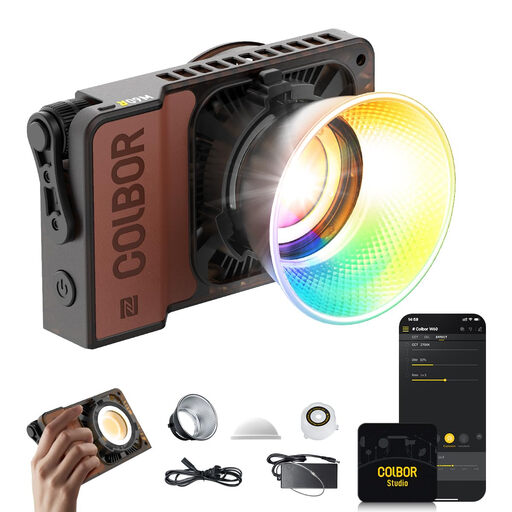
COLBOR W60R RGB video light, 60 W, 345 g
An option to consider if you want a portable video setup and the ability to adjust brightness and colour temperature.
The product name lists 60 W, RGB and a weight of 345 g. The product description mentions control via buttons or an app, as well as adjustable brightness and colour temperature.
View at Joybuy
 No image available
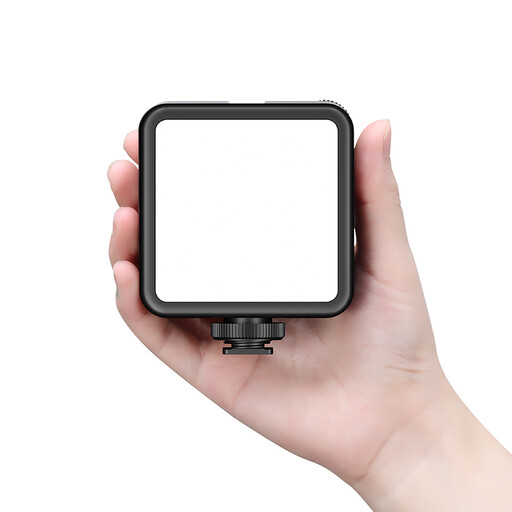
Ulanzi VL81 rechargeable LED video light
Well suited to a portable setup if you don't want to keep the light plugged into a power cable.
The product description lists a battery, USB-C charging and adjustable brightness and colour temperature. The cold shoe and 1/4"-20 mounts aren't laptop or desk mounts, so you may need a separate stand.
View at Joybuy
 No image available
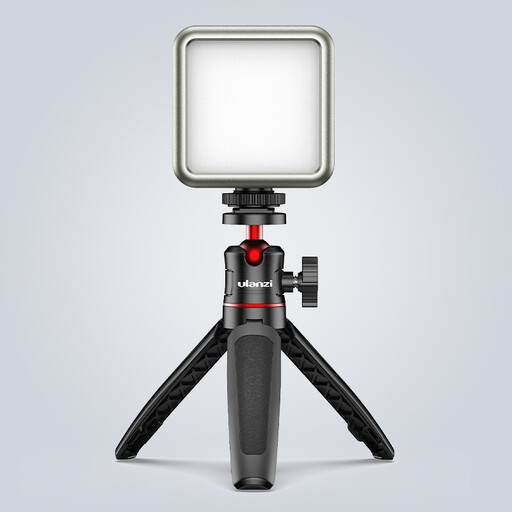
Ulanzi VL49 RGB video light
A compact option if you're looking for a portable video light with a choice of different lighting settings.
The product name lists a 2000 mAh battery, dimming and a colour temperature range of 2500–9500 K. It also mentions a magnet on the back, so check whether this type of mount will work in your workspace.
View at Joybuy
 No image available
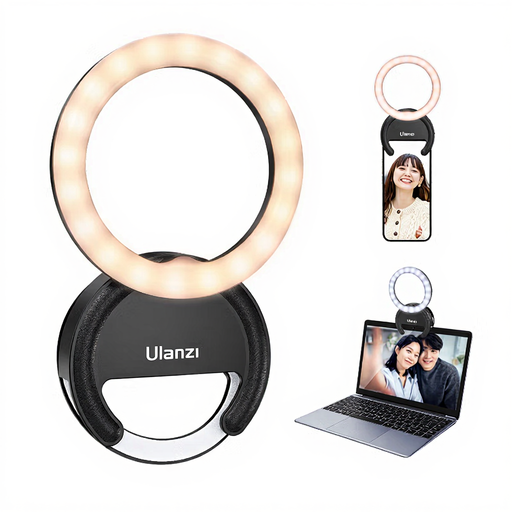
Ulanzi 4-inch phone ring light
Designed for video calls or streaming when you're using your phone as the camera. The described mount is a smartphone clip.
The product name lists three colour temperatures from 3000–7000 K and five brightness levels. The smartphone clip isn't designed to mount on a laptop or monitor.
View at Joybuy
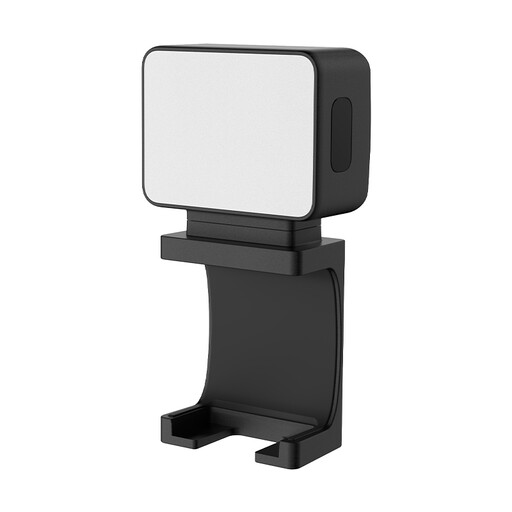 No image available
Ulanzi LM001 portable mini fill light
A portable fill light for a video setup where a small light and a suitable mounting option are important.
The product name lists a 500 mAh battery. The product description mentions a magnetic base and a 1/4-inch thread, so check that it will fit the stand you want to use.
View at Joybuy
Frequently asked questions
Where should you put a light if your webcam makes your face look dark?
First, remove any strong light behind you and try placing soft light in front of your face. Zoom recommends indirect lighting for video conferences, but the result will also depend on your room and camera.
Will every compact video light mount directly onto a laptop?
No. Logitech says a monitor mount is included with the Litra Glow, while Ulanzi lists a cold shoe mount and 1/4"-20 thread for the VL81. Check which separate stand for the VL81 will work in your workspace.
Will the Elgato Key Light Air MK.2 reach its maximum light output through any USB-C port?
No. Elgato says the light's output of around 2100 lumens depends on sufficient input power. For full brightness, it specifies a power supply of 30 W or more, which isn't included. Check that your port or adapter can supply enough power.
Is a CE mark the same as an independent safety certificate?
No. According to the European Commission, the CE mark is the manufacturer's way of indicating that the product complies with the relevant EU product rules. There is no central EU body that issues a general CE certificate. The applicable rules need to be assessed for each specific product.
What are your rights when you buy a light online in the Netherlands?
For online purchases from a business, you will generally have 14 days to change your mind. You also have a legal right to a product that works as it should, but the Netherlands has no fixed statutory warranty period. If a product is faulty, contact the seller.


