
Creator with a cramped desk
Shows products and how they work from one fixed workspace and wants to keep the work surface clear. Elgato describes a desk clamp as a way to save desk space.


Start with your setup: a diffuser or a larger light source can help soften shadows during a product demo, while a desk clamp keeps your workspace clear if your desk edge is suitable. Then choose the right colour setting and power supply, and check the mount, included adapter and applicable conformity information for the exact version. Manufacturer specifications alone can’t predict how the light will look on your desk.
Shows products and how they work from one fixed workspace and wants to keep the work surface clear. Elgato describes a desk clamp as a way to save desk space.
Wants labels, materials and small components to be clearly visible, so pays attention to the shape of the light, shadows and adjustable white light. Adobe and Canon Europe discuss shaping light for product photography.
Moves between filming locations and weighs up power, mounting and the size of the subject being lit. NEEWER and Ulanzi describe different portable lighting setups.
First decide which area you want to light and where the lamp can go. Then choose colour settings and power to suit your filming.
| What to consider | What should you check? | Who is this important for? |
|---|---|---|
| Soft light on the product and your hands | Check the size of the light source, whether it has a diffuser and how much space the lamp needs. Only compare light output figures when they use the same measurement distance and light modifier. | If I want to show both the product and my hands clearly, I pay attention to shadows and the size of the light source. Around 33% of consumers give soft key lighting top priority. |
| Clear workspace | Measure the edge and thickness of your desk, where you want to position the lamp and how much room the camera needs. Elgato gives a maximum desk thickness of 6 cm for the Key Light Air MK.2; that measurement won’t necessarily apply to other models. | When my desk also needs to accommodate a camera and product, I want to know whether a clamp will fit or a stand will get in the way. Around 27% of consumers put a clear workspace first. |
| Consistent product colours | Check the adjustable colour temperature range in kelvin and the CRI rating for the exact model. Set up the lamp and camera in the same way for each recording. | If product colours need to look consistent across different demos, I look for adjustable white light and repeatable settings. Around 27% of consumers prioritise colour consistency. |
| Power and portability | Check whether a battery and adapter are included and how much power the panel needs. Also make sure the mount suits the places where you film. | When I film in different locations, I want to know whether I’ll need a mains socket and how to mount the lamp. Around 13% of consumers prioritise portability and power. |
A figure measured at 0.5 metres isn’t directly comparable with one measured at 1 metre. A diffuser or other light modifier will also affect the comparison.
Only compare figures measured at the same distance, and check which accessories were used. Then see how the light falls in the workspace where you plan to use it.
A compact panel can highlight a detail, but that’s different from lighting the product and your hands evenly.
Decide in advance how large an area you need to light, and whether you want a main light or just an accent.
To light a larger area, you may need an extra lamp or diffuser as well as a small accent panel.
What’s included and the power requirements vary by version. For the Elgato Key Light Air MK.2, maximum light output depends on the available USB-C power.
Before buying, check what’s in the box, the mounting options and the power specifications for the exact version.
The Key Light Air MK.2 is a desk-mounted panel for a fixed, compact setup. The Dutch product page also mentions small products and tabletop photography.
The P260C Pro is a larger bi-colour panel with a built-in diffuser, suited to setups where the light can be positioned separately.
The NL660 is an adjustable panel for anyone who wants to shape the light with a diffuser and barn doors, and has space for a separate setup.
The VL49 RGB is a small battery-powered panel for mobile accent lighting or a limited detail area; it isn’t automatically a substitute for soft key lighting.
The Pano 60c is a slim, portable full-colour panel for demos that need coloured accents as well as adjustable white light.
These product picks focus on compact, portable lights for product photos and detail lighting. Check that each model’s light source is large enough for your full demonstration.
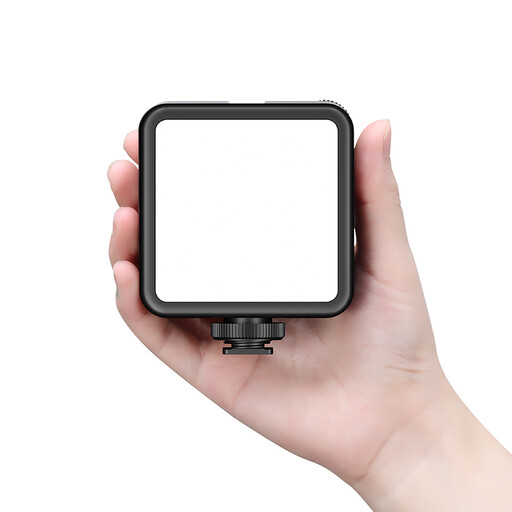 No image available
An option for product photography if you want a light with a built-in battery that you can move between filming locations.
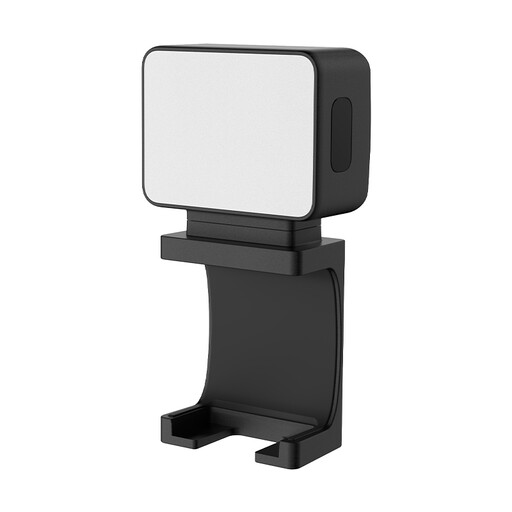 No image available
A compact option for small product details when you want to use a fill light somewhere else.
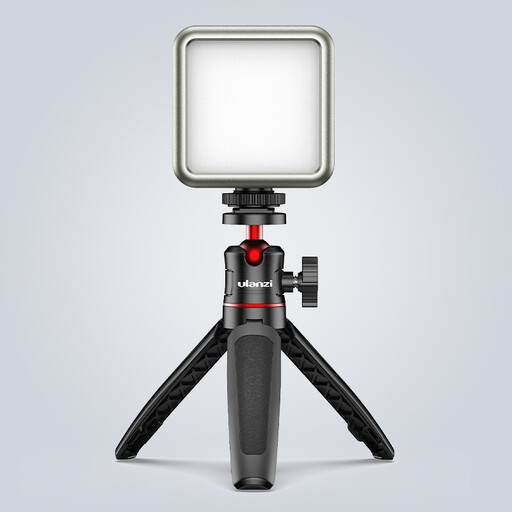 No image available
Suitable for adding a compact accent to a detail; its small light source isn’t automatically a substitute for soft key lighting across the whole product.
Position the light so the product and what you’re doing are visible, then check the camera view for shadows and reflections. A diffuser or larger light source can soften shadows. Adobe and Canon Europe also discuss using a light tent for small product shots; that setup isn’t automatically suitable if your hands need to be in shot during the demonstration.
No, not with every panel. For the Elgato Key Light Air MK.2, Elgato specifies full stated brightness from 27 W of available input power and recommends an adapter or power bank rated at 30 W or more. Check the power requirements for each other model separately.
No, it depends on the model and version. NEEWER offers the NL660 in versions with and without a stand, and says the optional NP-F battery isn’t included. Coolblue says that a power adapter isn’t included with the Elgato Key Light Air MK.2. So check the contents for the exact version you want to buy.
In the Netherlands, statutory warranty applies to consumer purchases alongside any manufacturer’s or seller’s warranty. According to ACM ConsuWijzer, online consumer purchases generally come with a cooling-off period of up to 14 days after delivery, subject to legal exceptions. If you’re buying the lamp mainly or exclusively for business use, don’t assume consumer protection will apply.
Electrical equipment placed on the market in the Netherlands must meet the applicable European product and safety requirements. If CE rules apply to the product, the manufacturer must affix the CE marking and draw up an EU declaration of conformity; wireless features may bring additional rules. Business.gov.nl explains that CE isn’t a quality mark and doesn’t indicate how the lamp will light your product.