What should you look for when buying?
First, check which input your recording device has and whether you’ll stay in one place while reading. Then make a test recording at your chosen location and listen back to it.
| What to consider |
What should you check? |
Who is this for? |
| Speech and room noise |
Record a passage and a period of silence in your chosen spot. Listen for distracting echo, noise from other rooms or clothing rustle, and make sure fabric isn’t rubbing against the capsule. |
When I read aloud in a reverberant room, I want my voice to remain clear without clothing noise overpowering the recording. Around 36% of consumers prioritise clear speech above all else. |
| Connection |
Check the input and recording app on your own device. The RØDE smartLav+ and Shure MVL have 3.5 mm TRRS connections; the Sennheiser XS Lav USB-C has a USB-C connection. RØDE recommends a suitable adapter to connect the smartLav+ to a TRS transmitter. |
Whether I’m using a phone, laptop or recorder, I want to know in advance that the microphone will work directly or with a suitable adapter. Around 29% of consumers prioritise device compatibility. |
| Recording file |
For internal transmitter recording, check that the function is switched on and that the file is saved. RØDE notes that 32-bit float on the Wireless PRO applies to internal transmitter recordings; it doesn’t automatically apply to a recording made on a connected device. |
For long chapters, I want to be able to check that the recording file is usable and that an additional recording is available. Around 21% of consumers prioritise recording security above all else. |
| Freedom of movement |
Think about whether you’ll actually move around the room while reading. With a wireless setup, test the connection where you’ll be recording and listen back to the recording. |
If I want to move around while reading aloud, I don’t want a cable to the recorder to restrict me. Around 14% of consumers prioritise freedom of movement. |
Joybuy microphones for different setups
The products below are wireless lavalier microphones for different recording setups, including phones with USB-C and a camera setup. Check the connection listed for each model and make sure it’s compatible with your recording device.
 Image unavailable
Moman M1CXT wireless lavalier microphone, USB-C, 2TX+1RX
For wireless recording with a compatible USB-C device.
The product title lists 2 transmitters and 1 receiver (2TX+1RX). Check that the USB-C connection is compatible with your recording device.
View at Joybuy
 Image unavailable
Moman MB1C clip-on microphone for iPhone 18/17/16, 1TX+1RX, USB-C
For a wireless clip-on setup with the iPhone models listed in the product title.
The title lists USB-C and 1 transmitter and 1 receiver (1TX+1RX). Check that this version is compatible with your recording device.
View at Joybuy
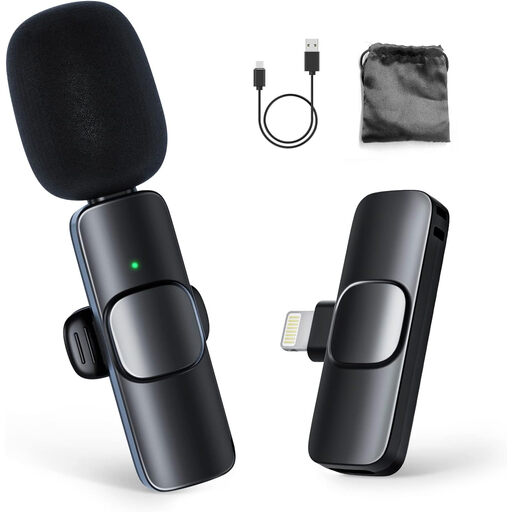 Image unavailable
Moman CP1A wireless lavalier microphone for iPhone, 1TX+1RX
For recording with an iPhone using a wireless lavalier setup.
The product title lists 1 transmitter and 1 receiver (1TX+1RX). Check the connection for your iPhone and recording setup.
View at Joybuy
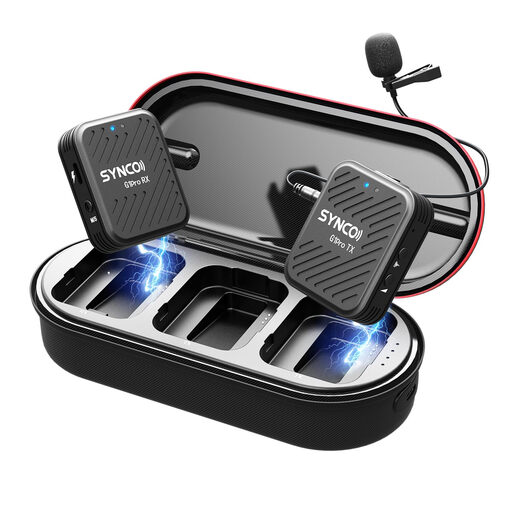 Image unavailable
SYNCO G1(A1) Pro wireless lavalier microphone system for SLR cameras
For a camera setup where you want to monitor the sound while recording.
The product title describes a 2.4 GHz system for SLR cameras; the product description lists audio monitoring via the receiver. Check that it’s compatible with your camera’s connection.
View at Joybuy
 Image unavailable
Verbex K9-Black wireless mini microphone, Type-C
For wireless recording with a Type-C setup.
The product title lists a Type-C interface. Check that this connection is suitable for your recording device.
View at Joybuy
Frequently asked questions
Where should you attach a lavalier microphone when recording a chapter?
RØDE’s general guidance is to place it on your chest, about 20–30 cm from your mouth. Keep the capsule clear of rubbing clothes and listen back to a test passage. The best position also depends on your clothing and voice.
Will a 3.5 mm lavalier microphone plug straight into any phone or transmitter?
No, it depends on your device’s connection. The RØDE smartLav+ has a TRRS connection; for a Wireless GO transmitter with a TRS input, RØDE recommends a TRRS-to-TRS adapter. For the MVL, Shure lists a suitable TRRS input or CTIA-compatible adapter. Test the complete setup with your own equipment.
Do you always need a licence for a wireless microphone in the Netherlands?
No. The Dutch Authority for Digital Infrastructure says a licence is usually not needed for wireless microphones, but you must use the correct frequency band. Some frequency bands require a licence, so check the frequency used by the specific system.
Can you publish recordings of chapters from an existing book?
According to the Dutch Government, you need the creator’s permission to use a copyrighted book. A private copy for personal use must not be shared or made public, so check the rights before sharing any chapters.
What if other people can be clearly identified in the recording?
If an organisation collects and uses personal data in this way, the Dutch Data Protection Authority says it needs a legal basis under the GDPR. Consent is one possible legal basis, but it isn’t automatically the only one. Discuss the recording and any use of identifiable contributions with the people involved beforehand.


