What should you look for when buying?
First, check that the laptop supports your hypervisor and guest operating systems. Then calculate the memory needed for the host and VMs running at the same time. Finally, make sure the screen, connections and storage suit your desk and planned use.
| What to consider |
What should you check? |
Who is this important for? |
| Memory for VMs running at the same time |
Add up the expected memory needed for the host and guests, then check how much RAM is actually installed and whether it can be upgraded. Microsoft Learn warns that insufficient VM memory can increase response times and CPU or I/O load. |
If I use several VMs at once, I want enough memory left for both the host and the guests. Around 36% of consumers put memory first. |
| Hypervisor and architecture |
Check the Windows edition, processor requirements, guest architecture and whether you need nested virtualisation. Microsoft Learn specifies Windows Pro or higher and SLAT for Client Hyper-V. |
If you need a specific hypervisor or guest architecture, you’ll want to avoid choosing a configuration that doesn’t support a particular feature. Around 29% of consumers prioritise compatibility. |
| Space and screen setup |
Measure the available space and check the screen size, connections and support for the external displays you want to use. |
On a small desk, I want to know whether the laptop and my screen setup will fit without taking up too much of my available workspace. Around 21% of consumers put desk space first. |
| Storage and upgrades |
Check how much space your VM images and snapshots will take up, along with the SSD capacity and any upgrade options for the exact configuration. |
If I want to keep VM files or expand my storage later, I look at how much storage is available and how it can grow. Around 14% of consumers put storage expansion first. |
Laptops at Joybuy
This selection includes laptops with different screen sizes, operating systems and memory configurations. Check that each model’s VM support and dimensions suit your workspace.
 No image available
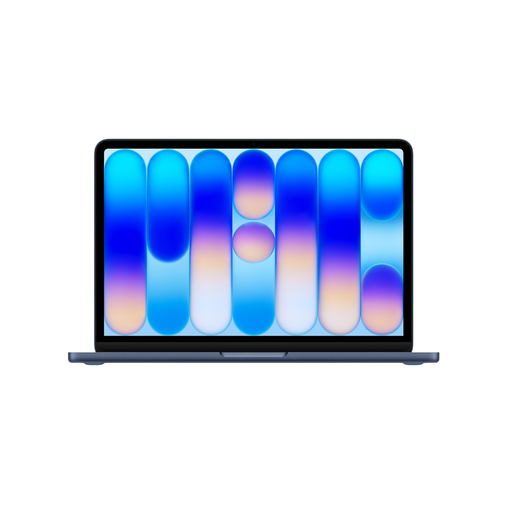
Apple MacBook Neo 13-inch A18 Pro, 8 GB, 256 GB SSD, Indigo
A good fit if you’re looking for a compact macOS laptop, but compare its memory configuration with the demands of your host and VMs.
13-inch screen; 8 GB of memory, which the product information states cannot be upgraded; 256 GB SSD. Check in advance that your hypervisor and guest operating systems are supported on this setup.
View at Joybuy
 No image available
Microsoft Surface Laptop 7 15-inch, Snapdragon X Elite, 32 GB, 1 TB SSD
The listed configuration offers 32 GB of memory and a 1 TB SSD. Check that the ARM-based platform supports your chosen hypervisor and guest operating systems.
15-inch screen; Windows 11 Pro. Measure your desk and check support for the exact VM software you plan to use before ordering.
View at Joybuy
 No image available
HP OmniBook 7 Aero 13-bg1051nd NL, Ryzen AI 5, 16 GB, 512 GB SSD
This 13.3-inch configuration could suit a limited workspace. It comes with 16 GB of memory and a 512 GB SSD.
Windows 11 Home doesn’t meet the edition requirement for Client Hyper-V: Microsoft specifies Windows Pro or higher. Check which hypervisor you need before choosing this configuration.
View at Joybuy
 No image available
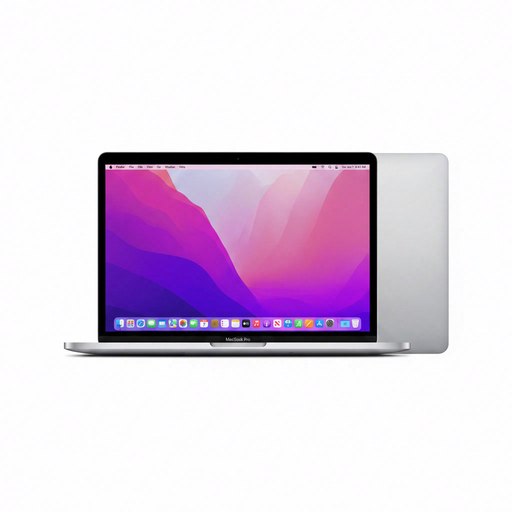
Apple MacBook Pro 13-inch M2, 24 GB, 256 GB SSD, Space Grey
This configuration combines a 13-inch form factor with 24 GB of memory. Compare that with the total memory required by your host and VMs.
Microsoft documents Windows 11 Arm via Parallels for Macs with M2 and notes limitations around nested virtualisation. Check that your guest operating system and required features are supported within these limits.
View at Joybuy
 No image available
MSI Stealth 16 AI+ B3WF-011NL, 32 GB, 1 TB SSD
The product information lists 32 GB of memory, a 1 TB SSD and two M.2 SSD slots. Check which upgrade options and components are available with this configuration.
The 16-inch screen needs enough desk space. Windows 11 Home doesn’t meet the Windows edition requirement for Client Hyper-V; Microsoft specifies Windows Pro or higher.
View at Joybuy
Frequently asked questions
Is Windows 11 Home enough for Client Hyper-V?
No. Microsoft Learn lists Client Hyper-V for Windows Pro editions and higher, and specifies requirements including a processor with SLAT. Check the edition included with the exact laptop configuration.
How do I work out how much memory my VM laptop needs?
Add together the memory needed by the host and all the VMs you’ll use at the same time, allowing for their expected peak workloads. Microsoft Learn warns that insufficient memory allocated to VMs can increase response times and CPU or I/O load. The amount you need depends on your VMs.
Can I run my Windows VM on a MacBook Air M5 without any issues?
This hasn’t been confirmed. The Microsoft documentation reviewed describes Windows 11 Arm via certain versions of Parallels on Macs with M1, M2 and M3 chips, and notes limitations around nested virtualisation, but doesn’t specifically confirm support for the M5. Check support for your exact combination of chip, software and guest operating system.
What should I check before choosing a VM laptop for a small desk?
Measure the available space and check the screen size, connections and support for the external displays you want to use. A compact case or a listed port name on its own doesn’t prove that your full workstation setup will fit.
Do I need a separate licence for Windows in a supported Mac VM?
For the Windows 11 Pro solution described by Microsoft, you need a separate licence for each instance if you don’t already have one. The support information reviewed covers the M1, M2 and M3 options mentioned and doesn’t specifically confirm an M5 configuration.


