Joybuy products for studying and mapping
This selection includes Windows laptops and MacBooks for studying and mapping. Check the software you need before choosing, and weigh a larger screen against the space you have at the table and when you’re out and about.
 Image unavailable
Lenovo IdeaPad Slim 3 14AHP10 (Ryzen 7 8840HS)
A compact Windows option for a shared workspace; check that Windows and the configuration are suitable for the software you need for your research.
14-inch WUXGA IPS screen, 16 GB of memory, 1 TB SSD and Windows 11 Home.
Weight: 1,39 kg. USB-C with Power Delivery and DisplayPort.
View at Joybuy
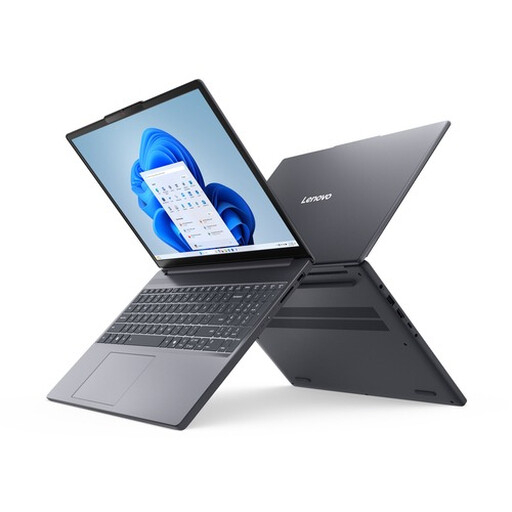 Image unavailable
Lenovo IdeaPad Slim 3 15AHP10 (Ryzen 7 8840HS)
The larger screen may be useful for viewing tables and maps at the table; bear the weight in mind if you’ll be carrying the laptop around often.
15,3-inch anti-glare WUXGA IPS screen, 16 GB DDR5, 512 GB SSD and Windows 11 Home.
HDMI, USB-C and SD card reader. Weight from 1,63 kg.
View at Joybuy
 Image unavailable
Apple MacBook Air 13-inch M5 (16GB, 512GB)
A macOS option for documents and QGIS if you don’t need Windows-only software; check your project’s applications in advance.
13-inch model with M5 chip, 16 GB of memory and 512 GB of storage.
The product description lists a weight of 1,23 kg and two Thunderbolt 4 ports.
View at Joybuy
 Image unavailable
Apple MacBook Air 15-inch M5 (16GB, 512GB)
The 15-inch configuration gives you more screen space for reviewing results; choose this macOS option only if the software you need works with it.
15-inch model with M5 chip, 16 GB of memory and 512 GB of storage.
The product description lists two Thunderbolt 4 ports and a weight of 1,23 kg.
View at Joybuy
 Image unavailable
ASUS Zenbook A14 UX3407QA-QD479W (Snapdragon X)
A compact Windows option to take with you; check that the applications you need for your research work with this configuration.
14-inch WUXGA OLED screen, 16 GB of memory, 512 GB SSD and Windows 11 Home.
The product description lists a weight of approximately 0,98 kg, HDMI and USB4 with DisplayPort output. The USB-C power adapter isn’t included; a compatible 65W USB-C Power Delivery charger is required.
View at Joybuy
Frequently asked questions
Do I need to choose Windows for maps from the heat survey?
Only if the application you need requires it. The Esri system requirements consulted list supported Windows versions for ArcGIS Pro 3.6; QGIS documents installation for Windows and macOS. Check the programmes and versions your project uses before choosing a laptop.
Can I use my research files on a Chromebook?
First, check that all the applications and file formats you need work with your workflow. Google describes web and Play Store apps for Chromebooks, but that doesn’t confirm compatibility with a specific desktop application.
What should I look for if I want to connect an external monitor?
Check that the video output on the exact laptop matches the monitor’s input. The Lenovo configuration mentioned lists USB-C with DisplayPort; the Lenovo IdeaPad Slim 3 15AHP10 also lists HDMI.
Does a suitable charger always come included?
No. Check what’s included with the specific offer and the charging power required. HP lists a recommended USB-C adapter for the OmniBook 3 14-hy0620ndx, available separately; ASUS states that the power adapter isn’t included with the Zenbook A14 UX3407QA-QD479W and that a compatible 65W USB-C Power Delivery charger is required.
Does the Dutch statutory guarantee end after two years?
Not automatically. ACM ConsuWijzer describes the statutory guarantee as a right in addition to a seller’s or manufacturer’s warranty. The appropriate solution depends on the circumstances of the purchase and the product.


