
Vandaag of morgen in huis

Kwaliteit gegarandeerd

Welkomstaanbiedingen ontgrendelen: GRATIS bezorging | Tot 80% korting | Gratis 30 dagen JoyPlus-proefperiode
Download de app
Buying a laptop seems simple until you start comparing specifications. One laptop promises lightning-fast performance, while another focuses on AI, battery life or a high-refresh-rate screen. But a standout marketing term doesn’t always tell you how useful a laptop will be day to day.
Three common pitfalls to watch out for:
The processor and memory work together to determine how smoothly programmes run. For basic web browsing, word processing and online lessons, 8GB RAM may be enough. If you use lots of programmes at once, you’re better off choosing a laptop with 16GB RAM.
For photo editing, video editing, software development and gaming, the number of processor cores and the graphics chip are more important. A gaming laptop with a dedicated NVIDIA GeForce RTX graphics card is designed for more demanding graphics tasks. An integrated Intel or AMD chip is often a more practical choice for studying, office work and entertainment.
Check whether the memory can be upgraded, too. The 16GB LPDDR5X memory in the Lenovo IdeaPad Slim 5 is soldered in and can’t be upgraded. That’s not a problem if 16GB is enough for you, but it’s worth bearing in mind before you buy.
A 15- or 16-inch laptop offers a useful balance between screen space and portability. A 13-inch model fits more easily into a smaller bag, while a 17- or 18-inch screen can be handy for gaming, video editing and multitasking.
As well as screen size, check:
A lightweight model weighing around 1.5 to 1.7 kg is handy for students and commuters. Gaming models are often heavier because of their dedicated graphics card and cooling system.
A laptop with an SSD starts up quickly and opens files promptly. For studying and work, 512GB is a practical guideline if you store documents, programmes and media locally. 256GB may be enough for a basic laptop, but check how much free space will be left after installing Windows and apps.
Also look for:
A Windows 11 laptop is compatible with a wide range of business and educational software. An Apple MacBook runs macOS and is particularly suited to people who already have Apple devices or need specific macOS programmes. A Copilot+ laptop has hardware for local AI features, but check beforehand whether the software you use supports them.
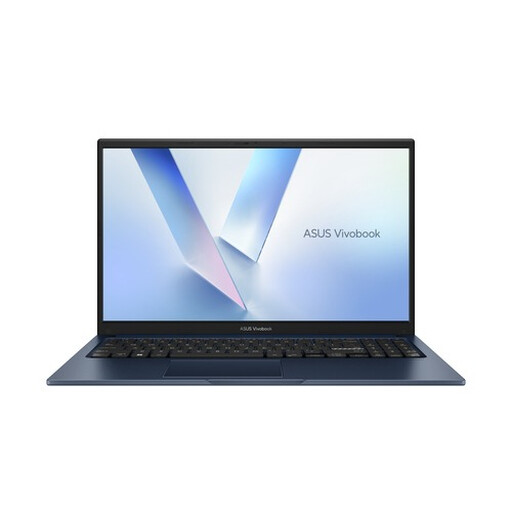
Why it suits this type of user: This ASUS laptop is designed for studying, home use, browsing, video calls and Office applications. Its 15.6-inch Full HD screen and weight of around 1.70 kg make it suitable for everyday use.
The 512GB PCIe 4.0 SSD means you won’t run short of storage straight away. Do check whether 8GB RAM is enough for the number of programmes you use at the same time.
Windows 11 Home, 512GB SSD, Wi-Fi 6 and a Full HD screen with an anti-glare finish.
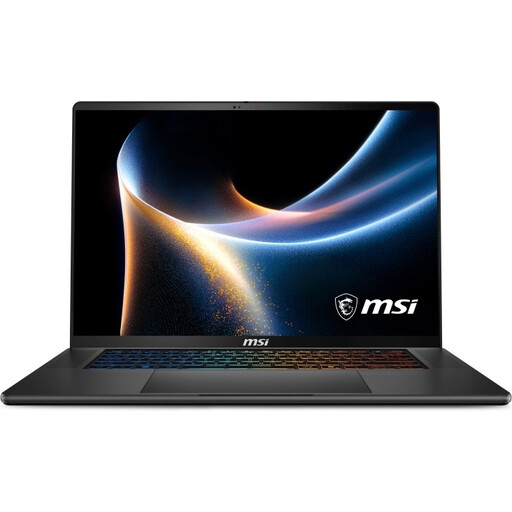
Why it suits this type of user: This Copilot+ laptop combines 32GB DDR5, a 1TB SSD, RTX 5060 graphics and a 16-inch QHD+ OLED screen for creative software, professional work and gaming.
This configuration isn’t based on an AI label alone: you can check the memory, storage, screen resolution and dedicated graphics individually.
QHD+ OLED with 240Hz, 100% DCI-P3 according to the product specifications, two M.2 slots and Wi-Fi 7.
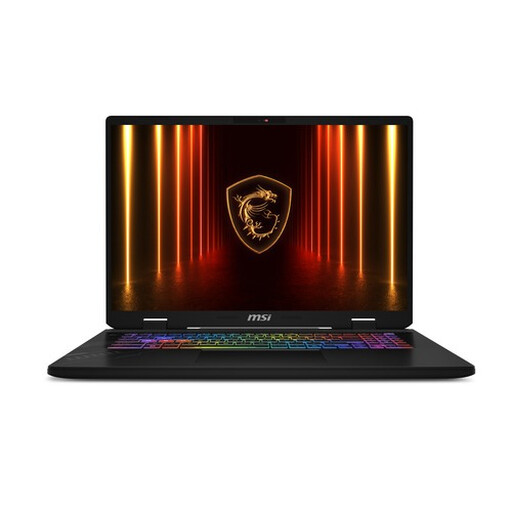
Why it suits this type of user: The 17-inch QHD+ screen, 240Hz refresh rate, 32GB RAM and RTX 5060 are built for competitive gaming, streaming and demanding multitasking.
The high refresh rate is paired with a dedicated graphics card and a 1TB SSD. So this configuration isn’t based on one standout figure alone.
32GB DDR5, QHD+ at 240Hz, two M.2 expansion slots and Thunderbolt 4.
We’ve put together a complete, up-to-date list of products that meet these strict selection criteria and current European safety regulations.
8GB may be enough for word processing, browsing, video calls and basic school software. If you use lots of browser tabs, spreadsheets or creative applications, 16GB RAM is a better choice. Also check whether the memory can be upgraded later.
256GB may be enough for documents and cloud storage. A laptop with a 512GB SSD gives you more room for local files, programmes and media. For large video libraries, games or photo projects, 1TB may be more practical.
As well as the purchase price, factor in power consumption, accessories and any storage upgrades. Gaming models with powerful graphics use more energy under heavy load than a compact laptop designed for office work. Also check whether a charger is included: for some models, such as the Lenovo IdeaPad Slim 5 and Apple MacBook Neo, the power adapter is listed as a separate purchase.
