What should you look for when choosing?
First, decide how much freedom of movement and how many microphones you need. Then check the connection and make a test recording with the equipment you plan to use.
| What to consider |
What should you check? |
Who is this important for? |
| Clear speech without clothing noise |
Clip the microphone where it won’t rub against moving fabric, then listen to a test recording with both normal and louder storytelling passages. |
If you want one storyteller’s voice to be easy to follow, pay attention to microphone placement and clothing noise. Around 36% of consumers put speech clarity first. |
| Freedom to move around |
Walk the planned route while making a test recording, and check that the receiver connects to your recorder, camera or phone. |
If you’ll be moving around the room as you tell your story, you won’t want a cable getting in the way. Around 29% of consumers give freedom of movement top priority. |
| Recording two speakers at once |
Check that the set you choose includes two transmitters or microphones, and decide whether you want to record the signals separately. |
If a second person will also be speaking, you’ll want a suitable microphone position for both of you. Around 21% of consumers rank recording two voices above the other considerations. |
| Connection to the recording device |
Check the exact device, the TRS or TRRS connection, any power requirements and the adapter and recording app by making a test file. |
You’ll want to know in advance whether the microphone works with your existing phone, camera or recorder. Around 14% of consumers choose compatibility as their first selection criterion. |
Joybuy products
These Joybuy products focus on wireless lavalier microphones for a storyteller who moves around or a recording with two voices.
 No image available
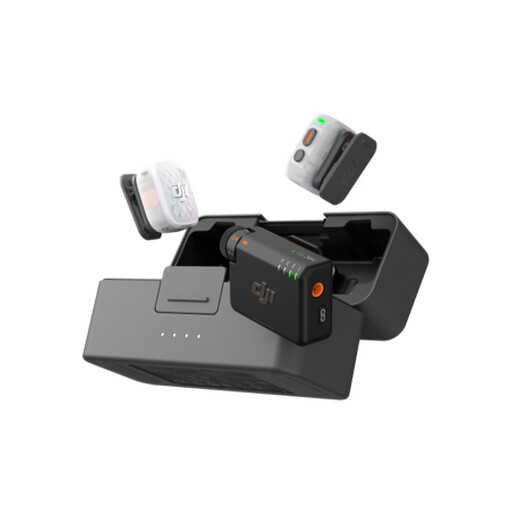
DJI Mic Mini 2S (2 TX + 1 RX + Charging Case)
A wireless lavalier option for a storyteller who moves around or a recording with two voices.
The product name lists two transmitters, one receiver and a charging case. The product description mentions internal 32-bit float recording; check which recordings are stored on the transmitters.
View at Joybuy
 No image available
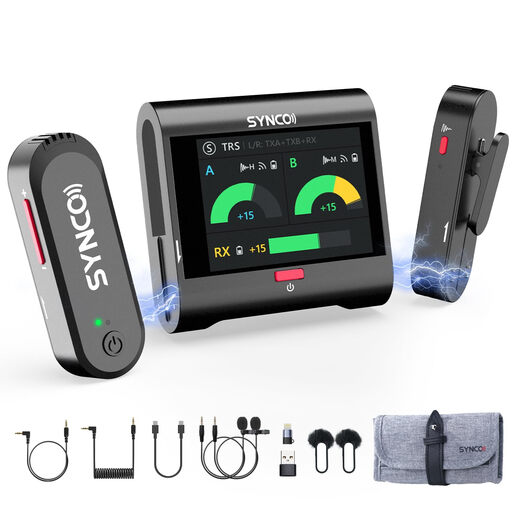
SYNCO G3PRO Wireless Lavalier Microphone System (2.4GHz, Dual Lapel Mics)
The product name lists two wireless lapel microphones, making this a suitable option for recording two speakers.
The stated frequency is 2.4 GHz. Check that the connections and included components are suitable for your recording device and session.
View at Joybuy
 No image available
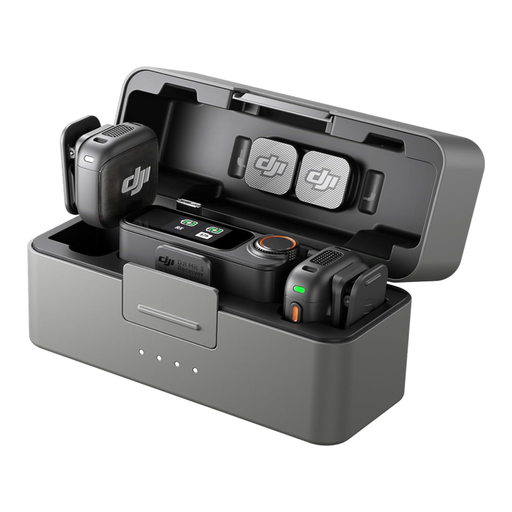
DJI Mic 3 (2 TX + 1 RX + Charging Case)
According to the product name, this set includes two transmitters and one receiver for recording two voices.
The product description mentions internal recording and connection to cameras and smartphones. Check that it works with your specific device and preferred recording method.
View at Joybuy
 No image available
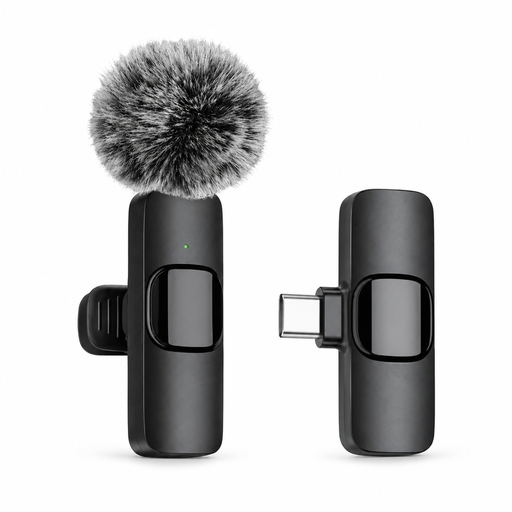
Verbex K9-Black Wireless Mini Microphone (Type-C)
A wireless microphone option for a storyteller who moves around.
The product name specifies a Type-C connection. Check that it’s compatible with your recording device and preferred recording app.
View at Joybuy
 No image available
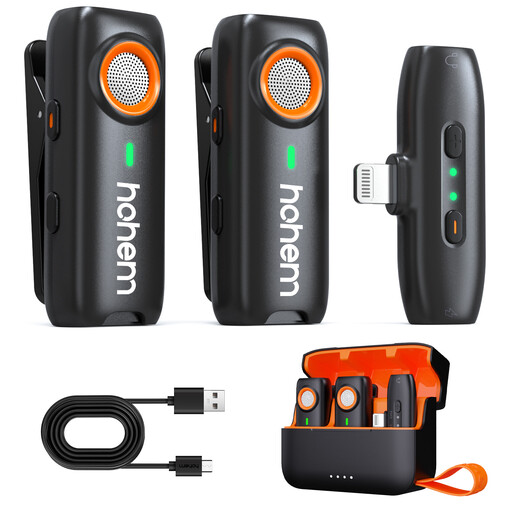
Hohem Wireless Lavalier Microphone (3-Level DSP, TF Backup Recording)
A wireless lavalier option for a storyteller moving around the room.
The product description mentions local recording to a TF card as a backup. The TF card isn’t included, so you’ll need to arrange one separately.
View at Joybuy
Frequently asked questions
Where should you clip a lavalier microphone during a storytelling session?
RØDE recommends starting with the microphone clipped to the chest, around 20–30 cm from the mouth and clear of clothing that might rub against it. Listen to a test recording in the rehearsal room to check that the position works when you move and during louder passages. This is the manufacturer’s advice, not a legal requirement.
Will a lavalier microphone work with any phone or camera?
No. The connection and power requirements need to match the specific recording device. The Shure MVL uses TRRS for compatible mobile devices or a suitable CTIA adapter; the RØDE Lavalier GO uses TRS and needs plug-in power from a compatible input. Make a test recording in advance.
Do you need a licence to use a wireless microphone in the Netherlands?
Not always. According to the Dutch Authority for Digital Infrastructure, a licence is usually not needed if you use the right frequency band and meet the relevant conditions; some bands do require a licence. Check the frequency of the exact set and, if you’re using UHF, its availability at the recording location.
Can you keep or publish recorded voices without further consideration?
That depends on the purpose and the people involved. The Dutch Data Protection Authority considers identifiable audio recordings to be personal data. If the GDPR applies, you need a legal basis for processing it. Consent is one possible legal basis, but not automatically the only one. Tell the people involved about the recording and how you intend to use it in advance.
What should you check besides the microphone?
Check whether the version you’ve chosen includes the required adapter, receiver, second transmitter, power supply and mounting accessories. Deity lists two LR41 batteries with the V.Lav; Shure lists a clip and windscreen with the MVL. Check what’s included with the specific version before you order.


