What should you look for when choosing?
First, assess the picture from the furthest seat and the one at the sharpest angle. Then check that the size and connections suit the space and quiz source. Only after that, compare extra gaming features with the games and equipment you actually use.
| Factor |
What to look for |
Who should prioritise this? |
| Visibility |
Assess the viewing angle, reflections and brightness from the seats you have in mind. |
If everyone at the table needs to read the questions, check visibility from different angles and in daylight; around 36% of consumers put visibility first. |
| Readable text and screen size |
Measure the space available and the viewing distance; check the quiz text from the furthest seat. |
If you want people further from the screen to be able to read the questions too, compare the text on a screen size that suits the room; around 29% of consumers prioritise readable quiz text. |
| Connecting the quiz source |
Check which input and cable the quiz source needs, and whether they work with the TV. |
If the quiz comes from a laptop or console, you’ll want to use it without unnecessary connection steps; around 21% of consumers put connectivity and ease of use at the top of their list. |
| Energy use |
Compare the energy labels for the exact models and bear in mind that energy use varies with screen size. |
If the TV will also be on every day, consider its energy use as well as the purchase price; around 14% of consumers make running costs their top priority when choosing. The European Commission explains the energy class and SDR and HDR figures shown on the label for electronic displays. |
TVs for quizzes in the kitchen-diner
These Joybuy products are LED and QLED TVs in 43- and 55-inch sizes. Compare screen size, connections and stated features with your space and quiz source.
 No image available
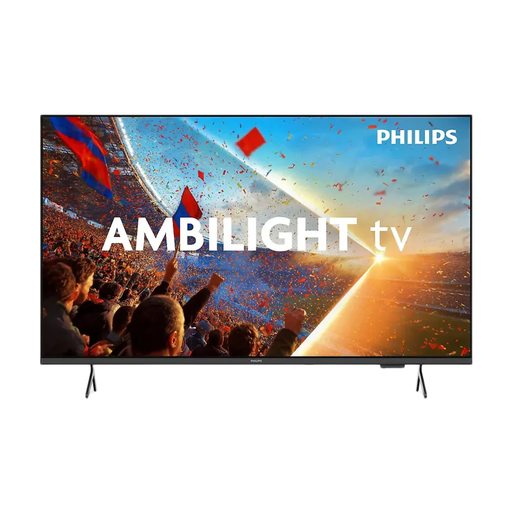
Philips 55PUS8001 55-inch 4K TV
A 55-inch model to compare if you have enough space for this size.
55 inches; 4K; three HDMI ports; 3-sided Ambilight; Game Mode, VRR and ALLM.
The product information warns against moisture and splashes; bear this in mind when positioning the TV in the kitchen.
View at Joybuy
 No image available
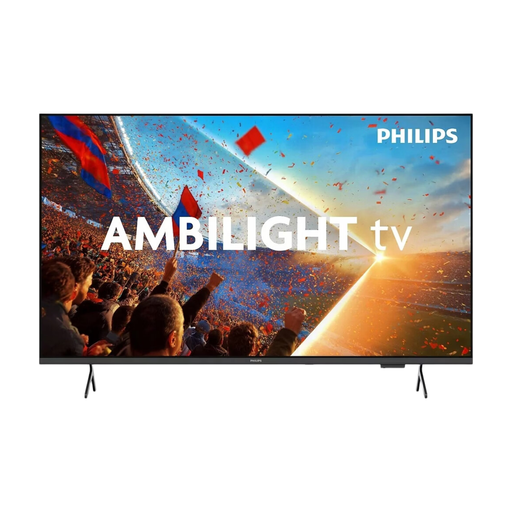
Philips 43PUS8001/12 43-inch 4K TV
A 43-inch model to consider if you have less space for installation.
43 inches; 4K; three HDMI ports; 3-sided Ambilight; Game Mode, VRR and ALLM.
The product information warns against moisture and splashes; bear this in mind when positioning the TV in the kitchen.
View at Joybuy
 No image available
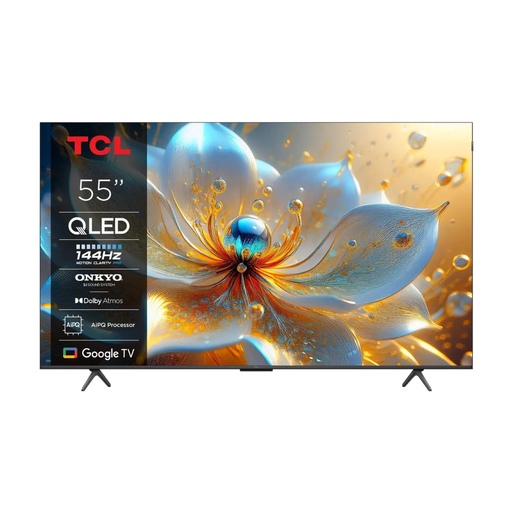
TCL 55T8C 55-inch 4K QLED TV
A 55-inch QLED option to compare if it fits your space and you might also use the TV for other games.
55 inches; 4K; QLED; 144 Hz; HDMI 2.1 with ALLM and VRR.
The product information warns against moisture and liquids; bear this in mind when positioning the TV in the kitchen.
View at Joybuy
 No image available
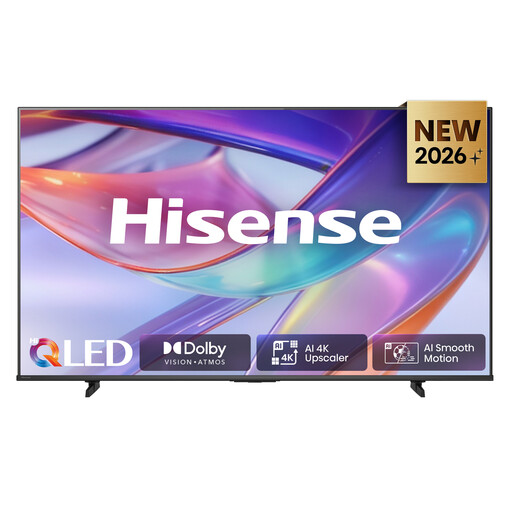
Hisense 43E7S 43-inch 4K QLED TV
A 43-inch option to compare if this size suits your space.
43 inches; 4K UHD 3840 × 2160; QLED; stated viewing angle of 178° horizontally and vertically; three HDMI ports; energy label E.
View at Joybuy
 No image available
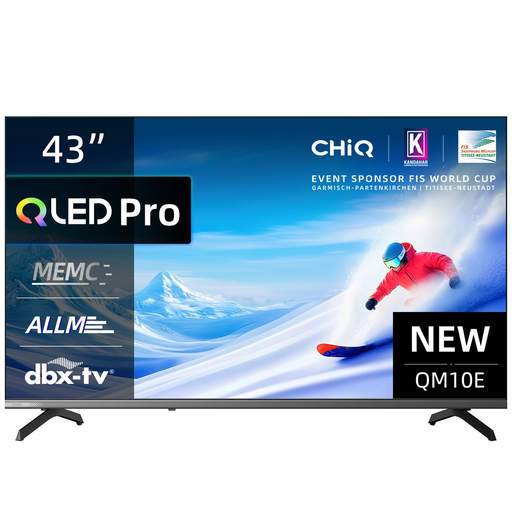
CHiQ U43QM10E 43-inch 4K QLED TV
A 43-inch model to compare when available space is an important factor.
43 inches; 4K; QLED; VRR and ALLM; HDMI 2.1; stated viewing angle of 178°.
The product information warns against moisture and liquids; bear this in mind when positioning the TV in the kitchen.
View at Joybuy
Frequently asked questions
Do you need 144 Hz for a family quiz?
Not necessarily. For a quiz, the first priority is making sure the questions are easy to read and the source connects properly. Philips lists 144 Hz and VRR for the 43PUS9000/12; these features are mainly relevant if you also play compatible games.
How can you compare TVs’ energy use?
Compare the EU energy labels for the exact models. The label for electronic displays shows the energy class and figures for SDR and HDR. To estimate your own usage, you’ll also need to know how many hours the TV is on and your electricity tariff.
What should you bear in mind when installing a TV in a kitchen-diner?
Measure the space and follow the installation and safety instructions for your chosen model. For example, the product information for the Philips 55PUS8001 on Joybuy warns against splashing water and covering the ventilation openings; check the guidance for your TV and its location.
What are your rights when you buy a TV online?
For distance purchases from a business, the Dutch government says you’ll often have 14 days to change your mind, although there are exceptions. If a product is faulty, you may also have statutory rights to a repair or replacement; an additional guarantee doesn’t replace that legal protection.


