
Musical fan at the table
You want to hear the vocals and accompaniment from your usual seat, and you’re wondering whether one speaker is enough or if you have room for a pair.


Start by thinking about where you listen and how you play your recordings. Compare the same familiar musical recording from your worktop and dining table, and check that your device or music service works with the model. A mains-powered Wi-Fi speaker suits a fixed spot with a power socket; a rechargeable Bluetooth speaker is more convenient if you want to move it around. A stereo pair could be a good fit if you have space for two speakers and the model you choose supports pairing.
You want to hear the vocals and accompaniment from your usual seat, and you’re wondering whether one speaker is enough or if you have room for a pair.
You want to start your recordings easily from your phone or music service while cooking, with the controls close to hand.
You switch between the worktop and dining table, so you need to decide whether a fixed mains connection or a rechargeable speaker is right for you.
A good fit if: the speaker will stay in one place near a power socket and you’ve checked that your music service or source is supported.
Bear in mind: setup and controls vary by model. With a Sonos Era 100, you need to set it up on Wi-Fi before using Bluetooth.
A good fit if: you want to move the speaker between the kitchen and dining table regularly.
Bear in mind: a battery-powered model needs charging. Also check which connections actually carry audio.
| What to consider | What should you check? | Who should pay extra attention? |
|---|---|---|
| Sound in your listening spots | Compare the same recording from your usual spot at the worktop and at the table. Check whether a stereo pair would suit the room. | If you want to assess the vocals and accompaniment from both spots, sound quality is a key consideration; around 36% of consumers put it first. |
| Starting and controlling recordings | Check that your preferred service or source is supported, and whether the model has Wi-Fi, Bluetooth or a line input. Look out for any setup requirements or adapters. | If you want to start your own recordings without a complicated changeover, how you play them matters. Around 29% of consumers prioritise ease of playback. |
| Positioning and moving the speaker | Check whether there’s a suitable power socket, whether the speaker has a battery and whether its dimensions will fit your available space. | If you want to keep your work area clear or move the speaker to the table, positioning matters. Around 21% of consumers put positioning or portability first. |
| Expansion and controls | Check that the controls, grouping or stereo pairing you want work with the exact model. | If you want physical controls or the option to expand with compatible speakers, this could be decisive. Around 14% of consumers prioritise expansion or controls. |
A wireless connection doesn’t tell you whether a speaker runs on mains power or has a battery. That makes a difference to where you can put it and whether it needs charging.
First, decide whether the speaker will stay in one place or be moved regularly.
A connection on a speaker isn’t automatically suitable for every audio source. For example, the line input on the Sonos Era 100 needs a separate adapter.
Check the connection and any setup requirements for the way you plan to play your audio.
You’ll need a separate adapter for the Era 100’s line input.
According to Sonos, you need to set up the Era 100 on Wi-Fi before you can use it as a Bluetooth speaker.
Check the initial setup requirements before choosing this model for Bluetooth use.
A manufacturer’s claims about sound aren’t an independent comparison of how a musical recording will sound in your kitchen-diner.
Where possible, compare the same familiar recording from your own listening spots.
The Era 100 is an option for a fixed spot with Wi-Fi and Bluetooth, and you can pair two Era 100 speakers.
The Home 150 is worth comparing if you want to use Wi-Fi or Bluetooth and group compatible HEOS devices.
The Authentics 200 is a fixed speaker worth comparing if its positioning and controls suit your needs.
The SRS-XB100 is a compact Bluetooth alternative if you want to move your speaker around rather than leave it in one place.
This selection includes portable Bluetooth speakers, a Wi-Fi and Bluetooth speaker, and models that can be used as a pair.
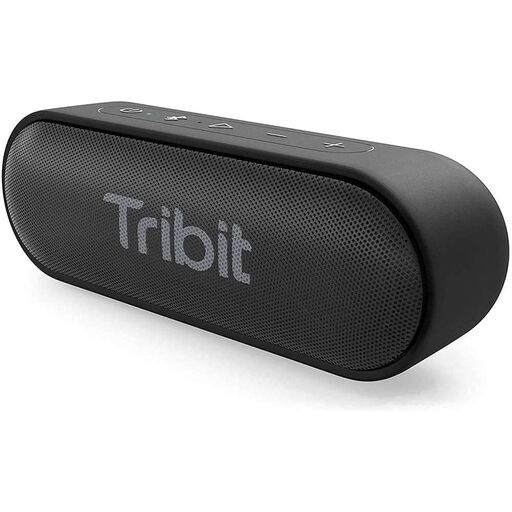 No image available
A good fit if you want to use a portable speaker via Bluetooth and move it between listening spots.
The product name lists model BTS58 in black.
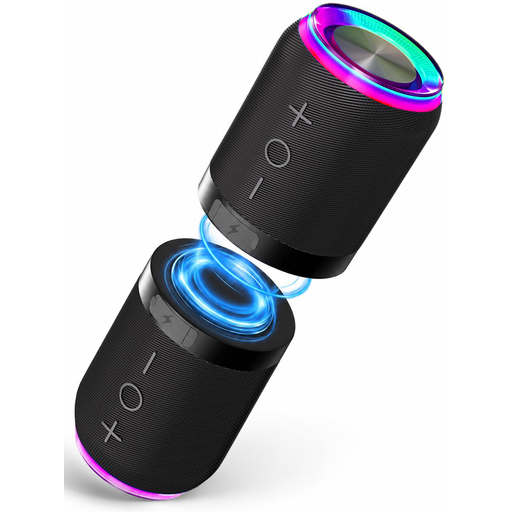 No image available
A good fit if you want to position two separate units and play music via Bluetooth.
The product name lists two units, magnetic attachment and IPX6.
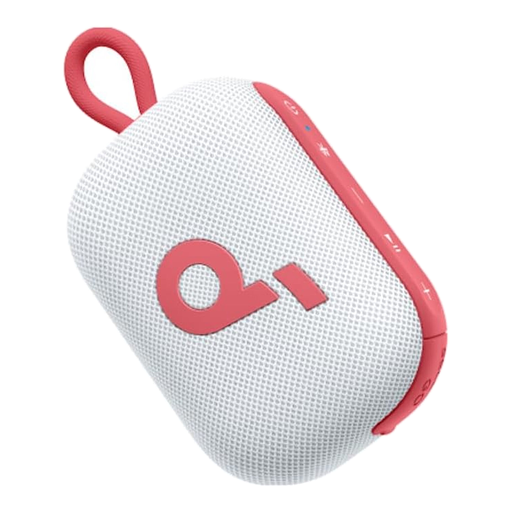 No image available
A good fit if you want to take a portable Bluetooth speaker with you and might want to pair it with a second speaker.
The product name lists 20 hours of playback, 5 W, IP67 and TWS pairing.
 No image available
A good fit if you want to compare Wi-Fi and Bluetooth with a model that, according to its product name, also has a battery.
The product name lists 60 W, AirPlay 2, LDAC, a battery lasting up to 12 hours and multi-room support.
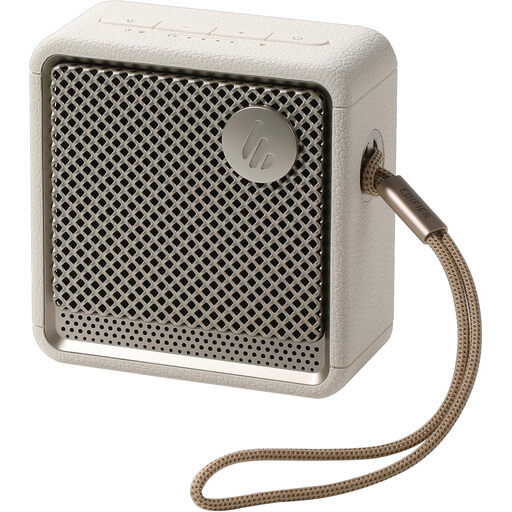 No image available
A good fit if you want a portable Bluetooth speaker and pairing two speakers is important to you.
The product name lists Bluetooth 5.4, up to 15 hours of battery life, IP67 and dual pairing.
Yes, for the initial setup. According to Sonos, you need to set up the Era 100 on a Wi-Fi network before you can use it as a Bluetooth speaker.
Sonos specifies a separate Line-In Adapter or Combo Adapter for the Era 100’s line input. Check which adapter suits your audio source.
According to the Dutch Radiocommunications Agency, wireless speakers must meet the applicable European requirements and carry the correct CE marking. Check the marking on the version being offered; a CE marking is not an assessment of sound quality.
No. The Dutch government states that there is no fixed statutory warranty period in the Netherlands: you can expect a product to last for as long as is reasonable for that product. If a product is faulty, contact the seller; a manufacturer’s warranty does not replace your statutory rights.
Charge it according to the instructions for the model. Sony specifies that the SRS-XB100 has a built-in rechargeable battery and a USB-C connection for charging only; this information does not automatically apply to other models.