
Writer of long chapters
You spend long periods typing continuous biographical text and want to decide for yourself which typing feel and working position suit you.


Choose a keyboard with a layout and controls that suit the keys you use in your writing software. Then consider the typing feel, your working position and the noise it makes. A flat model with configurable keys, a fixed split model, a keyboard with two separate halves and a simple wired model each suit different preferences. Comments and Track Changes are features of your writing software, not the keyboard itself.
You spend long periods typing continuous biographical text and want to decide for yourself which typing feel and working position suit you.
You often switch between text, comments and corrections, and want to check that the keys and any configurable actions work with your writing software.
You take keyboard noise, available desk space and connectivity into account when choosing a keyboard.
Start with the keys and features you actually use while writing and editing. Then compare the shape, connectivity and noise level with your workspace.
| What to consider | What to look for when buying | Who should consider this? |
|---|---|---|
| Comfort during long typing sessions | Try the exact version if possible; check the layout, typing feel and navigation keys you need. | When writing long chapters, I want to find a layout and typing feel that suit the way I type. Around 31% of consumers put comfort during long typing sessions first. |
| Editing and navigation | Check the physical keys on the exact layout and test comments and Track Changes in your own writing software. | If I handle comments and corrections often, I want to navigate text and revisions quickly. Around 25% of consumers give editing work top priority. |
| Hand position | Compare the position of your keyboard, mouse and hands at your own desk; don’t assume personal comfort based on a manufacturer’s claim. | During long sessions, I want to position the keyboard in a way that suits my workspace. Around 25% of consumers focus mainly on hand position. |
| Noise and connectivity | Try the noise level of the specific version and check that your computer has the connection you need. | At a shared desk, I want to take typing noise into account; at a permanent workstation, the right connection may matter most. Around 19% of consumers prioritise a quiet workspace or easy connectivity. |
Comments and Track Changes are features of the software you use; configurable keys don’t add these features themselves.
First, test the revision action in your writing software, then decide whether a programmable key would be useful.
A fixed split frame and two separately positioned halves offer different setup options. A manufacturer’s claim doesn’t prove that a particular design will suit everyone.
Assess the setup at your own desk and consider whether the shape suits your typing habits.
The keyboard layout, connection and port required all help determine whether a version suits your computer and editing routine.
Before buying, check the layout, physical keys, connection and exact version.
If the connection you need is unavailable, you may need an additional connection or a different version.
The MX Keys S and ERGO K860 offer different options: configurable keys or a fixed split frame.
The Split Break v.2 has two separately positioned halves; the Compact Break is a different, compact product range.
The KC 6000 SLIM is a flat, full-size keyboard for a permanent workstation with USB-A.
Worth considering if you want to customise keys or set up macros for repetitive editing tasks.
These keyboard options are suited to writing and editing, and include wired and wireless versions as well as models with configurable keys.
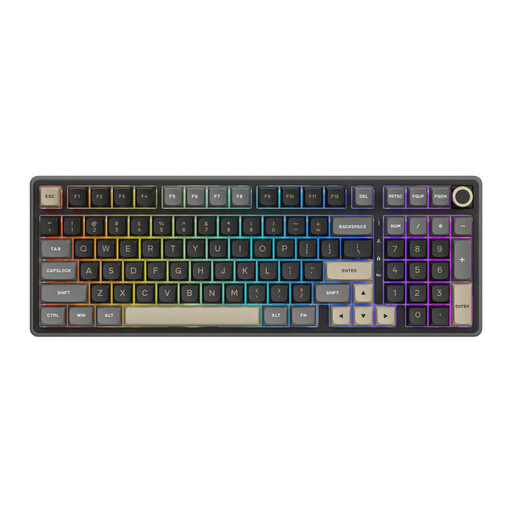 No image available
A wired version to consider if you’re looking for a permanent connection and keys for frequently repeated actions.
The product name lists a numeric keypad, PBT keycaps and a hot-swappable version with Beige Switch.
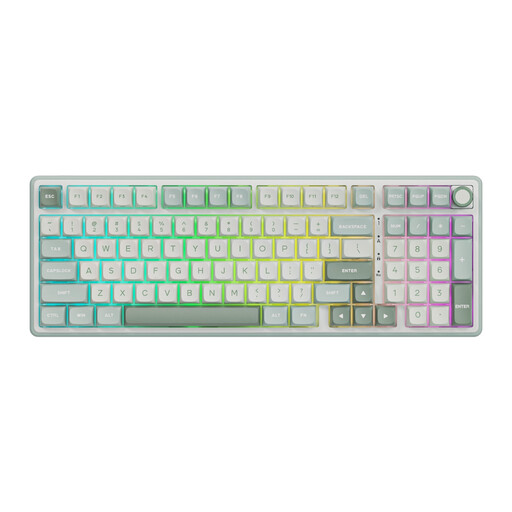 No image available
A wired version to consider if you’re looking for a permanent connection and keys for frequently repeated actions.
The product name lists a numeric keypad, PBT keycaps and a hot-swappable version with Cream Switch.
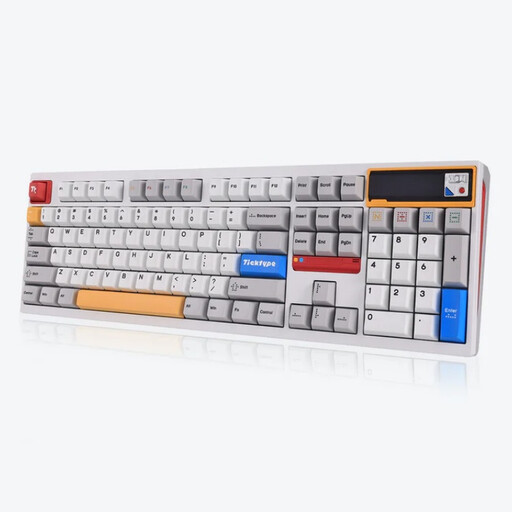 No image available
An option to consider if you’re looking for a wireless version with several connectivity options.
The product name lists an aluminium case, 108 keys, a hot-swappable version and a US layout.
 No image available
A compact version to consider if you want a tenkeyless layout for your workspace.
The product name lists a US layout.
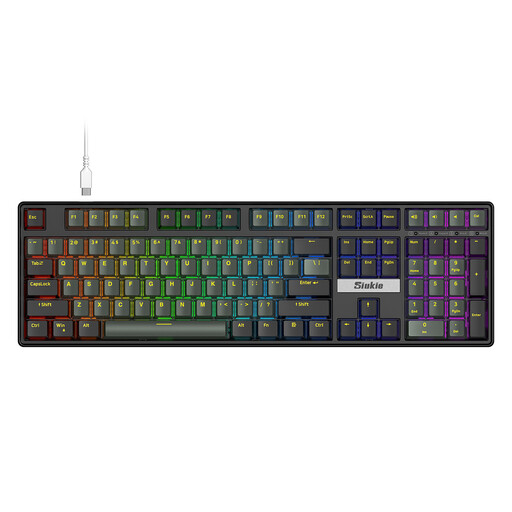 No image available
A wired version to consider if you’re looking for a permanent connection and a full-size layout.
The product name lists replaceable switches.
No. Your writing software needs to support comments and revisions. For example, Microsoft describes Track Changes as a feature in Word’s Review tab; a configured key can only trigger an action available in the software.
Check the connection, layout and any software required for the exact version. CHERRY lists USB-A as a requirement for the KC 6000 SLIM; with a model that has configurable keys, you should also check that the configuration you want works on your computer.
ACM ConsuWijzer states that online purchases generally come with a statutory cooling-off period of up to 14 days after delivery, subject to applicable exceptions. This is separate from the legal guarantee: according to the Netherlands Authority for Consumers and Markets, the seller is responsible for this. Check the terms that apply to your purchase.
For employees who work with a screen for more than 2 hours a day, Arboportaal states that the screen and keyboard must not be attached to each other. If an employee uses a laptop, they must therefore be able to use a separate screen or keyboard. This is not a general buying requirement for every private biographer.