What should you look for when choosing?
Start with the factor that matters most to you: noise in a shared room, desk space, long typing sessions or an easy connection. Then compare the exact layout and connection options of the model.
| Factor to consider |
What to look for |
Who is this important to? |
| Key noise |
If possible, compare the sound and typing feel of the exact model variant; don’t treat a manufacturer’s claim as a like-for-like test. |
If I’m taking minutes while someone in the same room is sleeping or studying, I want to know how the keys sound in my situation. Around 36% of consumers rank quietness as their top buying priority. |
| Desk space |
Check the dimensions and whether you need a number pad or specific navigation keys. |
At a small desk, I want enough room next to my laptop and mouse without losing keys I use often. Around 29% of consumers give desk space their top priority. |
| Long typing sessions |
Consider the key feel and positioning at your workstation, and take breaks from prolonged screen work. |
For long editing sessions, I want a layout and key feel that work comfortably for me. Around 21% of consumers make comfort during long typing sessions their top buying priority. |
| Connection |
Check Bluetooth support and the available USB ports; allow for the cable if you choose a wired model. |
If I want to start typing straight away, I need a connection that works with my computer and doesn’t involve unnecessary pairing steps. Around 14% of consumers prioritise an easy connection and setup. |
Keyboards at Joybuy
These product picks are keyboards for typing, including compact and wired models. Check the layout, connection and compatibility with your computer for each model. Also check that the exact version has the required CE marking and applicable conformity information; the European requirements that apply depend in part on the connection technology.
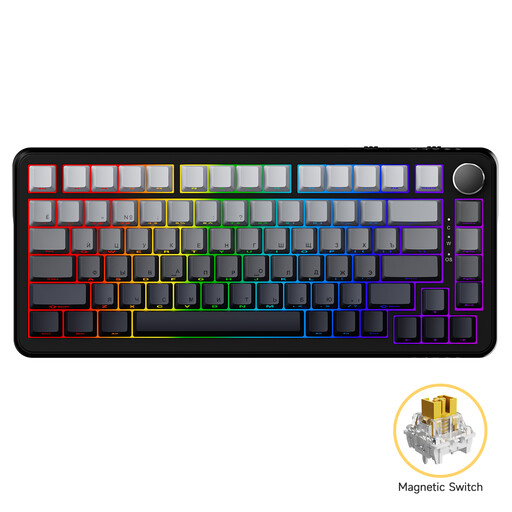 Image unavailable
AJAZZ AK820 MAX wired mechanical keyboard
The compact layout may suit you if desk space is limited and you’re looking for a wired connection.
75% layout with 82 keys. Wired connection via USB-C.
Joybuy
 Image unavailable
AJAZZ AK820 Pro 75% mechanical keyboard, QWERTY US
A compact layout with several connection options may suit you if desk space is limited.
82 keys. Wired via USB-C, Bluetooth or 2.4 GHz wireless. QWERTY US layout.
Joybuy
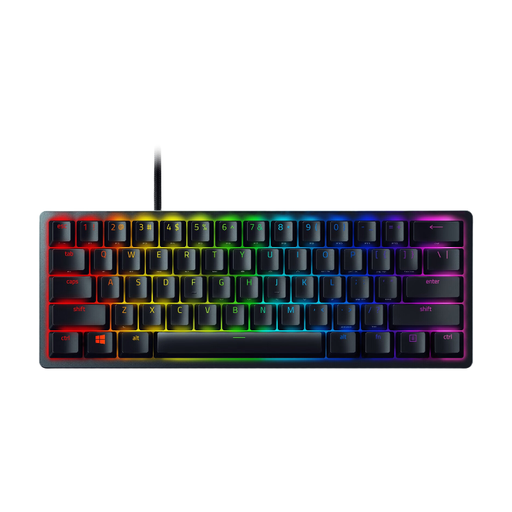 Image unavailable
Razer Huntsman Mini
The 60% layout may suit a workstation where space is limited.
Detachable USB-C cable. Check that the layout includes the keys you need.
Joybuy
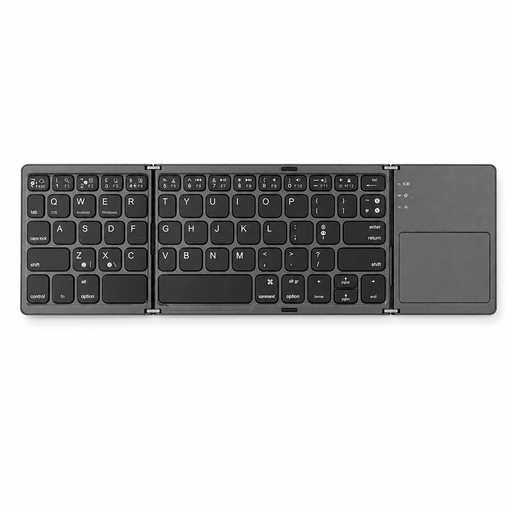 Image unavailable
Voxis B033 foldable Bluetooth keyboard with touchpad
The foldable design may suit a small workstation or if you’d like to take a compact keyboard with you.
63 keys and integrated touchpad. Bluetooth; works only with compatible devices.
Joybuy
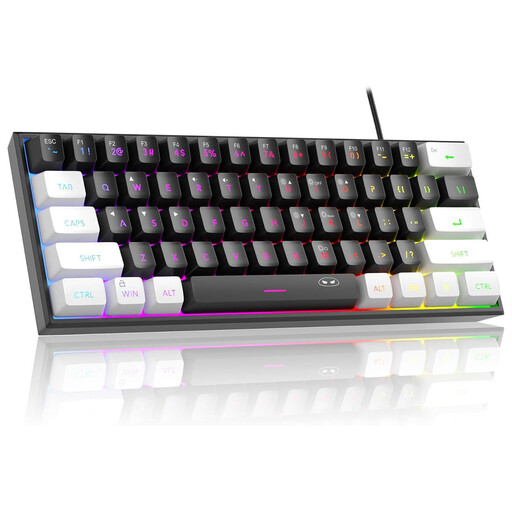 Image unavailable
MageGee TS91 60% wired keyboard, QWERTY US
The compact layout may suit you if desk space is limited and you prefer typing with a wired connection.
61 keys, QWERTY US layout and membrane mechanism. No number pad.
Joybuy
Frequently asked questions
Can you use Bluetooth if your laptop has no spare USB port?
Yes, with a compatible laptop and a Bluetooth keyboard. Logitech describes the Pebble Keys 2 K380s as a Bluetooth model; the Trust Ody II uses a USB receiver. Check the connection for the exact version.
How can you type more comfortably during long editing sessions?
Choose a layout and position that suit your workstation, and take breaks from prolonged screen work. The Arboportaal highlights repetitive movements and static postures as points to consider; a keyboard described as comfortable won’t automatically prevent discomfort.
Does a new wireless keyboard need to have a CE marking?
A new keyboard must meet the applicable European requirements and carry the required CE marking. According to the Dutch Authority for Digital Infrastructure, the applicable requirements depend in part on the connection technology; check the information for the exact version.
Can you return a keyboard bought online if the layout isn’t right?
For distance purchases from a business, you generally have a 14-day cooling-off period in the Netherlands, according to the Dutch Government. Before ordering, check who the seller is and which terms and conditions apply to the purchase.
Are you always entitled to exactly two years’ legal guarantee in the Netherlands?
No. According to ACM ConsuWijzer, there is no fixed term for the legal guarantee in the Netherlands; it depends on what you could reasonably expect from the product under normal use. The retailer is your point of contact.


