
Writers without a spare socket
If you write labels on an existing computer, you can compare USB power with batteries and a rechargeable battery. Dell Netherlands lists USB as the power source for the Dutch QWERTY version of the KB216.


A wired USB keyboard is a good choice for writing museum labels if your computer has a free, compatible port. The keyboard draws power from the computer, so it doesn’t need its own socket. If there’s no suitable port available, a Bluetooth model with batteries or a rechargeable battery may be a good alternative. With a rechargeable model, remember to replace the battery or schedule time to charge it. You should also consider the physical key layout, the space available on your desk and the devices you want to use.
If you write labels on an existing computer, you can compare USB power with batteries and a rechargeable battery. Dell Netherlands lists USB as the power source for the Dutch QWERTY version of the KB216.
If you type alongside others, consider the key layout, key type and space on your desk. CHERRY describes the STREAM KEYBOARD as quiet to type on; this is the brand’s description, not a sound measurement for your workspace.
If, for example, you use a computer and tablet in turn, check that Bluetooth or a USB receiver is compatible with those devices. Logitech says you can switch between three devices with the Pebble Keys 2 K380s; Trust lists Bluetooth and a USB receiver for the Lyra.
First, check which connection is available on your computer and which physical key layout you need. Then decide whether you’d rather replace batteries, charge a rechargeable battery or have a cable on your desk.
| What to consider | What should you check? | Who is this most important for? |
|---|---|---|
| Power without an extra socket | Check whether there’s a compatible USB port available or Bluetooth; for wireless models, check whether they use batteries or need charging. | If I can’t use an extra socket, I want to know what kind of power my workspace supports. Around 36% of consumers prioritise power without an extra socket. |
| Typing longer texts | Compare the key layout and mechanism with your preferences, and check how much desk space you have available. | If I regularly write alongside others, I want a layout and typing feel that suit my work. Around 29% of consumers prioritise comfortable, quiet typing for longer periods. |
| Physical key layout | Check the exact version, such as Dutch QWERTY or Belgian AZERTY, and whether you need a numeric keypad. | If I enter a lot of punctuation, I want to find the keys in their familiar places. The physical layout is the main consideration for around 21% of consumers. |
| Switching between devices | Check whether your chosen devices support Bluetooth or can use a USB receiver. | If you want to use the same keyboard with several compatible devices, it helps to choose one with a suitable connection. Around 14% of consumers prioritise switching between devices. |
A USB keyboard doesn’t need its own socket, but it does need a compatible, available port on your computer.
Count the available computer ports separately from the sockets, then compare them with the connection on the exact version you’re considering.
The model name alone doesn’t always tell you which physical layout is available. For example, a Joybuy listing for the Dell KB216 specifies Belgian AZERTY, while Dell Netherlands also describes a Dutch QWERTY version.
Check the physical layout in the product listing before ordering, especially if you enter a lot of punctuation.
A keyboard with a rechargeable battery will eventually need charging. Battery life quoted by the manufacturer isn’t a guarantee of how long it will last with your usage.
Check the charging connection and plan when to charge it, so you’re not relying on a port that’s already in use while you’re writing.
The KB216 is a wired option for a desktop computer.
The STREAM KEYBOARD is a wired option for writing; the STREAM DESKTOP RECHARGE is a wireless keyboard and mouse set.
The Pebble Keys 2 K380s is a compact Bluetooth option for compatible devices.
According to Trust, the Lyra is a compact, rechargeable option with Bluetooth and a USB receiver.
This selection includes wired USB keyboards and wireless models for anyone who can schedule time to charge while writing or would prefer to use batteries.
 No image available
A wireless option if you want to switch between several compatible devices and can plan when to charge it.
Bluetooth, rechargeable battery and USB-C charging. Easy-Switch for up to three devices.
The battery will eventually need charging.
 No image available
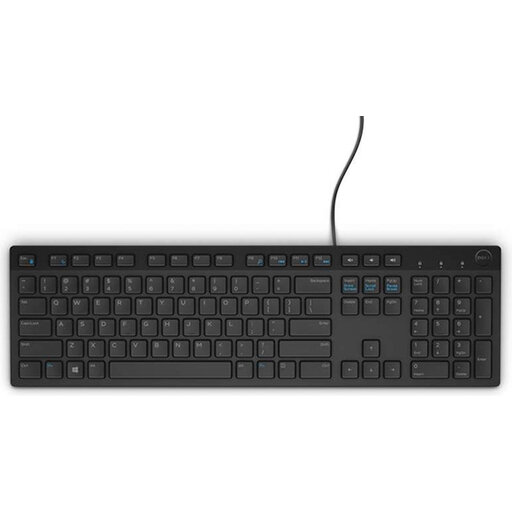
A wired option if you have a compatible USB port available and Belgian AZERTY suits your writing.
USB-powered with a numeric keypad.
The cable needs an available USB port; this version has a Belgian AZERTY layout.
 No image available
A wired option for a workspace with a USB port available, with no batteries in the keyboard.
USB connection, full-size layout and numeric keypad.
It needs an available USB port.
 No image available
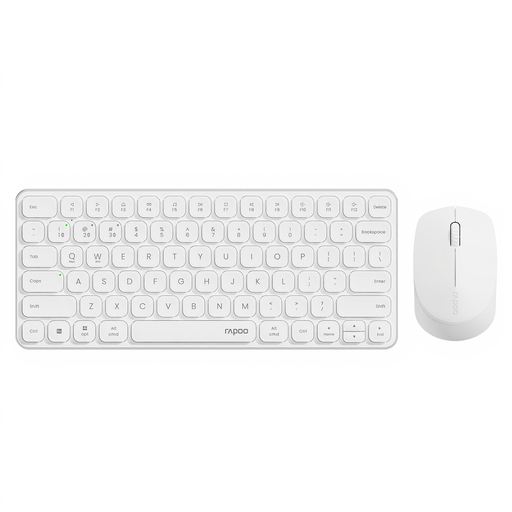
A wireless set for anyone who wants to use batteries and connect several devices.
Bluetooth and USB receiver; connects to up to four devices. The keyboard and mouse set runs on batteries.
The USB receiver uses a port if you choose this connection method.
 No image available
A wireless option if Bluetooth and the Dutch QWERTY layout suit your work.
Rechargeable battery and USB-C charging cable; numeric keypad and document navigation keys. The description says it connects automatically to a Mac.
The battery will eventually need charging.
Not for the Dutch version of the Dell KB216 described by Dell: it uses USB for power and connects via USB Type-A. You do need a compatible, available port on your computer. Check the specifications for other models.
Trust says you can with the Lyra. Don’t assume this is the case with another model: check the product specifications and whether a compatible USB connection is available.
According to the Dutch government, you can return used batteries to shops and supermarkets that sell batteries, among other places. You can take unwanted electrical appliances to a collection point or municipal recycling centre, or hand them in when buying a similar new appliance.
ACM ConsuWijzer explains that the seller is responsible for providing a suitable remedy free of charge if a product breaks too soon during normal use. Ordinary online purchases usually also come with a cooling-off period that ends 14 days after delivery; legal exceptions may apply.
For employees, Arboportaal describes a conditional rule: if you work at a screen for more than 2 hours a day, the screen and keyboard must not be attached to each other. This isn’t a general purchasing requirement for every reader.