What should you look for when buying?
First, measure how much space the keyboard can take up with your flashcards and mouse in their usual positions. Then compare the layout, the keys you use most and the connection options.
| What to consider |
What should you check? |
Who is this important for? |
| Desk space |
Measure the available width and depth with your flashcards and mouse in their usual positions, then compare this with the dimensions of the exact version. |
If I want to lay out flashcards beside my keyboard, every centimetre of desk space counts. Around 36% of consumers say desk space is their top priority. |
| Editing and navigation |
Check the exact key layout and find out which functions use an Fn key combination. |
If I rearrange lots of short texts, I want the arrow keys and other frequently used functions to be easy to reach. Around 29% of consumers prioritise quick text editing. |
| Connecting to devices |
Check Bluetooth support, available USB ports and the connection modes of the exact version. |
If I create flashcards on both a computer and a tablet, I want to switch between compatible devices. Around 21% of consumers say switching devices is their main consideration. |
| Typing feel and sound |
Check the key mechanism and, for a mechanical model, the exact switch type. Don’t assume a particular noise level without assessing it for yourself. |
If I’m looking for a typing feel that suits my study space, I want to know which mechanism the version uses. Around 14% of consumers prioritise typing feel and sound. |
Keyboards at Joybuy
This Joybuy selection includes compact keyboards, including wired models and mechanical versions with different layouts. For each product, check that the version and connections suit your devices and work space.
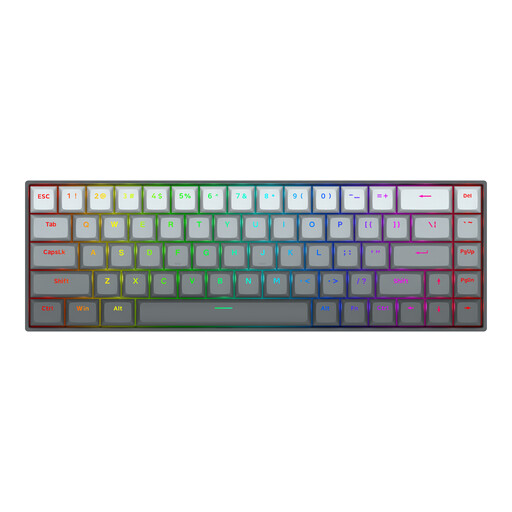 Image unavailable
Redragon M68 Magnetic Switch, 68 keys, US layout
The compact layout may suit you if you want to free up space on a small desk; check that the US layout works for you.
Mechanical keyboard with magnetic switches, 68 keys and a US layout. The product description lists a detachable Type-C cable.
Joybuy
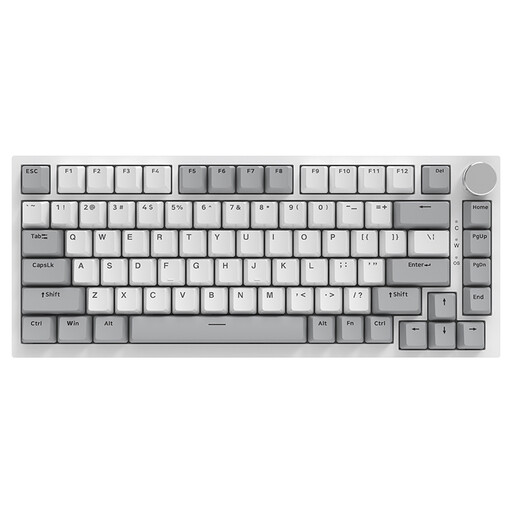 Image unavailable
AJAZZ AK820 75% wired, QWERTY US
This 75% version is an option if you’re looking for a mechanical keyboard with a compact layout and prefer a wired connection.
Wired connection, QWERTY US layout and hot-swappable linear switches. The title lists 83 keys.
Joybuy
 Image unavailable
AJAZZ AK820 Pro 75% Tri-Mode, QWERTY US
Consider this version if you’re looking for a compact mechanical layout and want to compare several connection options.
QWERTY US layout; the title lists wired, Bluetooth and 2.4 GHz connections, plus hot-swappable keys.
Joybuy
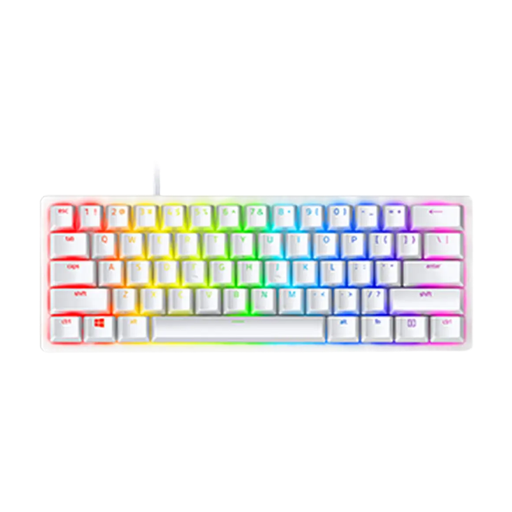 Image unavailable
Razer Huntsman Mini, Linear Optical Switch, US, Mercury
The Mini version may be worth considering if you’re looking for a smaller model; bear in mind that this product is a US version.
The product name lists linear optical switches and the US version in Mercury.
Joybuy
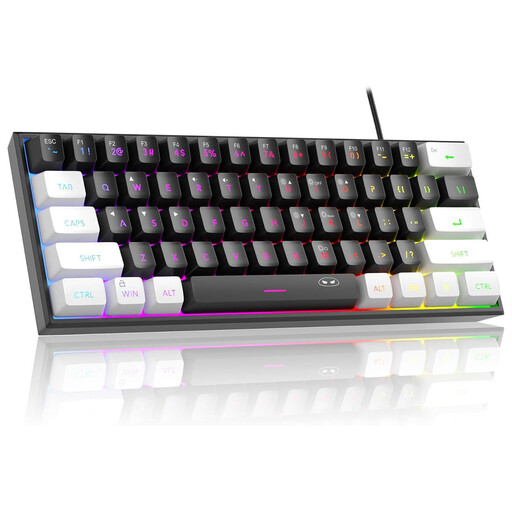 Image unavailable
MageGee TS91 60% wired, 61 keys, US layout
A 60% layout may appeal if you’re looking for a compact set-up; check first that the US layout suits the way you type.
Wired keyboard with 61 keys and RGB lighting, according to the product name.
Joybuy
Frequently asked questions
How do you pair an MX Keys Mini if you create flashcards on two computers?
According to the Logitech manual, hold down an Easy-Switch key for three seconds to make that connection available for pairing, then complete the pairing in your Bluetooth settings. A short press lets you switch between paired channels afterwards; check that both devices support Bluetooth.
How can you keep a wireless keyboard ready to use while studying?
Check the power supply for the exact model before buying. CHERRY lists a removable USB-A to USB-C cable for data transfer and charging with the KW 9200 MINI; Rapoo lists two AAA batteries for the E9010M. If you have a permanent work space, allow room for a cable or receiver too.
What cooling-off period and guarantee apply when buying online in the Netherlands?
For a standard online consumer purchase, you generally have a statutory 14-day cooling-off period from delivery, subject to legal exceptions, according to ACM ConsuWijzer. You’re also covered by the statutory guarantee if a product used normally doesn’t do what you could reasonably expect; the seller is responsible for this. Check who the seller is and how returns work.
Are students legally required to use a separate keyboard?
According to Arboportaal from the Ministry of Social Affairs and Employment, Dutch health and safety rules set a workstation requirement for employees who use a screen for more than two hours a day: the screen and keyboard must not be attached to each other. This isn’t a general legal requirement for every student to buy a separate keyboard; consider separately whether that work situation applies to you.


