Keyboards at Joybuy
This selection of Joybuy products includes compact keyboards, models with customisable key functions and options for anyone who values quiet typing or working across multiple devices. Check the layout and any software requirements for each version.
 No image available
Corsair K55 CORE TKL, US QWERTY
An option to consider if you're looking for a wired TKL keyboard for a workspace where mouse space and quiet typing matter.
This version has a US QWERTY layout. Remapping keys requires Corsair iCUE software.
Joybuy
 No image available
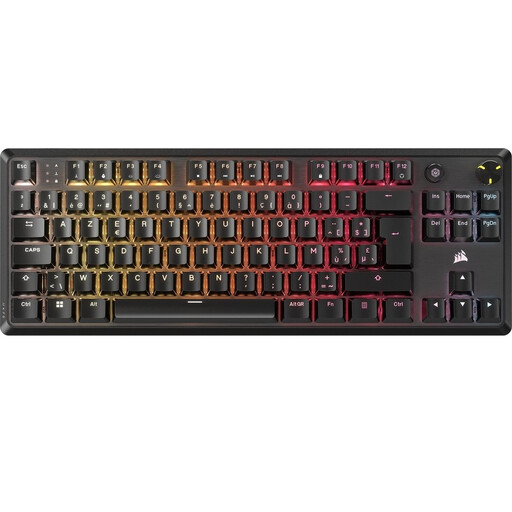
Corsair K70 CORE TKL, BE AZERTY, MLX Red
An option for anyone considering a compact mechanical model with customisable key functions; check that the Belgian AZERTY layout suits the way you work.
This version is listed with linear MLX Red switches and a detachable USB-C cable. Secondary key functions are accessed using Fn shortcuts.
Joybuy
 No image available
Trust Vaiya, US QWERTY
An option if you're looking for a wireless keyboard for multiple devices and want a full-size layout with a number pad.
This version is listed with a US QWERTY layout and scissor keys. Check that the physical key legends match your keyboard language.
Joybuy
 No image available
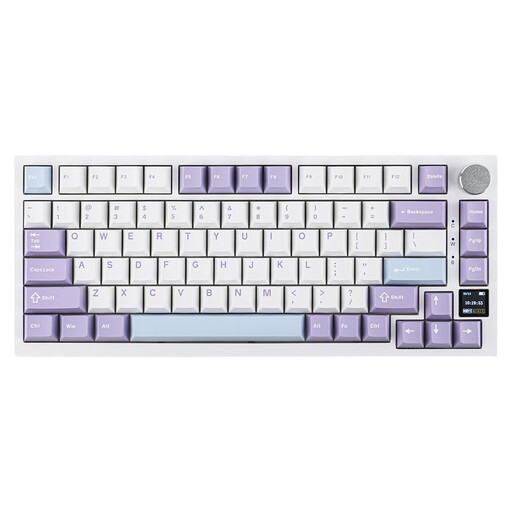
Ajazz AK820 Pro 75%, US QWERTY, Flying Fish Switch Purple
An option if you're looking for a compact mechanical layout and want to customise key functions.
The product name lists a 75% layout, US QWERTY and tri-mode connection. Check that the layout and connection suit your computer.
Joybuy
 No image available
Razer DeathStalker V2 Pro Tenkeyless, US Layout
An option to consider if you're looking for a compact keyboard and want to customise keys or macros.
The product name lists a Tenkeyless model with a US layout. The product description specifies Razer Synapse software for full functionality.
Joybuy
Frequently asked questions
Do I definitely need a mechanical keyboard for debugging?
No, debugging doesn't in itself require a mechanical keyboard. First, check the shortcuts for your development environment and how the specific version handles the F keys. According to Microsoft, F5, F10 and F11 are the default debugger controls in Visual Studio Code.
How do I set up a split keyboard?
According to Kinesis, you can adjust the distance and angle between the two halves of the Freestyle2. Also consider the position of your screen and mouse, and vary your posture and activities; a particular set-up doesn't guarantee that discomfort will be reduced.
What if the keyboard doesn't work properly after I buy it?
When you buy as a consumer in the Netherlands, you're entitled to a product that meets the terms of the agreement. According to the Dutch government, if a product is faulty, you should contact the seller; there is no fixed statutory two-year guarantee period in the Netherlands. Also check the terms of any additional guarantee.
Can you return a keyboard bought online?
For many online distance purchases from a business, the Dutch government states that you have a 14-day cooling-off period. Exceptions and the terms of the specific purchase still apply; the rules described for distance purchases don't apply to purchases from a private individual.
Does Dutch workplace health and safety law require a particular keyboard?
The regulations described don't require a mechanical brand or model. For employees who work at a screen for more than two hours a day, Arboportaal states that the screen and keyboard must not be attached to each other. This is a conditional workplace requirement, not a general requirement for every private buyer.


