
Console kart racer
If you mainly play on a console, choose a monitor to match the system’s and game’s video output. Nintendo Netherlands states that the Switch Lite does not support TV mode.


If you mainly play on a Nintendo Switch, or want one monitor for different games, start with 16:9 and check which output modes your system and game support. For PC kart racing, 21:9 can give you more horizontal screen space, but only if the game supports that aspect ratio and your PC can handle the resolution.
If you mainly play on a console, choose a monitor to match the system’s and game’s video output. Nintendo Netherlands states that the Switch Lite does not support TV mode.
If you want more horizontal screen space for PC racing, check whether your game supports 21:9 and whether you have room on your desk for an ultrawide monitor. MediaMarkt Netherlands lists the AOC CU34G2XP/BK as a 34-inch curved ultrawide.
Compare the resolution and refresh rate your system can actually deliver through the connection you plan to use. A quoted response time alone does not provide a complete picture of performance.
When choosing one monitor for kart racing games, the picture you get depends on both the game and the connected system. So first check which aspect ratio and output mode your setup supports.
| What to consider | What should you check? | Who should consider this? |
|---|---|---|
| Console and game | Check the console model, output mode, HDMI input and game support. Nintendo Netherlands states that the Switch Lite does not support TV mode; 4K and higher frame rates on Switch 2 are subject to certain conditions. | If I race on a console, I want a monitor that suits my system’s output and my game. Around 40% of consumers prioritise system and game compatibility. |
| Widescreen racing | Check whether the specific PC game supports 21:9, measure the available desk space and compare the resolution with what your PC can handle. | For PC racing, I want to make use of the extra horizontal space, and the screen needs to fit on my desk. Around 30% of consumers put widescreen racing at the top of their list. |
| Motion handling | Compare the maximum Hz for each connection and resolution; treat a quoted GtG response time and adaptive sync as separate features. | If fast-moving action matters to me, I want to know which picture mode my source can actually deliver through the input I choose. Around 20% of consumers prioritise motion handling above all else. |
| Running costs and service | Compare the EU energy label and model details in EPREL. Also read the manufacturer’s warranty terms and any additional cover available. | As well as the monitor itself, I want to consider energy use and service terms. Around 10% of consumers put running costs and service first. |
A 21:9 monitor does not guarantee that a particular game supports the aspect ratio. That means you may not be able to use the extra screen width while racing.
Before choosing an ultrawide, check your game’s picture settings and your PC’s output.
The maximum refresh rate can vary between connections. Dell states that the G2724D supports up to 165 Hz at QHD via DisplayPort and 144 Hz via HDMI.
Check the maximum resolution and refresh rate for the specific input you plan to use.
In the Netherlands, a manufacturer’s warranty is separate from your statutory rights if a product is faulty. According to the Dutch government, there is no fixed statutory time limit for the legal guarantee.
Read exactly what an extended warranty covers and compare its terms with your statutory rights.
The LG models featured here offer both a 27-inch QHD option and a 34-inch 21:9 OLED option.
The CU34G2XP/BK is a 34-inch curved VA ultrawide for anyone looking for a wider picture on PC.
The TUF Gaming VG27AQ3A is a 27-inch 16:9 QHD Fast IPS model for anyone who isn’t looking for an ultrawide.
The Odyssey Neo G9 G95NC shows just how large a super-ultrawide screen can be in a single-monitor setup.
This selection includes gaming monitors with a standard screen format, as well as ultrawide models for PC racing when the game supports the widescreen format.
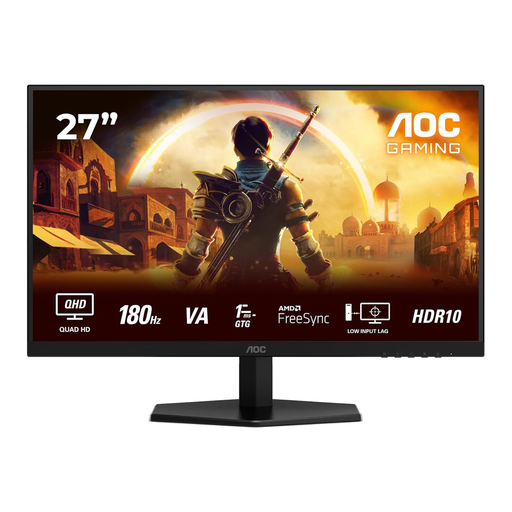 No image available
A 27-inch QHD option for anyone looking for a gaming monitor for kart racing; the picture mode you can use depends on the connected gaming source.
The product name lists 2560 × 1440, 180 Hz, 1 ms GtG, FreeSync Premium and HDR10. The description mentions a VA panel, two HDMI 2.0 ports and one DisplayPort 1.4 port.
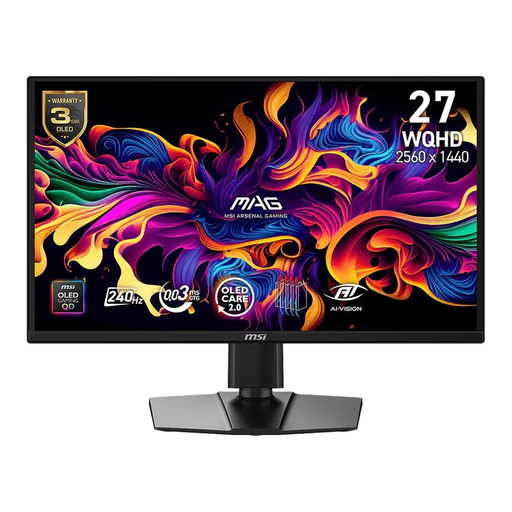 No image available
A 16:9 QD-OLED gaming monitor for anyone looking for a standard screen format and a high quoted refresh rate; check which mode your source supports.
The product name lists 26.5 inches, WQHD, 240 Hz, 400 cd/m², 0.03 ms, two HDMI ports, DisplayPort and USB Type-C. The description mentions HDMI 2.1, DisplayPort 1.4 and Adaptive Sync.
 No image available
A 27-inch QHD model for anyone looking for a standard screen format for kart racing and other games.
LG lists a resolution of 2560 × 1440 and a refresh rate of 180 Hz, rising to 200 Hz when overclocked. The description mentions a Nano IPS panel and DisplayPort 1.4. The refresh rate you can use also depends on your source and connection.
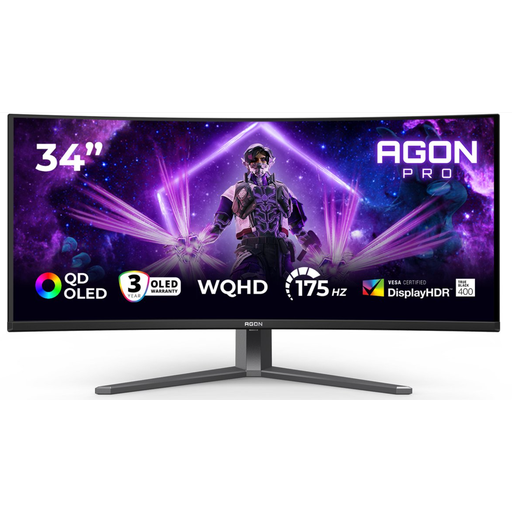 No image available
A widescreen option for PC racing, provided the specific game supports 21:9 and you have enough desk space.
The product description lists QD-OLED, 34 inches, 21:9 and 3440 × 1440. The product name lists 175 Hz via DisplayPort and 100 Hz via HDMI; the description mentions AdaptiveSync.
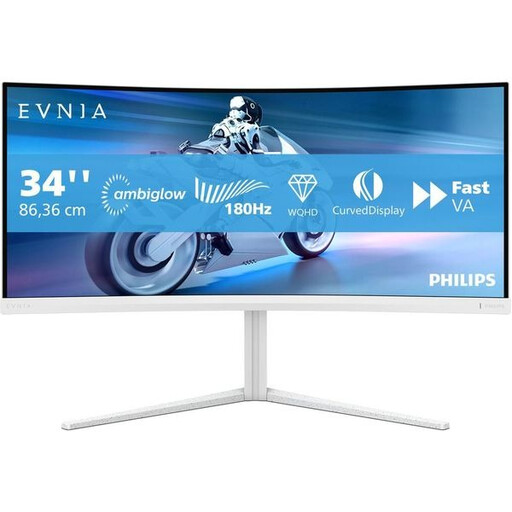 No image available
An ultrawide option for PC racing if your game supports the format and you have enough room on your desk.
The product name lists UWQHD and 180 Hz. The description mentions a VA panel, a curved screen and Adaptive-Sync.
Not necessarily: the original Nintendo Switch supports output resolutions of up to 1080p in TV mode. According to Nintendo, Switch 2 can output up to 4K or 120 fps in supported games on a compatible screen, with a maximum of 60 fps at 4K. Check your exact system and game before choosing a monitor with higher specifications.
Nintendo’s instructions specify an HDMI cable between the dock’s HDMI output and an HDMI input on the monitor. The Switch Lite does not support TV mode; for a different system, refer to its connection instructions.
The European Commission explains the EU energy label for displays and the additional model information available in EPREL. In the Netherlands, statutory rights apply to products that are of satisfactory quality, with no fixed statutory time limit; if a product is faulty, the retailer is your point of contact. A manufacturer’s warranty is in addition to these rights.
According to ACM ConsuWijzer, online purchases generally come with a statutory cooling-off period of up to 14 days after delivery, although exceptions may apply depending on the purchase. Check the relevant terms for trying out and returning the monitor.