
Creator of detailed demonstrations
You want to show small settings, engravings or finishes clearly. Start by looking at the lens, magnification and framing.


For capturing tiny details, a mirrorless camera with a suitable macro lens is the more versatile choice. A compact camera with a gimbal is better suited to moving demonstrations, provided the fixed lens can frame the jewellery large enough. Canon and Nikon publish magnification figures for specific macro lenses, while DJI specifies a minimum focusing distance of 0.2 m for the Osmo Pocket 3. So check the exact lens or focusing distance, and plan for continuous lighting against the white background and around reflective jewellery.
You want to show small settings, engravings or finishes clearly. Start by looking at the lens, magnification and framing.
You regularly film against a white background and want to control lighting, reflections and colour from one shoot to the next.
You switch between speaking, holding jewellery and moving around. Ease of use and stabilisation matter, provided the jewellery is also clearly visible close up.
Best for: you want to show small details or switch between presenting and product shots.
Bear in mind: the macro lens may need to be bought separately; a product presentation mode is no substitute for a suitable lens.
Best for: you want to move the camera more easily during the demonstration.
Bear in mind: you can’t switch to an interchangeable macro lens, so check in advance that the smallest piece of jewellery fills enough of the frame.
| Consideration | What should you check? | Who does this matter most to? |
|---|---|---|
| Small details | Check the supplied lens, mount, magnification and focusing distance. Canon Netherlands lists a maximum magnification of 0.25× at 18 mm with manual focusing for the RF-S 18-45mm; for the separate RF 85mm F2 Macro, Canon lists 0.5×. Nikon Netherlands lists 1:1 for the separate NIKKOR Z MC 50mm f/2.8. | If you mainly want to show small stones, settings or engravings, magnification should be your first consideration. Around 36% of consumers put detail first. |
| White backgrounds and reflections | Plan a diffused, repeatable lighting setup and check the white balance. Nikon USA discusses diffusion in its jewellery photography advice; Canon Netherlands explains white balance settings. Use continuous lighting for video. | If you film at a dedicated table, you’ll want the white background and metal to look consistent from one shoot to the next. Around 29% of consumers give this their top priority. |
| Focusing while presenting | Check whether the exact camera has the product focus feature you need, and try it with your own jewellery and lens. Sony lists a Product Showcase mode for the ZV-E10 II; Nikon lists a product review mode for the Z50II. | If you hold jewellery up to the camera while speaking, you’ll want to switch smoothly between yourself and the product. Around 21% of consumers say presenting smoothly is their top priority. |
| Filming while moving | Compare the minimum focusing distance with the camera movements you have planned, and test the smallest product in frame. DJI specifies a range starting at 0.2 m for the Osmo Pocket 3; this doesn’t automatically determine how large a piece of jewellery will appear in the frame. | If you want to move the camera during the demonstration, freedom of movement matters alongside the close-up you need. Around 14% of consumers give filming while moving their top priority. |
Maximum magnification varies by lens and can also depend on the focusing mode. So the camera’s resolution doesn’t tell you how large a small piece of jewellery will appear in the frame.
Make a note of the full lens name included in the kit, then check its magnification and focusing distance for the smallest piece of jewellery you want to show.
Shiny metal reflects its surroundings. So a white surface alone won’t determine how the background, stones and metal components look in your footage.
Make a test recording with the jewellery and your full lighting setup. Nikon USA’s jewellery photography advice uses flash for still photos; don’t assume that setup will work as it is for continuous video.
A dedicated setup takes space, and you’ll need time to check the lighting and reflections again during test shoots.
Stabilisation doesn’t tell you how large a small piece of jewellery will appear through the fixed lens.
Test the framing you want at or beyond DJI’s stated minimum focusing distance of 0.2 m.
The EOS R50 is a mirrorless camera for photos and video; your choice of lens partly determines how close you can focus.
The ZV-E10 II has an E-mount and can be used with separately selected lenses for product presentations and close-ups.
The Z50II can be paired with separate Z-mount lenses, including the NIKKOR Z MC 50mm f/2.8.
According to DJI, the Osmo Pocket 3 combines a fixed lens with a gimbal for moving demonstrations.
You can consider these video cameras for a jewellery demonstration; check for each model whether the jewellery fills enough of the frame at your chosen distance.
 No image available
The product name mentions a gimbal and 3-axis stabilisation; also check whether your smallest piece of jewellery will appear large enough in close-up.
According to the product name: 1-inch CMOS, 4K/240fps and 107 GB of built-in storage.
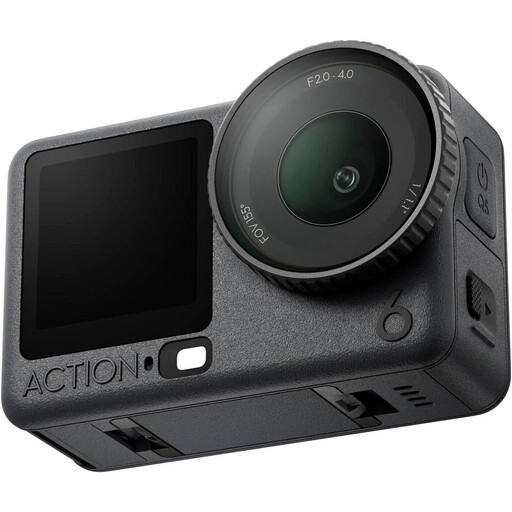 No image available
Before choosing this action camera bundle for your demonstration, check that you can get the close-up you want of your smallest piece of jewellery.
 No image available
Before choosing it for a moving demonstration, check that this version offers the framing and focus you need for your smallest piece of jewellery.
The product name lists the Standard Combo version in black.
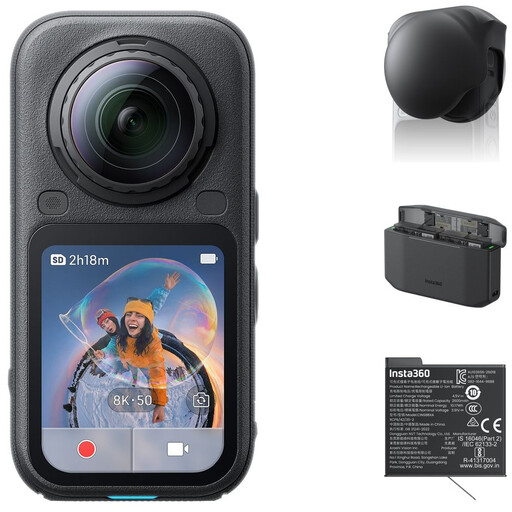 No image available
Check that the recording and framing offered by this bundle suit the close-up you need of your smallest piece of jewellery.
The product name lists a Standard Bundle, Lens Cap, Xtreme Battery and Fast Charge Case.
No, 4K alone doesn’t tell you that. Check the magnification and focusing distance of the exact lens: Canon Netherlands, for example, lists different figures for the RF-S 18-45mm and the separate RF 85mm F2 Macro.
Nikon USA’s jewellery example uses flash for still photos. For continuous video, the scene needs continuous lighting, although you can still apply the principles of diffusion, light positioning and a clean white surface.
Use a repeatable lighting setup and set the white balance to suit that light. First, make a test recording of both the metal and the white background.
For eligible consumer distance sales, ACM ConsuWijzer says you generally have 14 days to change your mind after delivery, with some exceptions. A statutory guarantee means you can expect a product to be of satisfactory quality; it isn’t a single fixed period that applies in every case. Consumer rules don’t automatically apply to purchases made mainly for business purposes.
First, consider privacy rules if an employee is identifiable in the footage. The Dutch Data Protection Authority regards identifiable people in images as personal data. A legal basis is needed to record and publish images of employees; in most cases, this means obtaining the consent of the employee shown.