
Singer monitoring their own microphone vocals
You want to hear your amplified voice and the backing track at the same time while practising. The complete signal path can affect whether any delay is noticeable.


If you want to hear your own voice through a microphone, choose a monitoring setup with a suitable direct output; in-ear earphones alone won’t create a microphone mix. If you’re singing along to an existing recording, a Bluetooth listening option can give you more freedom to move around, while a wireless monitoring system also requires a transmitter and receiver. In every case, check the fit, connections and complete signal path: a low-latency Bluetooth claim doesn’t prove that live vocals will be returned without noticeable delay.
You want to hear your amplified voice and the backing track at the same time while practising. The complete signal path can affect whether any delay is noticeable.
You’re practising with an existing recording and want to be able to move around while doing household chores. Bluetooth playback is different from a wireless microphone monitor mix.
You’re looking for a comfortable, secure fit so you don’t have to keep turning up the volume. Remember to take sounds around you into account, too.
Best for: hearing your own amplified voice alongside the backing track when timing matters.
Bear in mind: you’ll need a suitable monitor output, and the cable may restrict your movement.
Best for: singing along to an existing recording when you don’t need to hear your own voice electronically.
Bear in mind: check that the adapter is compatible with the exact IEM model and that its battery life suits your practice session.
Best for: hearing your own microphone mix while moving around the house.
Bear in mind: as well as the earphones, you’ll need a transmitter, receiver and suitable connection; for radio frequencies, also check the rules for your location.
| What to consider | What to look for | Who is this important for? |
|---|---|---|
| Timing of your own vocals | Check whether your mixer or interface has direct monitoring and a suitable headphone output. | If I want to hear my microphone vocals alongside the backing track, I want to know how the complete signal reaches my ears. Around 33% of consumers put the timing of their own vocals first. |
| Freedom to move | Decide whether you’re playing a recording or need a live monitor mix; check adapter compatibility and what’s included. | If I’m moving around the house while doing chores and singing along to a recording, I don’t want a cable running to the playback device. Around 27% of consumers make freedom of movement their top priority. |
| Fit and seal | Compare the supplied ear tips and check the seal at a modest listening volume. | With household noise around me, I want comfortable earphones that stay securely in place, without having to keep turning up the volume. Around 20% of consumers put fit and seal first. |
| Connections and equipment needed | Check the plug, monitor output and any cables or adapters included. | If I need a working combination of microphone, mixer or interface and earphones, I want to know in advance which components will connect to each other. Around 20% of consumers start by checking the connections and equipment needed. |
A claim about video synchronisation doesn’t tell you how quickly the complete signal travels from microphone to ear. Shure explains why singers may be particularly sensitive to delay.
Work out whether you’re only playing a recording or also monitoring your own voice. If it’s the latter, check the complete signal path.
A Bluetooth adapter for music playback won’t automatically replace the transmitter, receiver and connection needed for a wireless monitor mix.
Check which components come with the system and whether your mixer or interface connects to it. For radio frequencies, also check the rules for where you’ll be using it.
The seal depends in part on how the ear tips fit. More household noise isn’t a good reason to keep turning up the listening volume.
Try different tip sizes at a modest volume, and make sure you can still hear important sounds around you.
The SE215 is a wired option with a 3.5mm cable and detachable MMCX connection, for equipment with a suitable monitor output.
The IE 100 PRO range includes a wired version and a version with a detachable Bluetooth connector.
The MP-120 is a wired IEM with a detachable MMCX cable; the MP-120 BTA is a separate version with a Bluetooth adapter.
The second-generation M6 PRO is a wired in-ear monitor for musicians, with detachable cables.
The ER2XR is a wired in-ear option to compare if you’re looking for a strong passive seal and the bass emphasis described by Etymotic.
This selection features wireless in-ear earphones for playing a backing track while moving around the house. Consider them as options for listening to a recording; to hear your own microphone vocals, choose a suitable complete monitoring setup.
 No image available
The wireless in-ear design suits playing a backing track while you move around.
True wireless, Bluetooth and active noise cancellation (ANC).
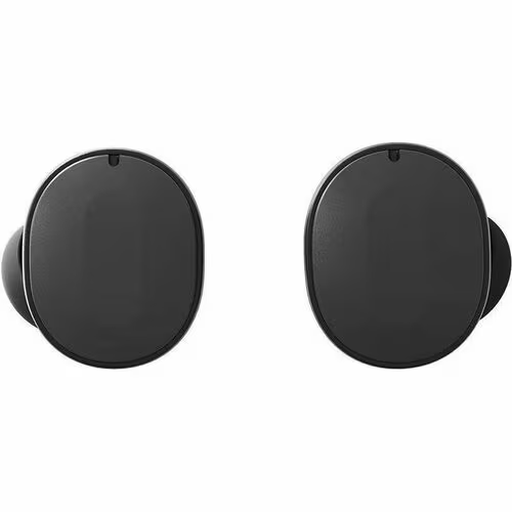 No image available
Bluetooth playback offers a way to listen to a recording without a cable running to the playback device.
The product information lists Bluetooth, active noise cancellation (ANC), replaceable parts and a charging case.
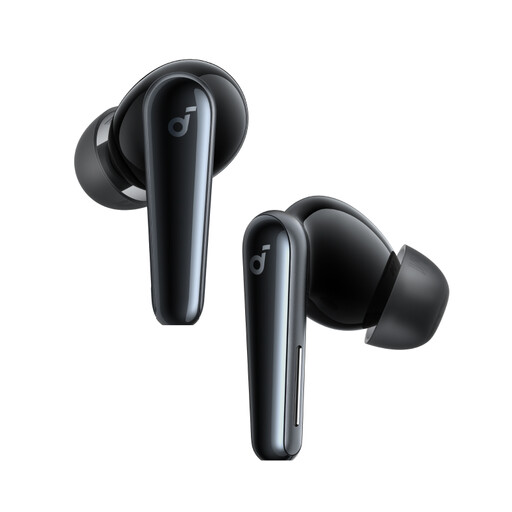 No image available
This wireless model is an option for listening to a backing track while moving around the house.
Bluetooth, USB-C and a charging case.
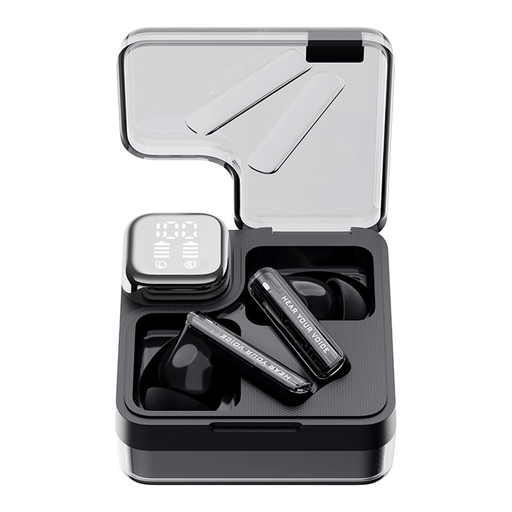 No image available
These wireless Bluetooth earphones are suited to playing a recording without a cable to the source.
The product information lists active noise cancellation (ANC), transparency mode and touch controls.
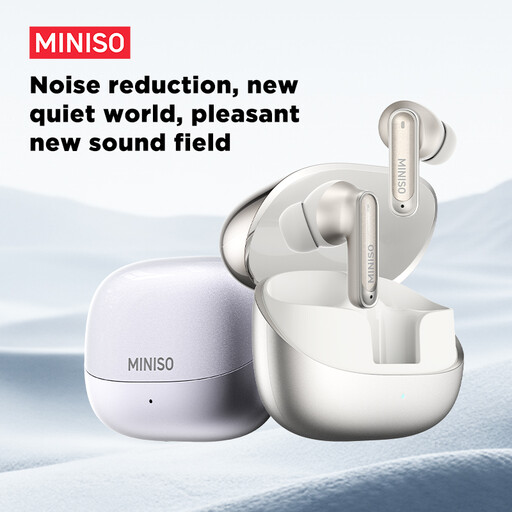 No image available
This wireless model is an option for listening to a backing track while moving around the house.
The product name lists Bluetooth 6.0, IPX5 water resistance, a built-in microphone and a charging case.
No, not with the earphones alone: your microphone vocals need to be routed through suitable equipment to a monitor output. In Shure’s example, direct hardware monitoring avoids the extra delay of monitoring through computer software, so check your own equipment and the complete signal path.
Try another suitable tip and, with a cable designed for it, route the cable over your ear. Shure notes that a lack of bass may mean the sleeve isn’t sealing properly, so don’t turn up the volume straight away. Remove an earphone by holding the housing rather than pulling on the cable.
The World Health Organization recommends well-fitting headphones to help prevent you from turning up the volume unnecessarily in a noisy environment. Keep the volume moderate and stay alert to sounds you need to hear while doing household chores.
For online purchases from a business, you generally have 14 days to change your mind, with some exceptions, including certain opened, sealed hygiene products. Check the applicable terms before breaking a seal. Faulty products are covered by the legal guarantee; in the Netherlands, there is no fixed general guarantee period and the retailer is your point of contact.
According to the Dutch Authority for Digital Infrastructure, Bluetooth generally doesn’t require a licence or registration. A radio-frequency IEM system usually doesn’t require a licence if you use the right frequency band and comply with the conditions; availability can vary by location. Check the band and the conditions that apply where you’ll be using it.