If you’re practising with an existing recording, wired in-ears with a good fit and a connection that suits your playback device are a sensible starting point. If you also want to hear your own voice as you sing, check the entire signal chain, from microphone and monitor mix to in-ears: the earphones don’t add a live vocal signal themselves, and monitoring through computer software can introduce extra latency, as Shure explains. Keep the listening volume under control, even in a noisy office.
Who are these in-ears for?
Singer who wants to monitor their own voice
Wants to hear their live backing vocal alongside the accompaniment, so needs to assess the entire signal chain, not just the earphones. Shure explains the role of the microphone and monitor chain in live monitoring.
Singer practising with a recording
Wants to hear an existing vocal track or backing clearly without drowning out office noise; fit and connection are important here. Shure, Sennheiser and Etymotic describe model features related to fit and noise isolation.
Singer who practises comfortably for longer
Wears in-ears for extended periods and wants to assess suitable ear tips and replaceable parts. Shure and Mackie list ear-tip and cable options for specific models.
What should you look for?
First decide whether you’ll just play a recording or also want to hear a live microphone signal.
Practising with a recording
Choose this if: you want to hear an existing vocal track or backing and don’t need to monitor your own microphone signal.
Bear in mind: the fit helps determine passive noise isolation, and a cable can restrict your movement.
Hearing your own voice live
Choose this if: you want to hear your voice alongside the backing in a monitor mix as you sing.
Bear in mind: you’ll need a suitable microphone and monitor chain; monitoring through computer software can add extra latency.
Wireless monitoring system
Choose this if: freedom of movement matters and you can check the complete monitor chain and the performance’s frequency requirements.
Bear in mind: wireless won’t make up for a missing microphone or monitor mix, and latency still matters when singing live.
| What to consider |
What should you check? |
Who considers this important? |
| Hearing your voice without distracting latency |
Check the microphone, direct monitoring, mix controls and headphone output. |
If I need to hear my own singing alongside the backing, I’ll check the microphone and monitor route first; around 29% of consumers put live vocal monitoring at the top of their list. |
| Hearing the backing clearly among conversations |
Try different ear-tip sizes and materials; assess the fit at a controlled listening volume. |
If I want to follow a vocal track in a shared office, I’ll prioritise clarity without turning up the volume; around 29% of consumers say blocking out office noise is their top priority. |
| Comfort and maintenance |
Check the included ear-tip sizes, cleaning instructions and suitable replacement parts. |
For longer practice sessions, I want ear tips that are comfortable and fit well; around 24% of consumers put wearing comfort first. |
| Connecting to your existing set-up |
Check the output on your device or interface, the connector type and which parts are included with the product. |
If I want to connect quickly to my existing practice set-up, I’ll want to know in advance what connection and monitor mix are needed; around 18% of consumers say ease of connection is their top priority. |
Common buying mistakes
-
Assuming in-ears are a complete vocal monitoring system
Earphones play back the audio signal they’re given, but they don’t create a live mix of your voice and the backing themselves.
Before you buy, map out the signal route from the microphone and backing through to the monitor mix and in-ears.
-
Assuming the highest isolation figure guarantees noise reduction in an office
Isolation figures are manufacturer specifications for specific models; the actual fit also affects how well they seal.
Check the available ear-tip sizes and how they feel to wear, rather than relying on a quoted maximum alone.
-
Turning up the monitor mix to compensate for noise
The World Health Organization points out that both sound level and listening duration affect the risk to your hearing.
Improve the fit first and keep both the volume and practice time under control; an isolation claim is no reason to listen at high volume.
-
Going wireless without checking latency and frequency use
Latency matters to vocalists, while the rules for radio frequencies in the Netherlands depend on the band being used.
For live monitoring, check the entire signal route; for a wireless system, check the requirements for the specific frequency version.
Brands to compare
Shure
The wired SE215 is worth considering if you want to assess interchangeable ear tips and a replaceable cable for practising with a recording or an existing monitor mix.
- Shure lists a single dynamic driver, an MMCX cable and up to 37 dB of isolation for the SE215.
- The manufacturer’s maximum figure isn’t a real-world measurement for a busy office. The in-ears don’t add your own voice to a mix.
Sennheiser
The wired IE 100 PRO is an option for assessing ear-tip choice and wearing comfort.
- Sennheiser lists sound attenuation of less than 26 dB for the IE 100 PRO.
- This manufacturer’s figure isn’t directly comparable with other manufacturers’ maximum figures as a real-world measurement; the fit in your ears remains key.
Etymotic
The ER2SE is worth considering if passive noise isolation and the flat sound described by the manufacturer are important to you.
- Etymotic lists 35–42 dB of passive attenuation for the ER2SE and describes its frequency response as flat.
- These figures don’t prove that the fit will be comfortable or seal well for every user.
Mackie
The MP-120 is a wired in-ear option for comparing different included ear-tip styles and fit.
- Mackie lists a detachable MMCX cable, foam, silicone and double-flange tips, and up to 40 dB of isolation.
- The isolation figure is a manufacturer’s specification for this model, not an independent comparison with other brands.
Behringer
The Powerplay P2 is a wired beltpack for anyone who already has a suitable monitor mix; it isn’t a substitute for in-ears.
- Behringer lists a 3.5 mm headphone output.
- To hear your singing back, you’ll also need a suitable signal source, monitor mix and in-ears.
Joybuy products
These products are wired in-ear earphones for practising with a recording. The earphones alone won’t provide live vocal monitoring, so also check that the connection suits your playback device.
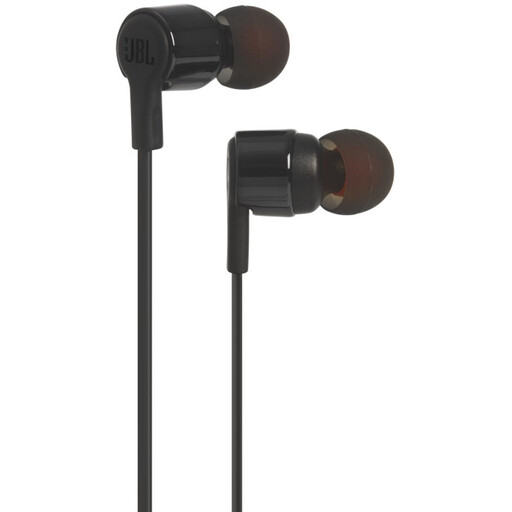 Image unavailable
JBL Tune 210, wired, with microphone, 3.5 mm, black
A wired option for listening to an existing practice recording; the earphones don’t add your own voice to a monitor mix.
The product name lists a built-in microphone and a 3.5 mm connection.
Joybuy
 Image unavailable
Bose Noise Cancelling Wired Earbuds, black
A wired option for listening to an existing recording; live vocal monitoring also requires a suitable microphone and monitor chain.
Check that the connection suits your playback device.
Joybuy
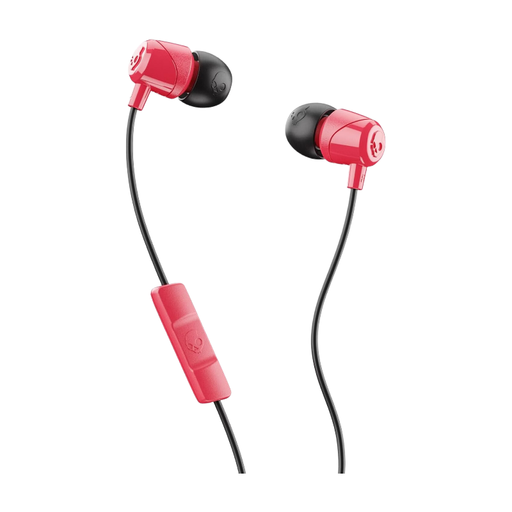 Image unavailable
Skullcandy Jib In Ear W/Mic 1, red
This option is suitable for practising with a recording; the earphones alone don’t add your own voice to a monitor mix.
The product name lists a microphone. Check that the connection suits your playback device.
Joybuy
 Image unavailable
Samsung EO-IC100, wired in-ear headset, USB Type-C, black
A wired option for listening to an existing practice recording; you’ll need a monitor chain to hear your live voice back.
The product name lists USB Type-C; check that your playback device supports this connection.
Joybuy
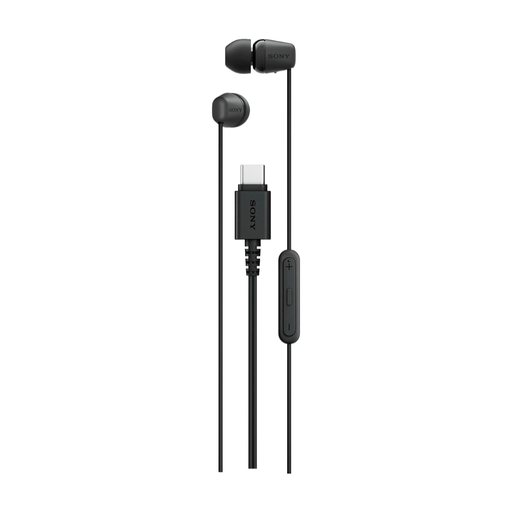 Image unavailable
Sony IER-EX15C, wired in-ear headset, USB Type-C, black
A wired option for listening to an existing recording; the earphones alone won’t provide live vocal monitoring.
The product name lists USB Type-C; check that this connection suits your playback device.
Joybuy
Frequently asked questions
Can I hear my own singing through the computer with just in-ear monitors?
No, not as an electronically monitored signal: your voice needs to go through a suitable microphone and into a monitor mix. Check whether your interface supports direct monitoring; listening back through computer software can introduce extra latency.
How can I make a set suitable for regular use?
Choose ear tips that feel comfortable and fit well, and follow the care instructions for the specific model. Shure lists a detachable cable for the SE215, as does Mackie for the MP-120; if you replace one, check that the connection matches.
Do I need a licence for wireless in-ear monitoring in the Netherlands?
Not always. The Dutch Authority for Digital Infrastructure says that wireless microphones and IEM systems usually don’t require a licence, provided you use the correct frequency space and meet the relevant conditions. Check the band and version of the specific system; some bands are subject to licensing rules.
What if in-ears don’t fit properly or turn out to be faulty after I buy them online?
ACM ConsuWijzer says that online purchases generally come with a 14-day cooling-off period after delivery, subject to exceptions, including certain unsealed hygiene products; check the applicable terms before trying them out. The legal guarantee is a separate right: according to the Dutch government, the seller is responsible for providing a solution if a product has a problem.


