
Vandaag of morgen in huis

Kwaliteit gegarandeerd

Welkomstaanbiedingen ontgrendelen: GRATIS bezorging | Tot 80% korting | Gratis 30 dagen JoyPlus-proefperiode
Download de app
Has your HP printer run out of black ink just when you need to print an important document? You're not alone. The search for a new HP 302 black ink cartridge should be quick and simple, but the range of options can be confusing. Many users make unnecessary mistakes, such as buying a cartridge that doesn't quite fit or choosing an alternative that leaves streaks.
Before you go to buy an HP 302, it's helpful to know two common pitfalls:
This guide will help you avoid these problems and find the right HP 302 ink cartridge straight away.
To be confident in your purchase, there are two specifications you should always check. This will save you time and ensure your printer is up and running again immediately.
The HP 302 isn't a single product, but a series suitable for specific HP printers. The black cartridge has the official product code F6U66AE. It is designed for a range of popular printers for home and small business use.
Check if your printer is on this list:
ink for HP Deskjet 3630)cartridge HP Envy 4520)The easiest way to verify this is to look at the sticker on your printer or to check the model number on your old, empty cartridge.
The standard genuine HP 302 ink is designed for a yield of approximately 190 pages. This is ideal for those who print occasionally. However, if you print reports, papers, or other documents weekly, an XL cartridge is worth considering. These contain more ink and typically offer a lower cost per page. Just make sure you choose the XL version specifically intended for your printer model (HP 302XL).
Based on these criteria, we have highlighted a few options that suit different user profiles.
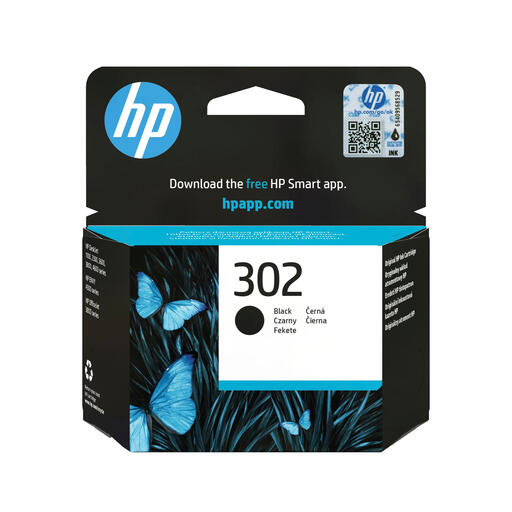
Why This Fits Their Persona: Ideal for home users and students who primarily print text documents, emails, or return labels. This is the standard choice that works right out of the box without any hassle.
As a genuine HP cartridge, compatibility with the listed printers is guaranteed. You'll avoid the mistake of buying an 'almost-right' model like the 301 or 305.
Engineered by HP for reliable performance and consistent, sharp text prints. Simple installation.
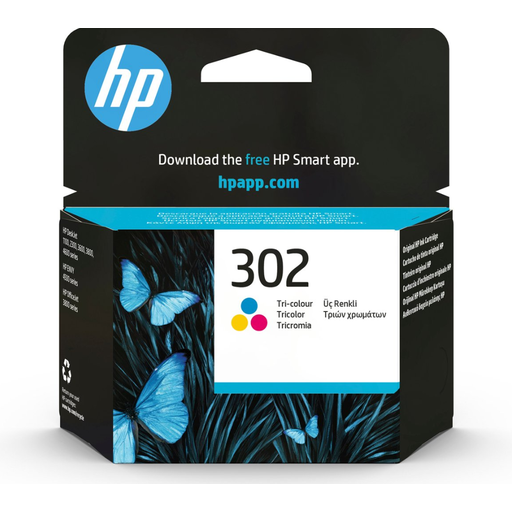
Why This Fits Their Persona: For those who regularly print in colour as well as text, such as schoolwork with charts, photos, or creative projects. This cartridge perfectly complements the black one.
The genuine ink is calibrated for the printer, which, according to HP, minimises the risk of colour inaccuracies or streaking that can occur with third-party cartridges.
Combines three colours (cyan, magenta, yellow) in one convenient cartridge. Delivers vibrant and bright colours for photos and graphics.
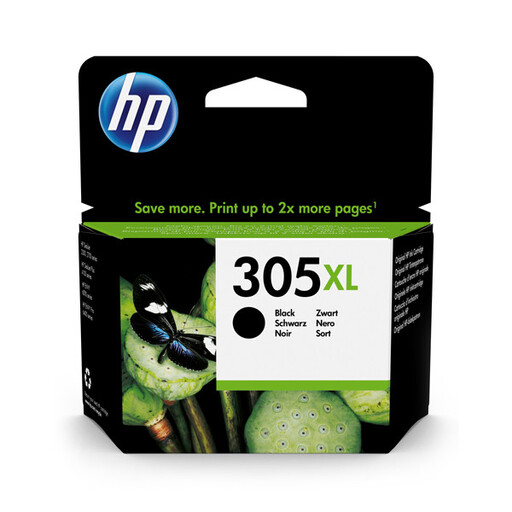
Why This Fits Their Persona: This product illustrates the XL option for users who print a lot. An XL cartridge contains more ink, resulting in a lower cost per page and less frequent replacements.
Note: This model (305XL) is for different printers (e.g., HP DeskJet 2700). This highlights the importance of always checking the model number when choosing an XL version. Look for the HP 302XL if you have a compatible printer.
Higher page yield (approx. 240 pages for this model) for better long-term value.
We have compiled a complete, real-time list of products that fully satisfy these strict selection criteria and UK safety regulations.
The most reliable method is to check the model number on your printer itself. This is usually located on the front or top. You can also remove the old cartridge from the printer; the model number (302) will be clearly printed on it.
The only difference is the amount of ink. An HP 302XL cartridge contains more ink than the standard version and can therefore print more pages. The physical dimensions are identical, so if your printer is compatible with the HP 302, the 302XL will also fit. The XL version is more cost-effective if you print regularly.
An unopened, genuine HP 302 ink cartridge can typically be stored in its original packaging for up to two years without any loss of quality. Store the cartridge in a cool, dry place, away from direct sunlight. Once the cartridge is installed, it is advisable to print a page at least once every few weeks to prevent the print nozzles from drying out.
