
Opera listener looking for stereo
You want to position the left and right speakers separately where you listen, so you need to take the available space into account.


First, decide how you want to play opera and whether you have room to position two speakers on the left and right. A wired desktop set suits a fixed source with a suitable analogue output; an active hi-fi stereo pair offers several connection options, while a Wi-Fi speaker is suited to listening through a supported app or network connection. For the latter, check whether you need a second speaker or an adapter for stereo or an external analogue source. These choices are about connections and setup, not measured differences in sound quality.
You want to position the left and right speakers separately where you listen, so you need to take the available space into account.
You play recordings from a computer and want a suitable connection between the source and your speakers.
You want to play music through a supported app or wireless connection, and are considering your Wi-Fi connection and the service you use.
A good fit if: you mainly listen from a fixed computer or another source with a suitable analogue output, and want to position two speakers separately.
Keep in mind: the connections on the Edifier MR4, for example, do not automatically provide a USB or Wi-Fi connection. Also check your available space and listening position.
A good fit if: you want two speakers and would like to use USB-C, an optical source or wireless playback, for example. The KEF LSX II LT is described as a pair.
Keep in mind: check that both speakers will fit on or beside your desk. The available connections alone do not prove an audible advantage over another set.
A good fit if: you want to play music through a supported app or wireless connection, and might start with one speaker.
Keep in mind: Sonos says you need a second speaker to use two Era 100 speakers as a stereo pair. For analogue line-in, Sonos says you need a Line-In Adapter and an audio cable. Wi-Fi playback requires a stable network.
A good fit if: you want compact speakers close to your fixed listening position and already have a suitable analogue signal chain.
Keep in mind: each Genelec 8010A speaker has one analogue XLR input, so check which cables or additional equipment you need.
| What to consider | What should you check? | Who is this important for? |
|---|---|---|
| Two channels and placement | Check that the offer includes two speakers, and measure the available space and your listening position. | I want to position the left and right speakers separately, and know how much space my workspace has for them. For around 36% of consumers, a stereo pair that can be positioned separately is the top priority. |
| Connection to your source | Note the output on your computer or other source and compare it with the input and the cable or adapter required. | I want to connect my computer or another recording source using a connection that is genuinely suitable. For around 29% of consumers, connecting to an existing source comes first. |
| Wireless connection and controls | Check that your playback service and Wi-Fi connection work well in your workspace, and find out what you need for any line-in connection. | I mainly want to listen through a suitable app or wireless connection, and want to check the network connection. Wireless control is the top priority for around 21% of consumers. |
| Available desk space | Measure the available width and depth, and check whether you are choosing one speaker or a pair, as well as which extra components you need. | I need to make sure the setup fits my workspace first, without assuming that a smaller size automatically sounds better. Limited desk space is the top priority for around 14% of consumers. |
A separate left-and-right setup requires two speakers. Some models are explicitly sold as a pair, while other setups need a second speaker.
Before choosing, check how many speakers the offer includes and whether that matches the setup you want.
According to Sonos, analogue line-in on the Sonos Era 100 requires a separate Line-In Adapter; the USB-C port alone is not enough.
Check your source’s output and the connection instructions for the specific model before choosing how to connect it.
The connections mentioned vary by model and generation: the Genelec 8010A has an analogue XLR input, while Audioengine says the Audioengine A2+ Gen 3 supports USB-C computer audio and Bluetooth.
Compare the full model and generation details with the information for the item on offer.
The MR4 is an active desktop set for anyone looking for two speakers and analogue source connections.
The LSX II LT is an active hi-fi pair for anyone considering several wired and wireless playback options.
The Era 100 is a Wi-Fi speaker for listening through a supported app or playback connection.
The 8010A is a compact active nearfield monitor for a fixed listening position with a suitable analogue signal chain.
The A2+ Gen 3 is a desktop set for anyone considering USB-C computer audio and other connection options.
This selection from Joybuy ranges from desktop and computer speakers to a Wi-Fi speaker and passive bookshelf stereo speakers. Check the suitable connection options for each model and whether you need any extra equipment.
 No image available
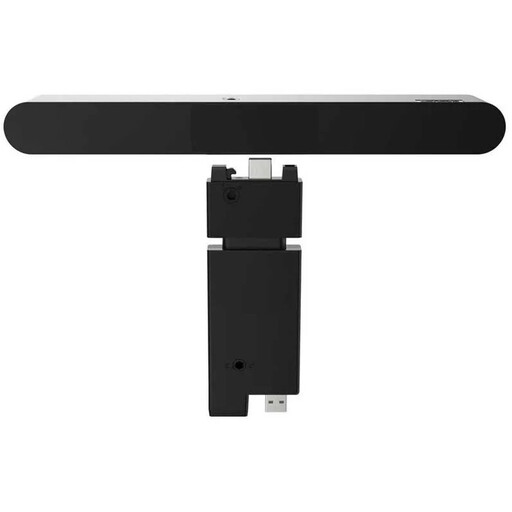
A wired monitor soundbar for desktop use. The product description mentions music playback and a 2.0 system. Check which connection is right for your computer.
 No image available
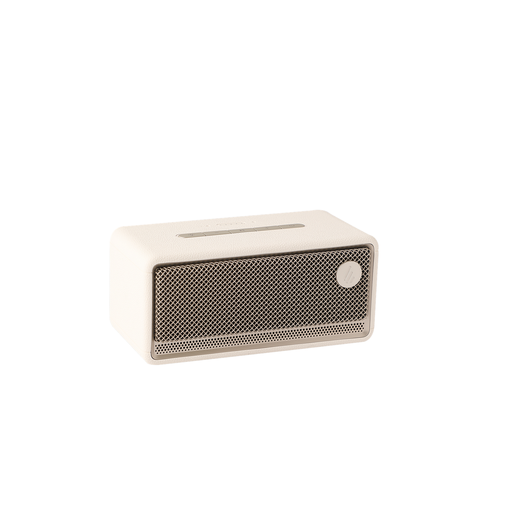
The product title lists Wi-Fi, Bluetooth, USB and AUX. Check which of these playback and connection options is right for your source.
 No image available
The product description mentions a compact 2.0 stereo system for a desktop setup. The title lists USB, AUX and Bluetooth 5.3; check which connection your computer supports.
 No image available
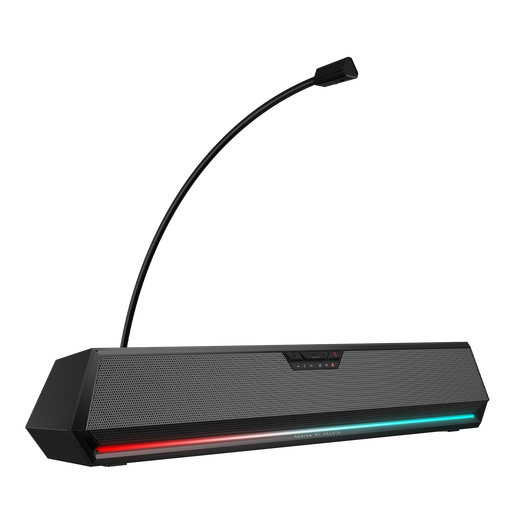
A desktop soundbar for computer use. The title lists 7.1 Surround, Bluetooth, USB and 3.5 mm audio. Check which inputs are suitable for your source.
 No image available
Passive bookshelf speakers supplied as a pair; you need a separate amplifier to use them. Check whether you already have one and whether the speakers will fit where you plan to put them.
Yes, you can start with one suitable speaker. If you want to position the left and right speakers separately, check whether you need two speakers. Sonos describes two Era 100 speakers as a possible stereo pair setup. This does not guarantee a better result in every room.
According to Sonos, if your CD player has a suitable audio output, you need a separate Line-In Adapter and a suitable audio cable. Set up the Era 100 with the Sonos app first, and check which output your CD player has.
Start with the listening setup you want and assess the positioning from where you sit. Genelec’s placement advice explains that the room and the position of the monitor and listener affect what you hear. This is practical advice, not a Dutch legal requirement.
No. According to the Dutch government, you are entitled to a product that works properly, and the seller must provide a solution if there is a problem. How long a product should reasonably last depends on factors including the product, its price and the information provided at the time of sale. A manufacturer’s warranty does not replace your statutory rights.
For radio equipment, the European Commission describes the Radio Equipment Directive as the framework for placing products on the market. EU guidance states that CE marking is required when the applicable harmonised rules require it. Without documentation for the exact model, this does not establish that a specific item on offer complies with the applicable rules.