Tablets at Joybuy for maps and fieldwork
This Joybuy selection includes tablets for viewing and annotating maps, as well as models with GPS or mobile connectivity for fieldwork that may involve location recording. Before your workshop, always check that the specific model and app you’re using meet your requirements.
 Image unavailable
Lenovo Idea Tab Plus WiFi, 12.1-inch 2.5K, 8 GB RAM, 256 GB, with pen, Rose
A good fit if you want to view maps on a spacious screen and make notes with a stylus.
The product information lists a 12.1-inch 2.5K screen, 8 GB RAM, 256 GB storage and a Lenovo Pen in the box.
View at Joybuy
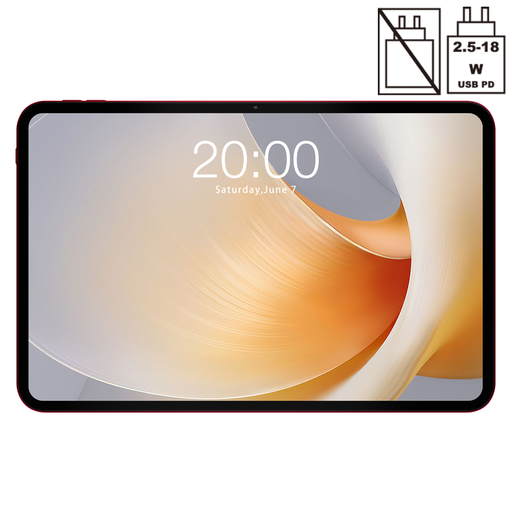 Image unavailable
TECLAST T65 Plus, 13.4-inch 120Hz screen, GPS and dual-SIM 4G
Could be a good option if you need a large screen and GPS for maps and location-based fieldwork.
The product title lists a 13.4-inch 120Hz screen, GPS and dual-SIM 4G. Check that the workshop app supports location recording.
View at Joybuy
 Image unavailable
TECLAST T70, 14-inch 2.2K, GPS and dual-SIM 4G
May suit you if you want to view maps on a large screen and need GPS for location-based recording.
The product title lists a 14-inch 2.2K screen, GPS, dual-SIM 4G and a 10,000 mAh battery capacity. Capacity isn’t a battery life test.
View at Joybuy
 Image unavailable
TECLAST ArtPad Pro, 12.7-inch, 20 GB (8 GB + 12 GB virtual) RAM, 256 GB, 4G LTE, compatible with T-Pen
Could suit map use and annotation with a compatible stylus, provided the stylus works with the workshop app.
The product title lists a 12.7-inch screen, 20 GB RAM including 12 GB virtual, 256 GB storage, 4G LTE and T-Pen compatibility.
View at Joybuy
 Image unavailable
TECLAST ArtPad Pro, 12.7-inch 2K, 20 GB (8 GB + 12 GB virtual) RAM, 256 GB, with stylus
A good fit if you want to view maps on a large screen and annotate them with the included stylus.
The product title lists a 12.7-inch 2K screen, 20 GB RAM including 12 GB virtual, 256 GB storage and a stylus in the box.
View at Joybuy
Frequently asked questions
Can I use a downloaded Google Maps map to access the survey form offline too?
Not automatically. Google describes offline areas for Google Maps; you’ll need to test the form and its associated map layers separately in the survey app you’re using. For example, Esri describes its own process for offline maps in Survey123.
Does a tablet need GPS and a SIM card to record locations outdoors?
That depends on the app you’re using and the location services you need. Apple lists GPS/GNSS for the iPad (A16) Wi‑Fi + Cellular, while Xiaomi specifies GPS for the Redmi Pad 2 4G. Test location recording in the workshop app; having a SIM card alone doesn’t confirm that the location services meet your requirements.
How should I prepare a tablet for a workshop with limited coverage?
Install your chosen app in advance, download the maps you need in it and test recording something without a connection. Then check whether you can submit that record once the connection returns. In July 2026, Esri reported that Survey123 Mobile still didn’t have all the features of the existing field app, so check which app version the organiser is using too.
What are my rights when buying a tablet online or if it develops a fault in the Netherlands?
For many online consumer purchases, you have a 14-day cooling-off period, according to the Netherlands Government. You’re also covered by statutory warranty: ACM ConsuWijzer explains that a product must perform as you could reasonably expect under normal use.
What privacy rules apply if participants interview people?
The GDPR applies when personal data is processed, including information that could identify someone indirectly, according to the Dutch Data Protection Authority. Agree with the organiser what information the form will collect, how participants will be informed and how the data will be protected.


