Headsets at Joybuy
These Joybuy products are headsets with microphones for use at a computer workstation. Check whether each model’s connection is compatible with your computer, and test the recording in your dictation software.
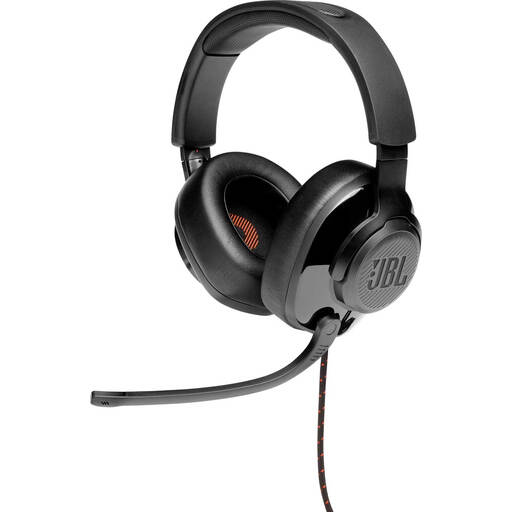 Image unavailable
JBL Quantum 300 Hybrid, wired over-ear gaming headset with flip-up microphone
The wired version may suit a fixed workstation; the product name specifies a flip-up microphone.
Over-ear gaming headset; wired; flip-up microphone. Check that the connection on this model is compatible with your computer.
View at Joybuy
 Image unavailable
Logitech PC 960 USB, wired headset
The USB connection makes this model worth considering if you’re looking for a wired computer headset; check which ports are available first.
USB connection; wired headset.
View at Joybuy
 Image unavailable
Kingston USB Hi-Fi headphones with microphone
This model may suit you if you want to use headphones with a microphone over USB; check your computer’s port.
USB; headphones with microphone.
View at Joybuy
 Image unavailable
Trust Ayda, wired over-head headset, USB Type-A, black
The wired version may suit a fixed computer setup if your computer has the right port.
USB Type-A; wired; black.
View at Joybuy
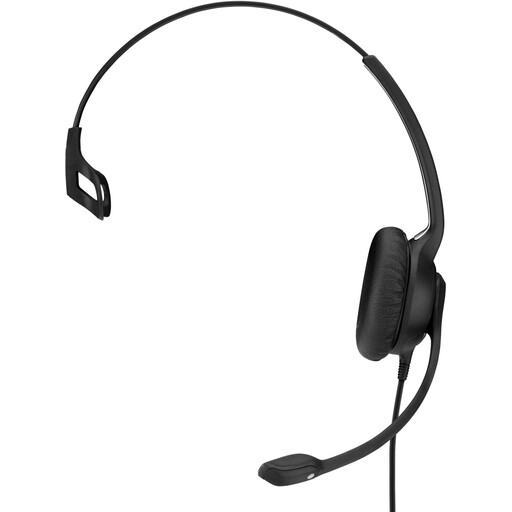 Image unavailable
EPOS | SENNHEISER IMPACT SC 230 USB MS II, wired on-ear headset, black
This wired USB headset may suit a fixed computer workstation; check that the USB connection is compatible.
USB; wired; on-ear headset; black.
View at Joybuy
Frequently asked questions
Is ANC the same as microphone noise reduction?
No. ANC relates to the sound you hear through the ear cups; microphone noise reduction affects what the microphone picks up. HP describes the Blackwire 8225 as having both features, but test for yourself how well the headset handles dictation with background speech.
How do I start dictating notes in Dutch in Windows?
According to Microsoft, Windows voice typing requires an internet connection, a working microphone and a cursor in a text box. Microsoft lists Dutch (Netherlands) as a supported language for Windows 11; you can start voice typing by pressing the Windows key + H. Also check that the correct microphone and input language are selected.
What should I check before I start dictating?
Check which microphone is selected as the input device and test that mute works in the app you’re using. With a wireless headset, you’ll also need to keep an eye on the connection and battery; check the fit if you plan to dictate for longer periods.
Can I record or transcribe conversations with colleagues at work?
That depends on what is being recorded, the purpose and the circumstances. The Dutch Data Protection Authority states that processing personal data requires a lawful basis under the GDPR, and that additional conditions apply to monitoring employees. Dictating your own notes is not necessarily the same as recording or monitoring colleagues.
Does Windows voice typing stay on my device?
No. The voice typing feature described by Microsoft uses online speech recognition. Microsoft also describes on-device speech recognition and speech privacy settings. For sensitive notes, check which app you’re using and what policies apply in your workplace.


