What should you look for when choosing?
Start with the voice recording and the connection to your practice device. Then consider listening comfort as a separate requirement.
| What to consider |
What should you check? |
Who is this important for? |
| Clear voice |
Check whether the microphone can be adjusted, and compare short recordings with the fan switched on and off. |
If I practise next to a running fan, I want to be able to hear my voice clearly when I listen back. Around 42% of consumers prioritise clarity. |
| Comfortable listening |
Compare the fit and any passive isolation or ANC, then listen back to your recorded clip. |
If the fan distracts me when I listen back, I pay attention to how much the headset reduces noise for my ears. Around 25% of consumers prioritise listening without distractions. |
| Connection |
Check the connector on the exact version and whether it comes with any adapter you need. |
If I want to use the headset with a particular device, its connection needs to be compatible. Around 17% of consumers prioritise compatibility. |
| Comfort |
Look for an adjustable fit and comfortable ear cushions; try the fit if possible. |
If I practise a presentation several times, I want my headset to feel comfortable. Around 16% of consumers prioritise comfort. |
Headsets and earphones at Joybuy
These product options include wired and wireless headsets or earphones with a microphone. Check the connection and test how your voice sounds with the fan switched on.
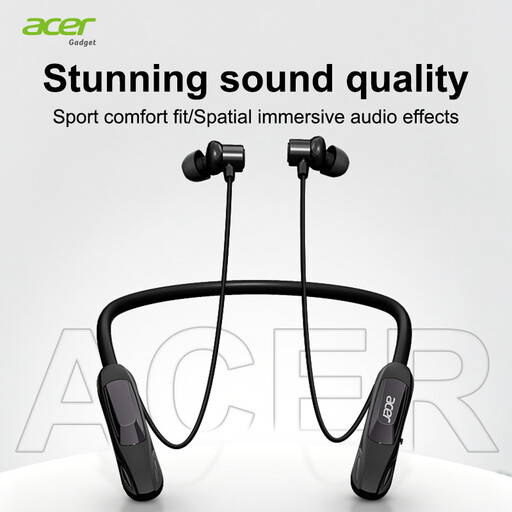 Image unavailable
Acer OHR810 Wireless Neckband In-Ear Headphones
A wireless in-ear option to compare if you want freedom of movement while practising.
Bluetooth 5.4; noise cancellation for stereo calls; USB-C charging port.
View product
 Image unavailable
Turtle Beach Atlas 200 PC Gaming Headset
A wired headset to consider if your practice device needs a 3.5mm connection.
Wired; 3.5mm connection; PC version.
View product
 Image unavailable
JBL Quantum 120 Wired Multiplatform Gaming Headset
A wired headset to compare if you don’t want to use a wireless connection while practising.
Wired version; multiplatform gaming headset.
View product
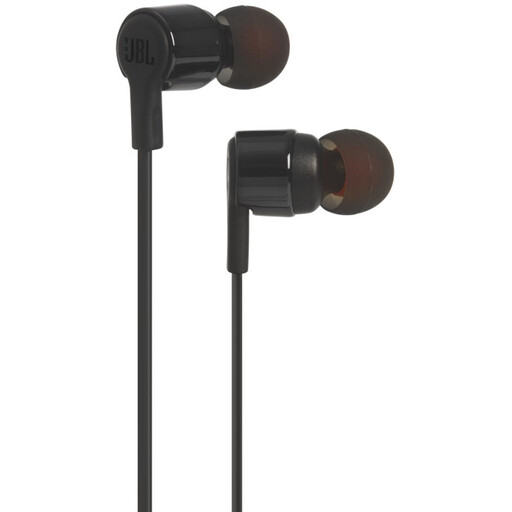 Image unavailable
JBL Tune 210 In-ear Earbuds Wired
A wired in-ear option to compare if you’re looking for a built-in microphone and a 3.5mm connection.
In-ear earphones; built-in microphone; 3.5mm connection.
View product
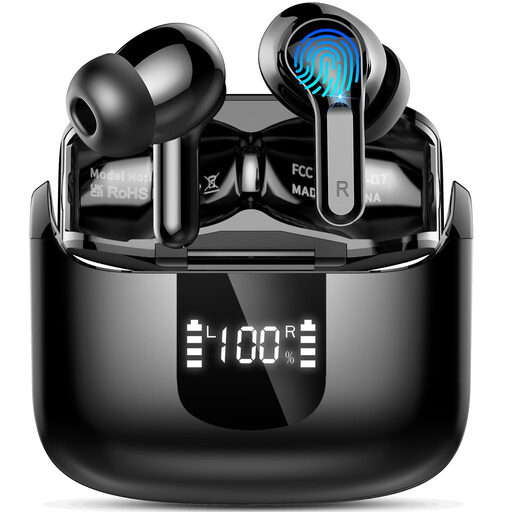 Image unavailable
Wireless Bluetooth 5.4 In-ear Headphones, 4 ENC Microphones
A wireless in-ear option to compare if you’re looking for Bluetooth earphones with microphones.
Bluetooth 5.4; four ENC microphones; USB-C.
View product
Frequently asked questions
Is ANC the same as microphone noise cancellation?
No. ANC affects what you hear through the headset; microphone processing affects the sound that ends up in the recording. Logitech describes these as separate features on the Zone Wired 2 for Business.
How can I check that my voice and the fan are balanced in the recording?
Make a test recording with the fan set to the level you normally use when practising, then listen back to the clip. Microsoft Support explains how to test a connected microphone in Windows; use that test alongside a recording in your own practice setting.
Can I reduce constant fan noise in a recording afterwards?
Audacity describes how to reduce constant background noise, such as fan noise, using a section of the recording that contains only the noise. Results may be disappointing if the noise is loud or varies, or if the voice and noise sound very similar.
What are my rights when I buy a headset online in the Netherlands?
According to ACM ConsuWijzer, online purchases come with a 14-day cooling-off period after delivery, subject to exceptions. You also have statutory rights against the seller if a product is faulty; in the Netherlands, these do not have one fixed period of exactly two years. Before buying, check which terms and exceptions apply to your situation.


