What should you look for when choosing?
At a shared desk, your choice mainly comes down to clear audio, available space, playback and a connection that works with your computer.
| What to consider |
What should you check? |
Who is this important for? |
| Making your voice stand out |
Make a test recording in the place you intend to use it and listen to see whether other people can be heard. |
If you practise alongside other people, you’ll want to know whether you can hear your own pronunciation clearly on playback. Around 36% of consumers say that making their own voice stand out is their top priority. |
| Space and portability |
Check how much desk space you have and whether you want to wear a headset. |
If you often move between workstations or have a small desk, you’ll want a setup that’s easy to carry or put away. Around 29% of consumers say space and portability are their main considerations. |
| Listening back |
Check whether the exact model offers headphone monitoring and whether your recording software is using the right input. |
If you want to assess your pronunciation straight away, you’ll need to hear what was actually recorded. Around 21% of consumers prioritise being able to listen back closely. |
| Connection and muting |
Check the USB connection and try out how to mute the microphone. |
If you want to get started quickly and stop recording easily, the connection and controls matter. Around 14% of consumers say connection and muting are their top priorities. |
Joybuy products
This selection includes wired USB headsets and standalone USB microphones for practising speech at a desk.
 No image available
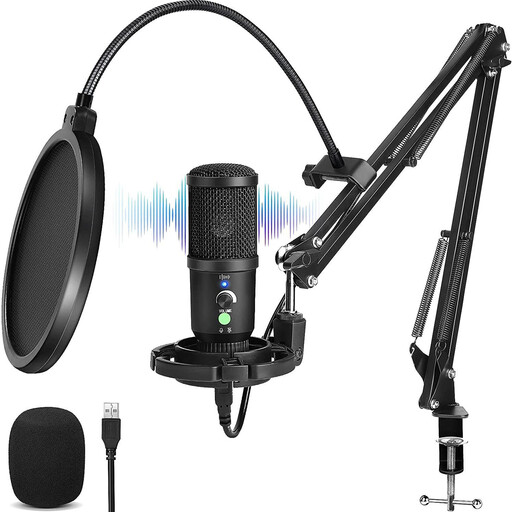
USB condenser microphone with cardioid pickup pattern
An option if you want a standalone USB microphone and the ability to listen back to your recording through headphones.
The product name lists a cardioid pickup pattern and zero-latency monitoring.
View at Joybuy
 No image available
Logitech PC 960 USB headset
A headset may suit you if you don’t want a separate microphone stand on your desk.
Wired USB headset with an adjustable boom microphone and in-line mute control.
View at Joybuy
 No image available
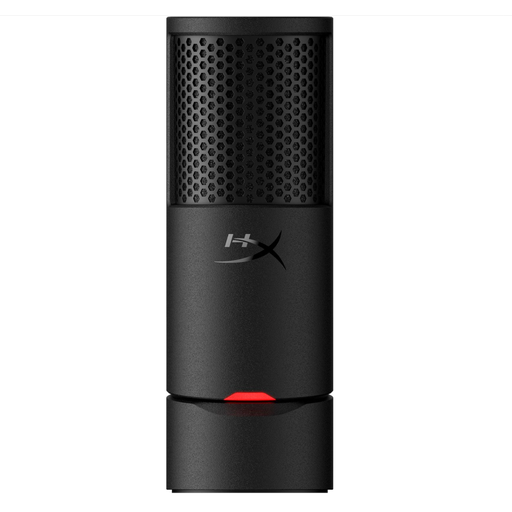
HyperX SoloCast 2
A standalone microphone to place on your desk; make a test recording to check how your surroundings sound.
USB microphone with a cardioid pickup pattern, adjustable stand and mute control with an LED indicator.
View at Joybuy
 No image available
Kingston USB Hi-Fi headphones with microphone
A wired headset may suit you if you want to keep the microphone close to your mouth without using a separate desk stand.
USB connection and an adjustable boom microphone that rotates through 270 degrees.
View at Joybuy
 No image available
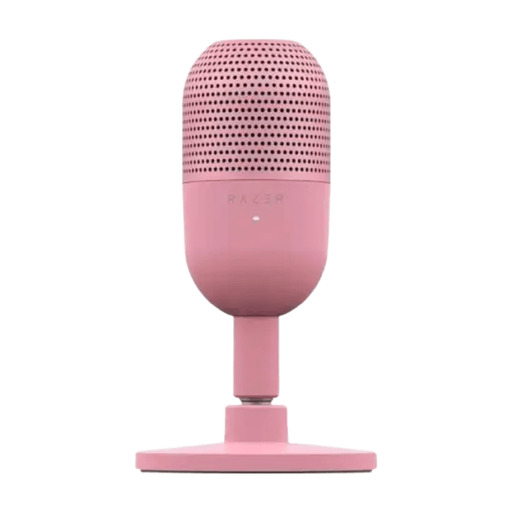
Razer Seiren V3 Mini Quartz
A compact standalone USB microphone may be a good fit if you have limited desk space.
USB microphone with tap-to-mute controls.
View at Joybuy
Frequently asked questions
Does a microphone need to be in the middle of the desk?
No. For the PodMic USB, RØDE recommends speaking from around 5–10 cm away and pointing the microphone towards your mouth. Test whether you can use this position at your desk; a greater distance may make the recording quieter. This advice applies to this model and isn’t a general rule about microphone distance.
Can I fix a quiet recording simply by buying a different microphone?
Not before checking your setup. For a quiet recording with the PodMic USB, RØDE suggests checking the USB input level, the connection and the distance from the speaker, among other things.
Can I record other people’s voices at a shared desk?
That depends on the recording and how it will be used. According to the Dutch Data Protection Authority, a sound recording in which someone can be identified may be personal data; organisations must have an appropriate GDPR legal basis for processing personal data. If you’re at work or studying, check the recording rules and try to keep other people’s voices out of your recording.
Who should I contact if a microphone bought in the Netherlands turns out to be faulty?
For a consumer purchase, the seller is your first point of contact if a product is faulty. According to the Dutch government, a manufacturer’s or additional guarantee is on top of your statutory rights and doesn’t replace them.


